OpenCode SEO Audit Skills: Site Checks and Files
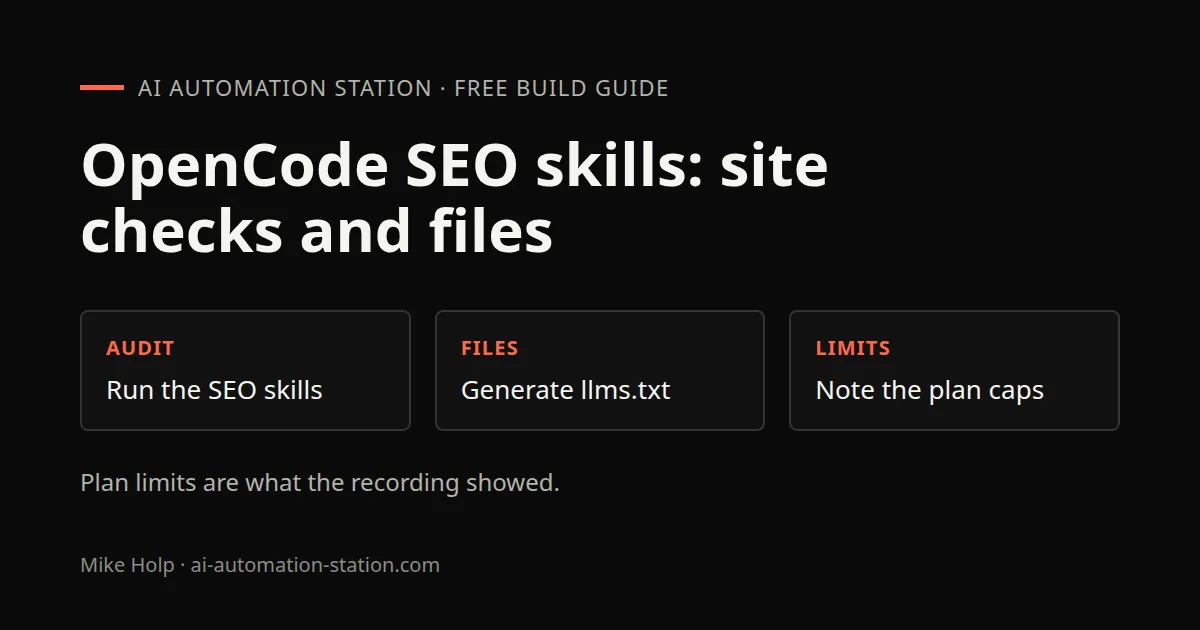
Quick answer: In OpenCode, type /skills, run an SEO audit skill on a live site, and let it work on llms.txt, ai.txt and sitemap.xml. This recording audited visiscan.app on 4 August 2026 and showed DeepSeek V4 Pro usage already at 98% of the month. Plan signup is on the OpenCode Go guide, not here.
This is the recorded SEO-audit-skill run, not an OpenCode install and not a Go plan walkthrough. For pricing, /connect and allowance windows, use OpenCode Go: pricing, models, limits and setup. For licensing and agent comparison, see OpenCode vs Claude Code: pricing, setup and limits.
What this recording shows
OpenCode is already installed. The presenter works in the terminal, runs an SEO audit skill that is already on the machine, and watches it edit a live site. The site is visiscan.app, described on camera as the presenter's AI search visibility scanner for ChatGPT, Claude, Perplexity, Gemini and other answer engines. A product tour of that scanner is a separate page: VisiScan AI Visibility Audit.
The recording names a public skill catalog at skills.sh and says previous videos covered how to install skills. This page does not repeat that install. It follows the audit that is already running.
1. List skills and start the SEO audit
To see installed skills, the recording uses this command in the OpenCode terminal:
/skillsAfter that list, the presenter runs an SEO audit skill already built into the coding harnesses in use. On camera the skill is auditing visiscan.app, listing issues, and working through blog-article fixes aimed at search engines. The recording does not name the skill file, and it does not show a ranking result after the commit.
For a different SEO-agent path that pulls live keyword data, see DataForSEO MCP: build an AI SEO agent in Claude Code. For prompt-level AI-search tracking, see Rank Prompt AI Search Visibility.
2. Note Go-plan limits, then switch models
The audit in this recording starts on DeepSeek V4 Pro, described as part of the OpenCode Go plan. Usage shown on 4 August 2026:
- Monthly usage at 98%, with 23 days until reset.
- That day's DeepSeek V4 Pro spend shown as $0.21, against $7 the day before, counted inside the $10 per month plan.
Those figures are what the dashboard showed in that recording. They are not a current allowance and not a reason to repeat plan setup here. When the monthly bar is that high, the recording switches to free models under OpenCode Zen, including Big Pickle and DeepSeek V4 Flash free, and distinguishes Flash free from V4 Pro on Go. GPT and Claude calls in that UI needed an API key. The presenter had already canceled a Claude Code subscription and was using Codex first, then OpenCode when Codex credits ran out.
The recording also names an affiliate signup for Go. This page does not use that tracking URL. Use the written OpenCode Go guide instead.
3. Generate llms.txt, ai.txt and sitemap.xml
While the skill is still running, the recording opens the site files it treats as required:
- llms.txt, shown on screen and described as important for ranking in AI answer engines.
- ai.txt, described as currently missing. The presenter hoped the skill would create it and said it was not clear yet whether it had.
- sitemap.xml, described as the single most important file for ranking in search engines.
The recording does not confirm a finished ai.txt before the commit. Treat file creation as something you open and check, not as a result this page can verify. Hosting in the recording is Vercel. After the skill finishes, the presenter does a git commit and push so Vercel can redeploy. The close of the video says that, over time, the changes are meant to help the site show up in search engines and AI answer engines. That is a goal stated on camera, not a measured ranking lift.
4. Use OpenCode models from Hermes
The same session also has Hermes Agent running. The recording uses a free model spoken as High 3, built into Hermes, then switches to OpenCode models already wired into Hermes with:
/modelFrom that picker the presenter opens OpenCode Zen and chooses DeepSeek, including the free option, because Go credits for the month were nearly gone. That is the Hermes connection this recording shows: models already added, selected with /model. Desktop install for Hermes is on Hermes Desktop: install on Mac, Windows or Linux.
Token compression in the same window is RTK. The recording showed token efficiency around 81% and 35 million tokens saved across the time on that dashboard. RTK setup is a separate guide: RTK Token Savings in Claude Code.
Watch the walkthrough

FAQ
Does this page set up the OpenCode Go plan?
No. Plan signup, /connect and allowance windows are on the OpenCode Go guide. This page stays on running an SEO audit skill, the visiscan.app pass, bot-file generation and the Hermes model switch shown in the recording.
Which site did the recording audit?
visiscan.app, the presenter's AI search visibility scanner. The skill ran against that live site, with blog-page fixes called out on camera.
Did the recording confirm that ai.txt was created?
No. The recording showed an existing llms.txt, said ai.txt was missing, and did not confirm that the skill had written ai.txt before the commit.
How do you list skills in OpenCode?
In the OpenCode terminal, type /skills and press enter. The recording used that command to show the installed skills, then ran an SEO audit skill already on the machine.
Sources
- Video: Can OpenCode Replace Your SEO Team? Let's Find Out (4 August 2026)
- OpenCode: https://opencode.ai
- VisiScan: https://www.visiscan.app
- skills.sh: https://skills.sh
- Nous Research, Hermes Agent: https://hermes-agent.nousresearch.com/
You may also like

Build the next one with AI Income Lab
Step-by-step courses, reusable templates, and a community that answers when you get stuck.
Members get the Claude Code & Skills and Codex Tutorials & Courses lessons.
- Courses for builds like this one
- Copy-ready templates
- Ask questions while you build
- Weekly coaching on VIP


