RTK Token Savings: Install, Hooks and Checks
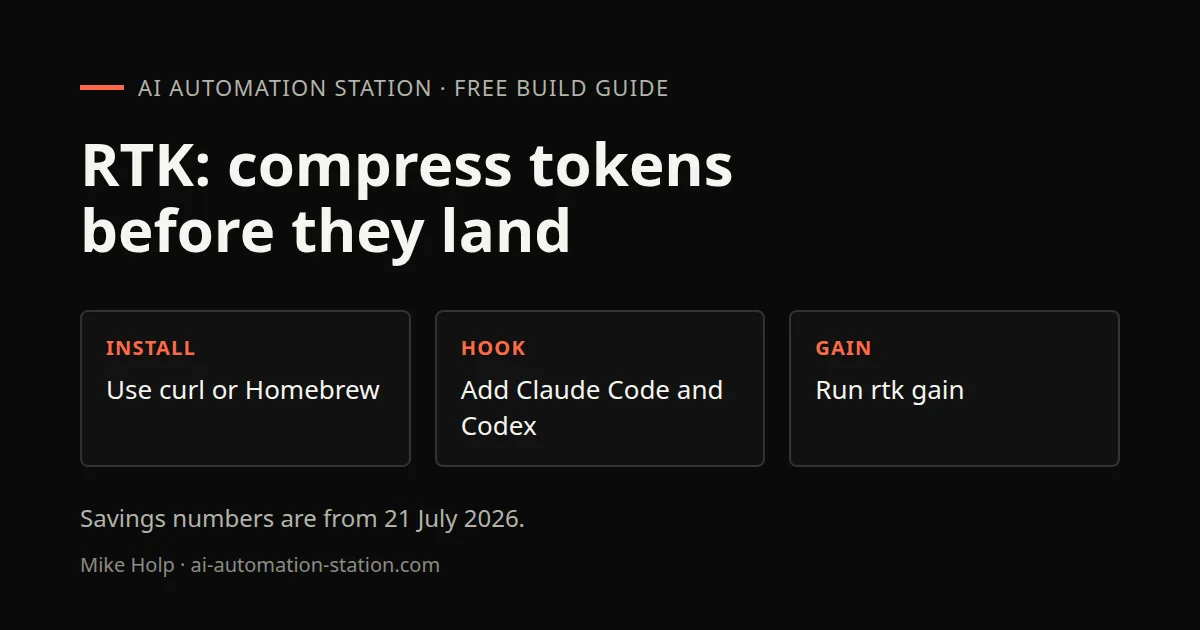
Quick answer: Install RTK from GitHub with the curl line on that page or with brew install rtk, add it to Claude Code, Codex or OpenCode, run rtk init so the hook is present, then run rtk gain to read savings. On 21 July 2026, GLM 5.2 showed 169,000 tokens saved.
Claude Code install is not on this page. Start with Claude Code tutorial for beginners. For routing work between Claude Code and Codex, see Codex vs Claude Code.
What this recording shows
RTK is a free GitHub plugin that compresses command outputs before they reach the context window. The 21 July 2026 recording used it with Claude Code and Codex. The site copy shown that day claimed 60 to 95% less token consumption. The live terminal then printed its own efficiency numbers, which are listed below in past tense.
Repo: https://github.com/rtk-ai/rtk. GitHub stars on camera were about 71,000. That count is from 21 July 2026.
1. Install RTK with curl or Homebrew
The recording copied a one-line curl command from the RTK page into the terminal. RTK was already installed, so curl did not need to run again. The exact curl line was not spoken, so copy it from the GitHub repo rather than from this page.
Homebrew was the other path shown:
brew install rtkThe same Homebrew route was named for Windows PowerShell. After install, RTK is ready for the coding-harness step.
2. Add RTK to Claude Code and Codex
In the harness you already use, ask it to add RTK to the config. The spoken line was to add RTK to the Claude Code config file, or Codex, or OpenCode, so more credits stay available in OpenCode too.
OpenCode later showed an RTK plugin installed. The message on camera was to restart OpenCode to load it, that new sessions will auto prefix bash commands with RTK, and that an RTK rewrite check returned valid rewrites. Restart that tool after the plugin lands.
If you need a first local API check before you trust a harness hook, see Test your first AI API request locally.
3. Run rtk init
After the binary is on the machine, connect the hook:
rtk initThat run reported the hook already present in Claude Code and asked for a restart. The restart had already been done, so Claude Code was connected. Further notes were pointed at on skills.llm.com. This page does not copy that site.
4. Compare with Headroom
Headroom was shown as a graphical view of credit usage on port 8787. It had about 60,000 GitHub stars on that date, and a desktop app was mentioned. The recording had just tried it, could not get Claude Code to connect, and removed it. The judgment on camera was that Headroom was more trouble than it was worth, and that it is not required to run RTK through a proxy. RTK in the terminal was enough.
Caveman was named as a competitor skill you install in a coding harness to save credits. It had not been used much. RTK was the saver kept in this session. Headroom also appears as a named toggle inside 9Router on 9Router Cost Tracking: Combos and Fallbacks, without a how-it-works writeup.
5. Run rtk gain
Read the current efficiency from the terminal:
rtk gainOn 21 July 2026 the first printout showed 61% token efficiency and 120,000 tokens saved. Repeating it showed about 65%, 64%, 58%, then 57%. Claude Code was asked how credit usage compared with and without RTK. It reported a 61.6% reduction, matching the terminal, and a biggest single win of 97.8% on some commands. The recording treated that chat as Claude Code calling rtk gain.
Sonnet 5 was in use and had used fewer credits than usual for that amount of time. Opus 4.8 was named as a model that should also show credit savings, without a measured Opus figure in this video. A dashboard that later showed the same RTK totals is on Token Usage Dashboard: ccusage, RTK and Costs.
6. GLM 5.2 results from the recording
OpenCode was asked how many credits RTK had saved. That session used GLM 5.2. On 21 July 2026 it showed 169,000 tokens saved, a 57.8% reduction across 447 commands, plus a list of top commands. RTK was compressing tokens while a project continued to build.
The recording recommended RTK on a Claude Code $20 per month Pro plan and on the Codex Plus plan, so more coding work fits in the same credits. Memory for those harnesses is a separate setup: Hermes Agent Memory: Install Supermemory.
Watch the walkthrough

FAQ
How do you install RTK from this recording?
The recording copied a one-line curl command from the RTK page and also showed brew install rtk. The exact curl line was not spoken, so copy it from the GitHub repo linked below.
What do rtk init and rtk gain do in this recording?
rtk init connected the hook in the coding-harness config. The recording then restarted Claude Code. rtk gain printed token efficiency and tokens saved.
Should you keep Headroom in front of RTK?
The recording tried Headroom as a GUI on port 8787, hit Claude Code connection issues, and removed it. It treated Headroom as optional overhead and kept RTK in the terminal.
What did GLM 5.2 show?
On 21 July 2026, OpenCode on GLM 5.2 showed 169,000 tokens saved, a 57.8% reduction across 447 commands.
Sources
- Video: This Claude Code Hack Saves Token Usage (21 July 2026)
- RTK GitHub: https://github.com/rtk-ai/rtk
- RTK site: https://www.rtk-ai.app
You may also like



Build the next one with AI Income Lab
Step-by-step courses, reusable templates, and a community that answers when you get stuck.
Members get the Claude Code & Skills and Codex Tutorials & Courses lessons.
- Courses for builds like this one
- Copy-ready templates
- Ask questions while you build
- Weekly coaching on VIP


