GrokBot for SEO: Audit Bots, Data and Reviewed Fixes
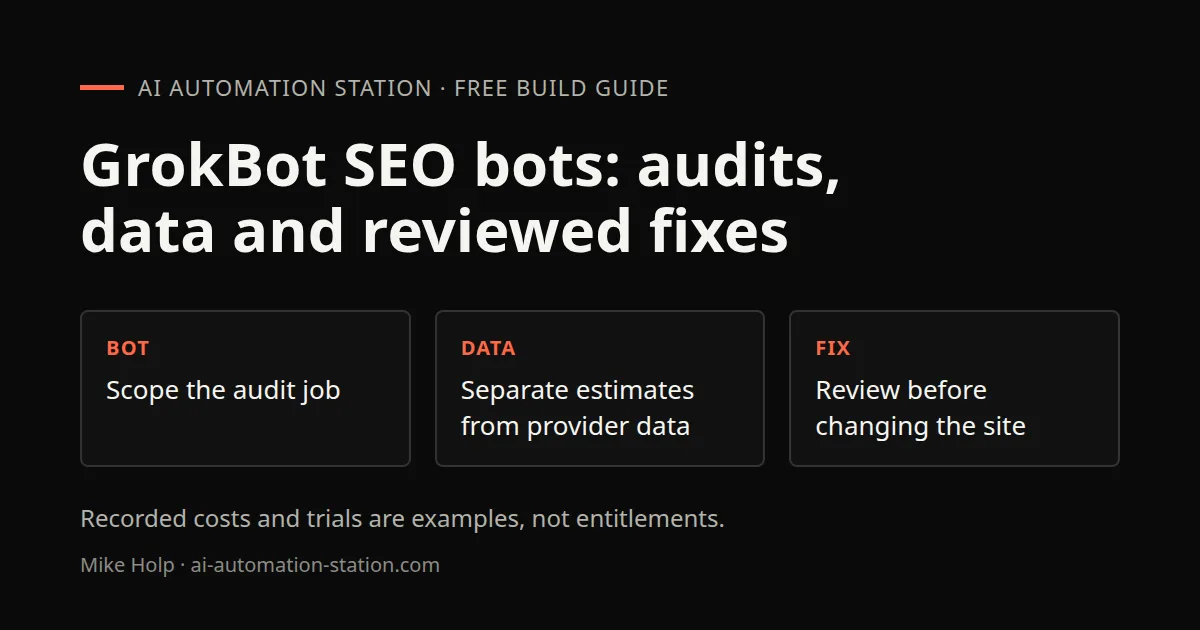
Quick answer: Import a site audit bot and an SEO bot from the GrokBot marketplace, give them your domain, and let them set up recurring audits as routines. Connect a keyword data source, such as Treg or a plugin like Ahrefs, so the bots work from real search data. Then ask for a full audit and a content plan, and send the fixes to a coding agent with a review step before anything ships.
1. Why use bots for SEO
SEO has a lot of recurring work: audits, keyword checks, content briefs. In the GrokBot environment used here, bots share one persistent Linux box with separate agent desktops and browsers. The product page separately describes background work while your laptop is closed. That suits jobs that run every week or month.
Bots also keep what they learn. When I imported a bot, it wrote setup notes into its own memory, so I did not have to repeat my site details.
2. Import a site audit bot
- In the recording, I open GrokBot’s Marketplace.
- Browse the bots. When I checked, there was a Site audit bot that covers SEO content, speed, conversion, and schema checks.
- For a current setup, inspect the template and requested permissions before importing it.
On import, the bot created its routines and wrote its memory. It then asked if I wanted to turn both routines on. Mine were a weekly audit and a monthly re-audit. I said yes.
3. Set your primary domain
The bot asked for the production URL of my main site. Send it in chat. The bot saved it as the primary site for the recorded recurring-audit configuration. Check a routine’s actual inputs and output before assuming every future run uses the correct property.
If you run more than one site, tell the bot which one is primary and list the others separately.
4. Add an SEO content bot
I also set up an SEO and AEO bot for content work. You can find bots on the marketplace or on the use cases section of the GrokBot website, where an Add to GrokBot button lets you preview the instructions and add the bot.
During setup, the bot asked which plugin to install for keyword data. Options I saw included Ahrefs and Treg. DataForSEO did not have its own plugin in the catalog at that time.
5. Connect keyword data
Without a data source, a bot can only guess at search demand. I connected Treg, which gives access to many data providers through one account. The recorded setup was:
- Choose the Treg connector for GrokBot.
- Paste your Treg API token when asked. Use the supported private connector sign-in flow. Never paste a token into ordinary chat.
- Tell the bot to use it as the keyword source.
The bot confirmed that future keyword and SERP pulls would go through Treg. Later, I also connected my own DataForSEO account inside Treg, and the bot then pulled some keyword data through it.
6. Run your first audit
You do not have to wait for the schedule. Ask the audit bot:
Run a full audit now.
My audit came back with a score out of 100 across my public pages, a report file I could open in the app, and a top five list of actions. Mine included HTML language tags on localized routes, completing hreflang, a few flagged pages and desktop homepage speed.
The SEO bot then pulled organic keyword and traffic estimates for my site and asked what to dig into next. I picked an AI citation plan, which looks at how to get cited in AI answers.
Treat the numbers as estimates from your data provider. Check them against Google Search Console before you act on them.
7. Turn findings into fixes
Audits only help if you fix things. You have a few options:
- Let GrokBot do it. Connect GitHub and ask it to implement the audit fixes and open a pull request. In my trial, the cloud coding agents were not available on the free plan, so the bot filed GitHub issues instead.
- Fix by hand for small items.
Whatever you choose, review the pull request before merging.
8. Get bots to hand off work
The setup I want is a chain: the audit bot finds issues, passes them to the SEO bot for content work, which passes fixes to a coding bot. xAI's page says you can put bots in a shared thread so they hand work to each other. Start with one handoff and check the output before adding more.
Watch the walkthrough

FAQ
Can GrokBot do SEO audits?
Yes. In my setup, a site audit bot from the marketplace ran audits and scheduled weekly and monthly re-audits.
Where does GrokBot get keyword data?
From the plugins and connectors you add. I used Treg, and Ahrefs was also in the catalog.
Can GrokBot fix SEO issues on my site?
It can open pull requests or GitHub issues if you connect GitHub, depending on your plan. Review every change.
Do I need a paid plan?
I started on a free trial. Some features, such as cloud coding agents, were not available on the trial in my test.
How often should audits run?
Weekly for active sites is a sensible start. Adjust once you see how much changes.
Sources
- xAI, GrokBot: https://x.ai/bot (accessed October 30, 2026)
- Video: https://www.youtube.com/watch?v=6jDcOXSOT00
You may also like




Build the next one with AI Income Lab
Step-by-step courses, reusable templates, and a community that answers when you get stuck.
Members get the Claude Code & Skills and Codex Tutorials & Courses lessons.
- Courses for builds like this one
- Copy-ready templates
- Ask questions while you build
- Weekly coaching on VIP


