Install Hermes Agent with a desktop app.
Hermes Agent from Nous Research is an open-source AI assistant that can use tools, remember things and run on a schedule. Its command line is powerful but hard to start with. Hermes One, a community desktop app, installs it for you and puts the settings in one window. This guide gets one agent answering and checks it with tasks you can verify. It pairs with my Hermes desktop video.
On macOS or Windows, start with the official app. Since I recorded the video, Nous Research has released its own Hermes Desktop for macOS 12+ and Windows 10/11; download it there and connect a model provider when it asks. It has no Linux build, so on Linux use Hermes One, the community app from the video, which this guide follows. Hermes One is maintained by the community, not by Nous Research, and its README says it is in active development. Either way you need an API key for a model provider or a Nous Portal account. Hermes itself is free; model usage may cost money depending on the provider and plan.
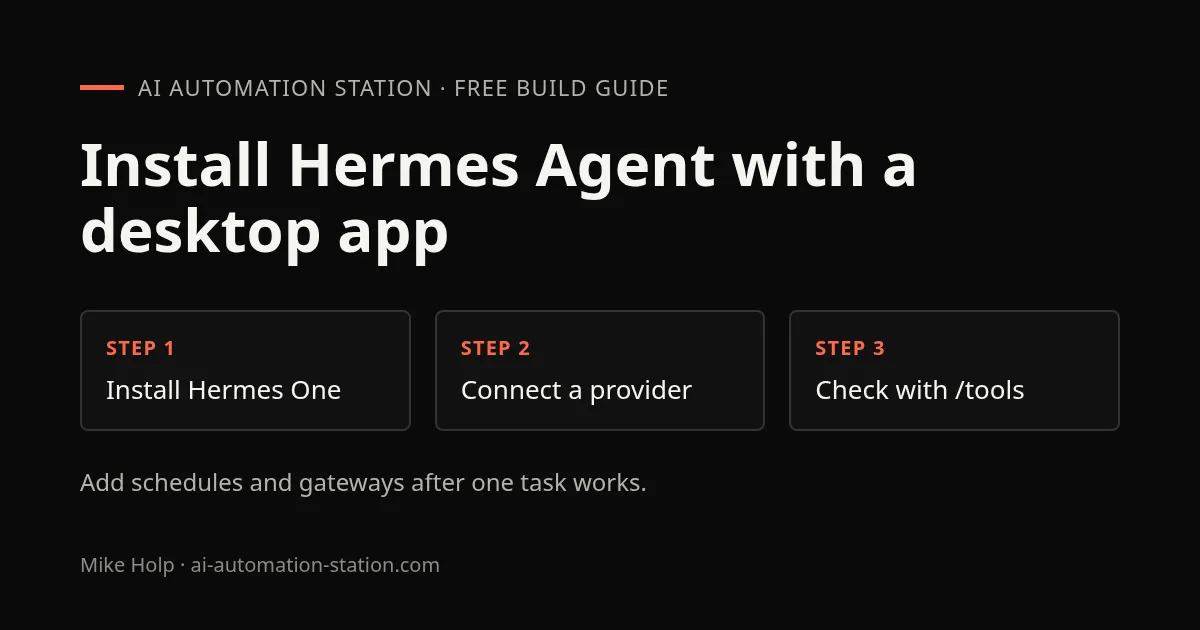
1. Install the desktop app
Download the package for your system from the Hermes One releases page (version 0.7.7 on October 22, 2026). I use Debian in the video:
sudo apt install ./hermes-desktop_0.7.7_amd64.debOn Fedora use the .rpm, and on other Linux systems the .AppImage. Hermes One also ships macOS and Windows builds, but on those systems the official app above is the simpler choice. If you do use Hermes One on Windows, its installer isn’t code-signed, so SmartScreen warns on first launch; the project README explains what to click.
2. Let it install Hermes Agent
On first launch the app asks whether to run Hermes locally or connect to a remote Hermes server. Choose local. If Hermes isn’t already in ~/.hermes, the app runs the official Hermes installer, which also sets up its dependencies (Git, uv and Python 3.11 or newer). If you’ve used the Hermes command line before, the app picks up your existing setup and past sessions instead.
3. Connect one model provider
The app then asks for a model provider. Pick one you already have a key for, such as OpenRouter, Anthropic, OpenAI or Google, or a local endpoint like Ollama or LM Studio. Hermes saves the key in its own config files under ~/.hermes.
Without a key, Nous Portal is the shortcut: in the video it offers a free plan and a paid plan, and signing in with hermes model in a terminal gave me a free model. Plans and free models change, so check what Portal offers when you sign up.
Connect one provider now. More providers, skills and tools are easier to debug once a single agent works.
4. Check it with tasks you can verify
In the app’s chat, try three things in order:
/version: the app should report its Hermes version. That proves the chat reaches your local Hermes./tools: you should see the toolsets that are switched on. Note which ones say they need a key.- A task with an answer you can check, for example: “Summarise this paragraph in exactly two sentences,” followed by a paragraph you choose. Count the sentences and compare the content.
Then open a terminal and run Hermes’s own health check:
hermes doctorIn my run it found four issues, all missing API keys for optional tools. That’s normal: it means those tools won’t work until you add keys, not that Hermes is broken. hermes setup walks through adding them.
5. Add the extras one at a time
The app also covers profiles (separate agents), memory, the persona file, schedules (cron jobs), messaging gateways like WhatsApp and Telegram, and an optional 3D “office” that shows agents at work. Add each one separately and test it:
- Schedules: start with a harmless daily reminder delivered locally, and confirm it actually fires the next day before scheduling real work.
- Gateways: connect a messaging app only after local chat works, because each gateway needs its own tokens.
- Office view: it’s a visual layer. An agent walking around doesn’t prove a task finished, so check results in chat.
In the video I ask an agent to read my email and it loads an email skill, but I don’t show a finished inbox summary. Treat anything touching your inbox or accounts as a separate project with its own checks.
When it fails
- Internal server error in chat or the office: no working model connection. Run
hermes modelin a terminal, sign in or add a key, then restart the app. - Installer stalls on Windows Subsystem for Linux: it’s waiting for a sudo password with nowhere to type it; the README has the fix.
- A tool says it needs a key: run
hermes doctorto see which, thenhermes setup. - Things look out of date:
hermes updateupdates Hermes Agent itself; the desktop app updates separately.