Give Claude Code real SEO data with DataForSEO.
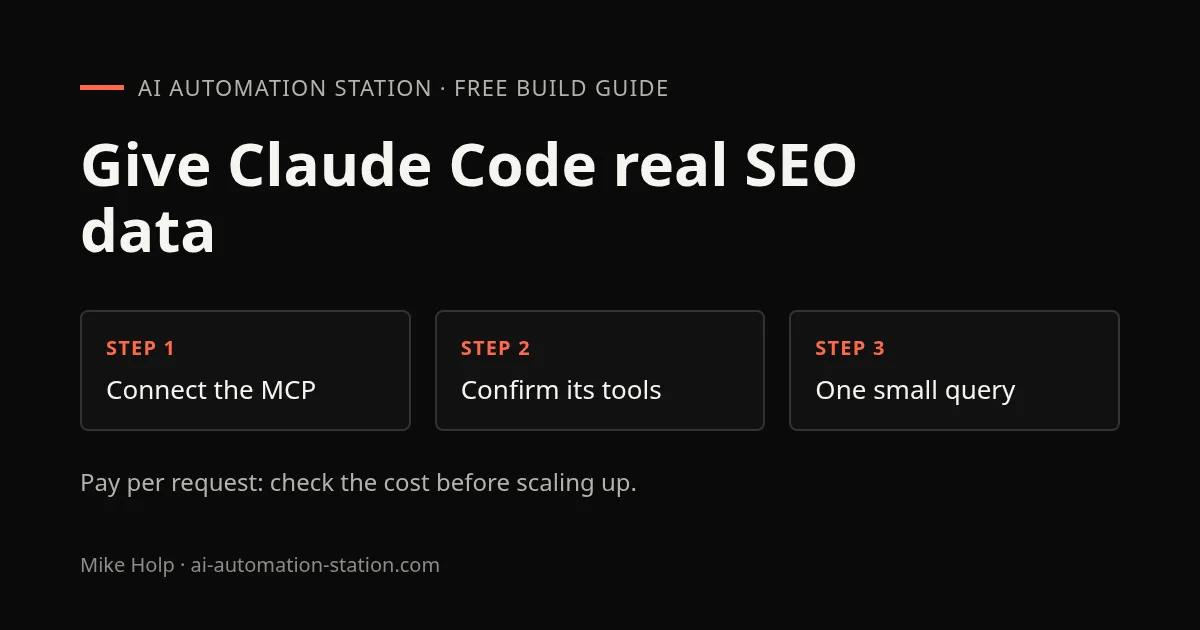
Ask an AI model which keywords your site should target and you get ideas, not data. The DataForSEO MCP server lets Claude Code call DataForSEO’s APIs for search results, keyword metrics and site analysis, so its answers rest on numbers you can check. This guide connects it and runs one small query you can verify. It pairs with my DataForSEO and Claude video.
DataForSEO sponsored that video. This guide uses only their public docs and plain links, with no referral codes. You need Claude Code and a DataForSEO account. DataForSEO charges per API request rather than a monthly plan, so each query costs money once any trial credit is used; check their current pricing before you start.
1. Get your API credentials
Create a DataForSEO account, then open API Access in the dashboard. It shows an API login and an API password. These are not your website login: they are what the MCP server uses to make paid requests, so treat the password like a card number.
2. Connect the MCP server to Claude Code
The official DataForSEO MCP server runs locally through npm and needs Node.js 22 or newer (node -v to check). Add it with your credentials as environment variables, replacing the two placeholders:
claude mcp add dataforseo \
  -e DATAFORSEO_LOGIN=your_api_login \
  -e DATAFORSEO_PASSWORD=your_api_password \
  -- npx -y dataforseo-mcp-server
Claude Code stores these values in its own configuration on your computer, so don’t run this on a shared machine or paste the command anywhere public. DataForSEO also documents a hosted server at https://mcp.dataforseo.com/v3/mcp that signs in with OAuth instead of a stored password. Their Claude Code help page lists the options.
3. Confirm the tools load
From a terminal:
claude mcp listdataforseo should appear as connected. Then start Claude Code and type /mcp: the DataForSEO entry should list its tools, such as docs_index for browsing the API documentation. If it shows as failed, check node -v and the credentials before anything else.
4. Run one small, checkable query
Start small so you can see what each call costs and returns. Use a site you own, and ask Claude to name the tools before it calls them:
Use DataForSEO to find the ten keywords example.com ranks for in the United States,
with position and search volume. Tell me which DataForSEO endpoint you will call
before calling it, and keep it to one request.
Replace example.com with your domain. Claude Code will ask permission before the first DataForSEO tool call; read which endpoint it chose before you approve. Then check the result two ways:
- Pick two keywords from the table and search them yourself. Your page should be roughly where the data says, allowing for location and personalisation.
- Open the DataForSEO dashboard and find the request in your API usage statistics, with its cost.
If those match, the connection is real and you know what a query costs. That is the point to stop and decide whether it’s worth more.
5. Grow it into a workflow
In the video I ran three kinds of prompt against my own site, TubeAnalytics. Each one is useful once the small query works:
- Audit: run an SEO audit of the domain and list the five most important issues or opportunities, with the evidence for each.
- Competitors: identify search competitors, overlapping long-tail keywords and keyword gaps, summarised in a table.
- AI search visibility: look for signals of how visible the brand is in AI-driven search results, and what to investigate next.
Larger prompts can trigger many API calls. Ask Claude to estimate how many requests a prompt needs before it runs, and keep prompts that work in a file so you can repeat them on a schedule instead of exploring from scratch each time.
When it fails
- Server shows as failed in
/mcp: Node.js is older than 22, or the login and password are swapped or mistyped. - Authentication errors from the API: you used your dashboard login instead of the API credentials from API Access.
- Answers without tool calls: Claude answered from its own knowledge. Ask it explicitly to use DataForSEO and to show the endpoint it called.
- Empty results: a new or very small site may have little ranking data. Try a well-known competitor to confirm the connection works.