GrokBot vs Dots: Onboarding, Job Drafts and Permissions
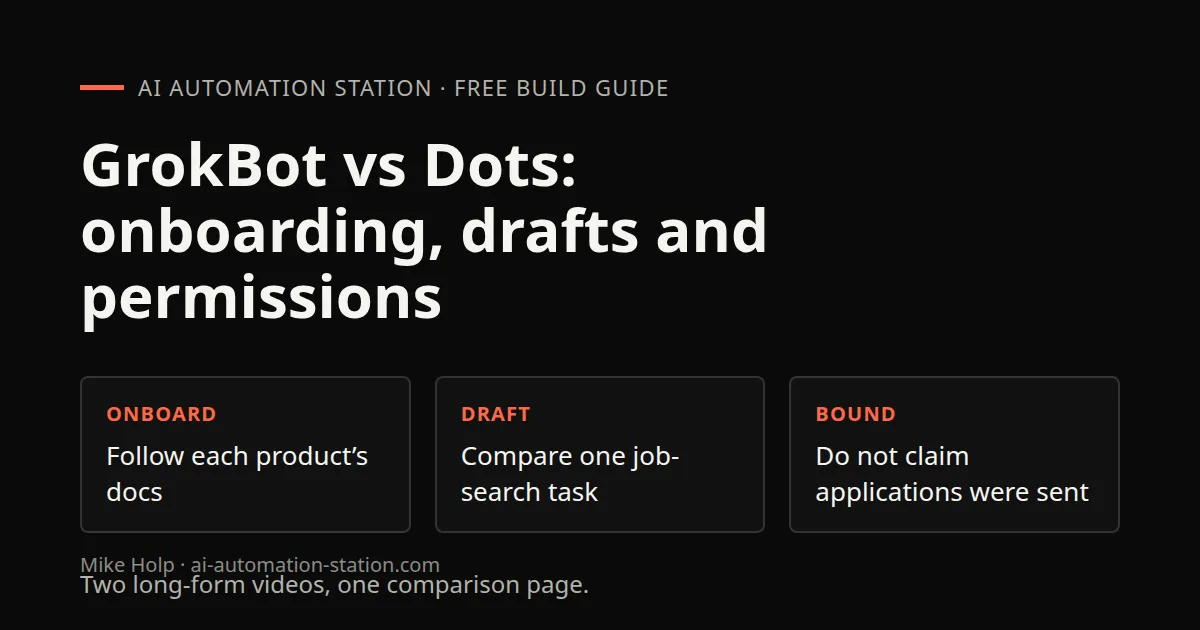
Quick answer: Both support delegated cloud work, but do not assume the same computer or permission model. In the current GrokBot environment, agents share a persistent Linux box with separate desktops. Dots documentation describes a separate cloud computer for the dot. Dots is accessed through ChatGPT, with availability dependent on the documented plan, region and rollout conditions. GrokBot is xAI's bot app on desktop and iOS, where you can run many bots side by side. In my one head-to-head test, building a job application agent, GrokBot set up a working pipeline in minutes, while my dot took around 45 minutes and could not find contact emails. Try both on your own task before you decide.
I ran this test the day after Dots came out. Treat it as a first look. Both products are changing quickly.
1. What Dots is
From OpenAI's Dots documentation:
- A dot is an always-on agent with its own cloud computer and browser. It keeps working while your devices are off.
- You can give it a name and an appearance. In my case I called it Bob.
- The documentation describes several messaging and calling surfaces. A messaging connection is separate from permission to access a connected app or computer.
- It can connect to your computer and hand work to ChatGPT Work or Codex.
- It starts with relevant memory from ChatGPT.
- Availability depends on the plan, region and rollout conditions in the current Dots documentation.
- Chatting with a dot does not count toward your ChatGPT usage limits. Work it hands off to ChatGPT Work or Codex does.
You find it in ChatGPT under the new chat button, in the upper left.
2. What GrokBot is
The GrokBot product page describes teammate-style bots and background work. In the environment used for this guide:
- Bots have distinct roles and desktops.
- They share one persistent Linux box, rather than each having a separate machine.
- Bots can share threads and hand work to each other.
- There are templates, such as Chief of Staff and Sales Outbound.
3. Side-by-side
| Dots | GrokBot | |
|---|---|---|
| Made by | OpenAI | xAI |
| Where you use it | ChatGPT, Slack, Teams, calls | Desktop and iOS apps |
| Computer access | Separate cloud computer per official Dots documentation | Shared persistent box, separate agent desktops in the current GrokBot environment |
| Runs while you are offline | Yes | Yes |
| Saved workflows | Not covered here | Routines |
| Access | Check current Dots eligibility | Check current GrokBot account and product page |
The recorded and historical product-page prices differed. No current price comparison or savings claim is made.
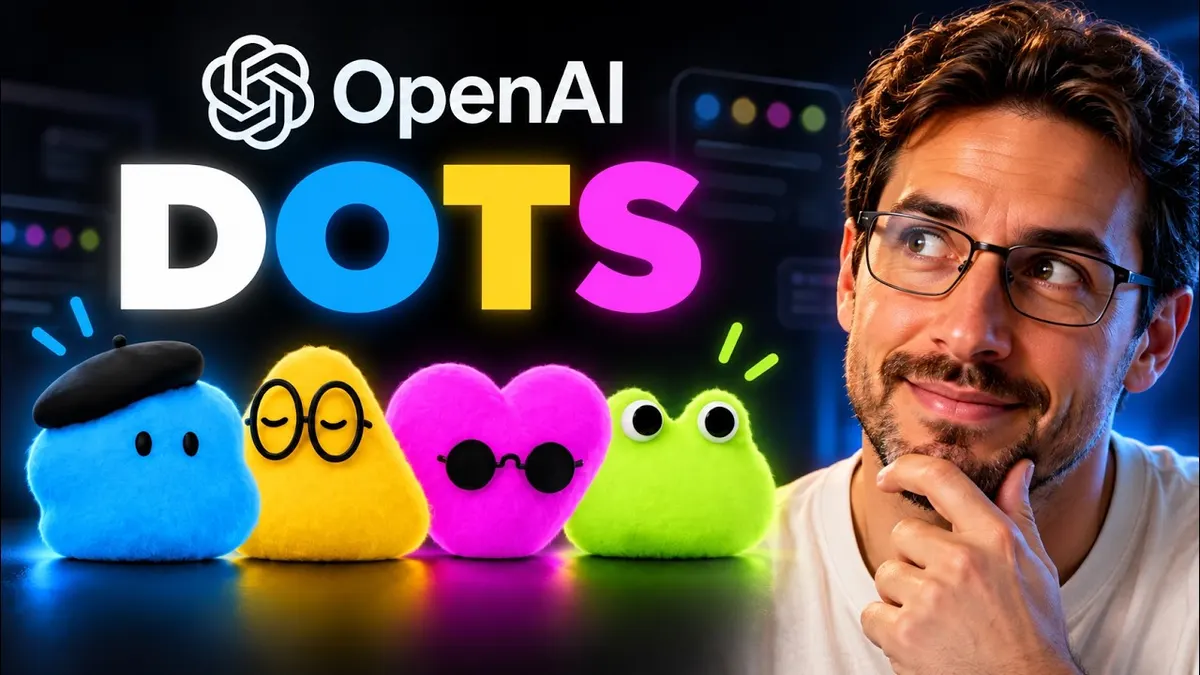
Dots first-run walkthrough, before the comparison
The separate Dots launch recording shows onboarding, renaming the dot Bob and customizing its appearance. Mike inspects its cloud browser, terminal and file explorer, then asks for a podcast-application package. The dot drafts a bio, pitch and talking points, but its browser reports that the application form is blocked by Chromium. No application submission is demonstrated.
The official Dots documentation says it uses relevant ChatGPT memory, conversation context and saved notes. That is narrower than assuming unrestricted access to every past conversation. It also distinguishes a messaging channel from a connected app and from a connected local computer. Check the actual permissions rather than treating one connection as access to everything.
The first-run sequence provides context for the later job-search comparison. It demonstrates onboarding and draft preparation, not a completed application.
4. My test: a job application agent
The task was the same for both: find good remote jobs, tailor my resume and a cover letter to each, find a contact email, and send outreach.
Dots. After I customized my dot, it found jobs and wrote a cover letter, and it seemed to tailor the resume. It took around 45 minutes. It found three jobs and reported that it could not verify an application email for either role it tried, so nothing was sent.
GrokBot. I pasted one detailed prompt. Within about 15 to 20 seconds the bot said an orchestrator bot was live. It then:
- Created an Airtable database for the jobs
- Asked for my master resume and parsed it into a profile
- Asked clarifying questions about target roles, regions, salary and sponsorship
- Ran a test search through Treg, which used a contact data provider called LeadMagic
- Returned matches into Airtable with title, company, links, date found, location, remote status, job type and salary where listed
- Drafted outreach emails and held them for my approval
The whole GrokBot setup took a few minutes in my run. That is one test on one day, and a lot depends on the prompt and the tools each agent has.
5. Where each one fits
Pick Dots if you live in ChatGPT, already pay for an eligible plan, want to reach your agent from Slack, Teams or a call, and want handoffs to Codex.
Pick GrokBot if you want several bots working in parallel, each with its own role, and you like building on routines and connected tools.
Things to check either way:
- Will it send emails or apply for you? Keep a human approval step before anything goes out.
- What does it cost per task? Delegated work and paid tools add up.
- What data does it hold? Both start with access to your accounts and memory.
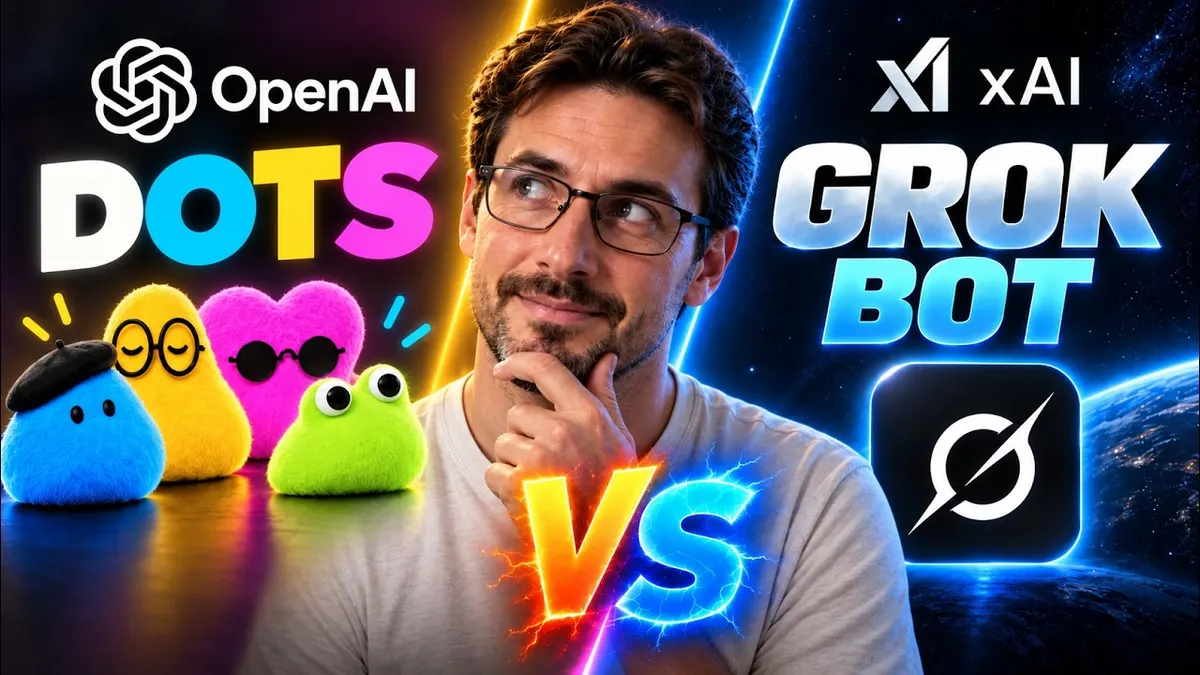
Watch the walkthrough
FAQ
What is OpenAI Dots?
An always-on agent in ChatGPT with its own cloud computer and browser, per OpenAI's docs.
Who can use Dots?
Check the current eligibility and permissions documentation for your account and region.
Does Dots use my ChatGPT limits?
Chatting with a dot does not, per OpenAI. Work it delegates to ChatGPT Work or Codex does.
Is GrokBot better than Dots?
In my one test, GrokBot set up the draft pipeline faster and returned job records and outreach drafts. That does not mean applications or emails were sent, or establish a universal performance advantage.
Can both work while my computer is off?
Both products describe cloud work that can continue while your personal device is off. GrokBot agents in this environment share the box and have separate desktops. This is not a promise of uninterrupted work or unlimited usage.
Sources
- OpenAI, Dots: https://learn.chatgpt.com/docs/dots (accessed October 30, 2026)
- xAI, GrokBot: https://x.ai/bot (accessed October 30, 2026)
- Videos: https://www.youtube.com/watch?v=vauqktcB6ak and https://www.youtube.com/watch?v=uTcTJd5JaZU
You may also like
Build the next one with AI Income Lab
Step-by-step courses, reusable templates, and a community that answers when you get stuck.
Members get the Claude Code & Skills and Codex Tutorials & Courses lessons.
- Courses for builds like this one
- Copy-ready templates
- Ask questions while you build
- Weekly coaching on VIP


