Skool Community Setup: Pricing, About Page and Classroom
Quick answer
Create the community and choose the $9 Hobby plan (10% fee) or $99 Pro plan (2.9%), both with a 14-day trial. Then set a monthly price or keep it free, add membership questions and categories, write an About page with video and a testimonial, post introductions and polls, and build a classroom with free tutorials plus a paid course. In my September 2025 tour I reported about $700 in one-time sales over three months. The income examples at the start of the video are quoted from Skool pages and not verified.
This follows a 41-minute September 2025 walkthrough of my own free community, which had about 870 members at the time. It is a tour, not a guarantee of results. The Skool link is an affiliate link. If you only want to see how paid tiers work, read the Skool tiers guide.
Which Skool guide? Hobby vs Pro for plan choice; community setup for the first build; first weeks for early growth; membership tiers for free/premium/VIP; classroom upsell for course gates; welcome emails for Zapier/Make + EmailOctopus.
Prices and plan names change. Confirm them on the vendor page before you buy. Checked November 15, 2026 against the Sources links below where listed.
1. Launch and choose a plan
Skool offered two plans: Hobby at $9 a month with a 10% transaction fee, and Pro at $99 a month with unlimited members, courses and admins, a 2.9% fee, a custom URL and the option to hide suggested communities. Both begin with a 14-day free trial. I used Hobby for a free and a paid community because I did not need the Pro features.
2. Use Discovery
Discovery is Skool’s marketplace, where people find communities without ads. To be listed you need your first few members. Ranking depends on activity, so engagement in the community matters more than ad spend at the start.
3. Pricing and settings
Choose monthly, or monthly and annual pricing, with an optional free trial, or leave the community free. In settings I covered the cover image, privacy, payouts, membership questions (a good way to capture an email), plugins and categories. Emails to all members were limited to one every 72 hours.
4. Posts, polls and members
I wrote an introduction post and pinned it, then used polls and tutorials to keep people active. The members area covers levels, the leaderboard and a map. Approve or decline requests, and message people who look like a fit.
5. The About page and classroom
The About page holds a video, short copy and a testimonial. The classroom had free tutorials, templates hosted on Gumroad, a $19 course and coaching sold by booking a call. I reported about $700 in one-time sales in three months from these. That is my result, not an average.
Done when
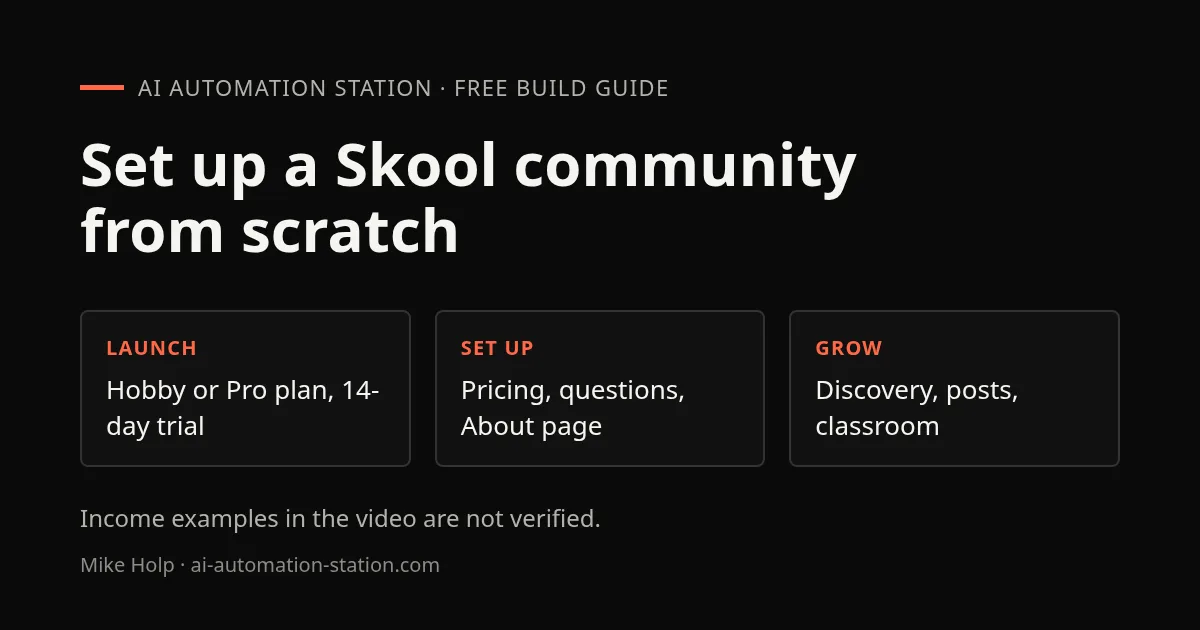
- Hobby or Pro plan, 14-day trial
- Pricing, questions, About page
- Discovery, posts, classroom
What I didn't cover
- Skool’s current plans and fees. They may have changed since September 2025.
- The earnings examples shown at the start, which I did not verify.
- How much of the growth came from Skool Discovery versus my YouTube channel.
Watch the walkthrough

- 0:00 Welcome and Introduction
- 1:05 Launching Your Community on Skool
- 2:12 Exploring Payment Plans and Free Trials
- 3:02 Utilizing Skool’s Discovery Page
- 4:31 Setting Up a Monthly Paid Community
- 6:27 Engaging Your Members
- 9:12 Customizing Your Community Settings
- 13:57 Using Skool’s Built-in Features
- 16:28 Enhancing Community Engagement
- 20:08 Posting and Polls
- 23:44 Member Management Strategies
- 27:34 Optimizing About Page
- 31:22 Monetizing with Courses
- 38:52 Final Thoughts
From the video
Lines from the video's transcript that this guide does not cover, lightly trimmed. Each time opens the video at that point. Read the full transcript.
FAQ
Which plan should I start on?
I used the $9 Hobby plan. Pro suits you if you need a custom URL, more admins or the lower 2.9% fee.
Is there a free trial?
Yes, 14 days in my walkthrough.
Are the income examples real?
They were quoted from Skool pages and I did not verify them.
Sources
- Video: How to Build a Profitable Skool Community (Step-by-Step) (recorded September 2025)
- Start a community through my affiliate link: Skool
- Skool plans: skool.com/pricing (Checked November 15, 2026)
Build the next one with AI Income Lab
Step-by-step courses, reusable templates, and a community that answers when you get stuck.
Members get the Claude Code & Skills and Codex Tutorials & Courses lessons.
- Courses for builds like this one
- Copy-ready templates
- Ask questions while you build
- Weekly coaching on VIP


