Skool Membership Tiers: Free, Premium and VIP Setup
Quick answer
In your Skool community open Settings, then Pricing, and switch on membership tiers: a free level plus one or two paid upgrades. In October 2025 I set mine to free, premium at $29 a month ($280 a year) and VIP at $89 a month ($850 a year), then locked classroom modules and live calls to each tier. Skool's Hobby plan was $9 a month with a 10% fee and Pro was $99 with 2.9%, as I noted then.
Skool announced membership tiers on 29 October 2025 and this guide follows my walkthrough the next day. My community was free with just over a thousand members, and I wanted to earn from it without making joining paid, because joins stopped when I tried that. The numbers below are mine from that day. The Skool link on this page is an affiliate link, so I earn a commission on sign-ups, and plans and fees may have changed. For the wider picture of running a Skool community, see the Skool community walkthrough.
Which Skool guide? Hobby vs Pro for plan choice; community setup for the first build; first weeks for early growth; membership tiers for free/premium/VIP; classroom upsell for course gates; welcome emails for Zapier/Make + EmailOctopus.
Prices and plan names change. Confirm them on the vendor page before you buy. Checked November 15, 2026 against the Sources links below where listed.
1. Pick the Skool plan
You create the community first. I compared the $9 a month Hobby plan, which had a 10% transaction fee, with the $99 a month Pro plan at 2.9% with all features. I was still on Hobby to keep costs down. Both start with a 14-day free trial.
2. Set up the tiers
Go to Settings, then Pricing, and choose the premium model: free to join, with one or two paid upgrade tiers. Mine were:
- Free: community access and beginner training only, locked down on purpose so more people upgrade.
- Premium, $29 a month or $280 a year: advanced training, ten done-for-you automation templates and weekly Q&A calls. The annual price is about 20% off.
- VIP, $89 a month or $850 a year: everything, plus the AI coaching program and all classroom modules.
Existing paid members were moved to Premium automatically. Preview shows the plans page a new member sees when they click to join: they pick a plan first, then enter card details, and can choose monthly or annual for the paid levels.
3. Lock modules and calls by tier
In the classroom you can restrict each module to a tier. Tutorials needed Premium and the coaching program needed VIP. Before tiers I sold modules with a one-time price, such as $29 for one module. Now a monthly tier can unlock them instead, which also makes upgrading from free easier because members see what each level opens.
Done when
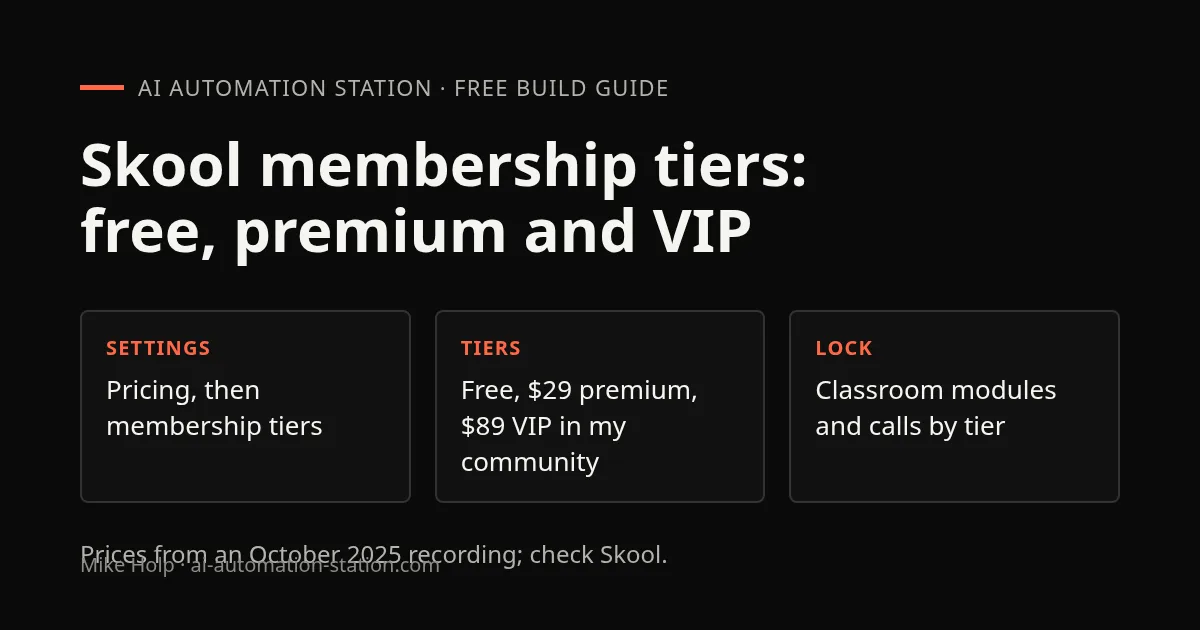
- Pricing, then membership tiers
- Free, $29 premium, $89 VIP in my community
- Classroom modules and calls by tier
What I didn't cover
- Whether tiers raised my paid sign-ups. That walkthrough was made one day after the launch.
- Skool’s current fees and plan names, which may have changed.
- How refunds, failed payments or downgrades behave between tiers.
Watch the walkthrough

- 0:00 Introduction & Overview
- 0:59 How to Set Up Membership Tiers
- 1:32 Hobby Plan vs Pro Plan
- 3:45 VIP Plan Features and Access
- 4:18 How Members Choose and Upgrade Plans
- 5:25 Unlocking Courses and Modules by Tier
- 5:58 Monthly vs One-Time Payments (New System)
- 6:34 Why This Change Helps Creators Monetize
- 7:45 Why I Chose Skool Over Other Platforms
- 8:50 How to Join & Start Free Trial
From the video
Lines from the video's transcript that this guide does not cover, lightly trimmed. Each time opens the video at that point. Read the full transcript.
- 1:48
I'm currently still on the hobby plan because I just want to reduce costs and I don't necessarily need some of the other features.
- 5:00
On the free plan, obviously, they don't get access to any sort of live calls. that's only for premium and VIP.
- 5:21
In this particular case once they join for free they only get access to the get started and then also the how-to guides. That's it.
FAQ
Can a community be free and still earn?
Yes, with tiers: a free level plus paid upgrades. That was my reason for using them.
What did the Hobby and Pro plans cost?
In October 2025, $9 a month with a 10% transaction fee for Hobby and $99 a month with 2.9% for Pro, as I noted then.
Do existing paid members change?
In my community they were moved to the Premium tier automatically.
Sources
- Video: This Skool Feature Just Made It Easier To Get Monetized! (recorded October 2025)
- Start a community through my affiliate link: Skool
- Skool plans: skool.com/pricing (Checked November 15, 2026)
Build the next one with AI Income Lab
Step-by-step courses, reusable templates, and a community that answers when you get stuck.
Members get the Claude Code & Skills and Codex Tutorials & Courses lessons.
- Courses for builds like this one
- Copy-ready templates
- Ask questions while you build
- Weekly coaching on VIP


