A Free Skool Community: What I Did in the First Two Weeks
Quick answer
I launched a free Skool community around Make.com automations and promoted it on Facebook, YouTube and my email list. After about two weeks it had 160 members and ranked on page six of the tech category. Free joining let me collect every new member’s email and send an automatic welcome message. I sell templates, a Make.com course and $150-an-hour consultations inside it, and said I had made about $300 against the $99 monthly fee. Those are my own early figures.
This is the story from a June 2025 walkthrough, two weeks after launch. It is a personal account, not a forecast, and the figures are my own. I had tried Skool three or four times before and given up too early. The Skool link is an affiliate link. For the setup steps, see the Skool community walkthrough.
Which Skool guide? Hobby vs Pro for plan choice; community setup for the first build; first weeks for early growth; membership tiers for free/premium/VIP; classroom upsell for course gates; welcome emails for Zapier/Make + EmailOctopus.
Prices and plan names change. Confirm them on the vendor page before you buy. Checked November 15, 2026 against the Sources links below where listed.
1. Why start a community
I had become interested in building Make.com automations for my own business and decided to teach them. The community sits beside tutorials on my YouTube channel, and I chose AI automation knowing there were many AI communities on Skool already.
2. Why keep it free
Free to join means no barrier, and it let me collect each member’s email, which I could use later to promote offers. I said you cannot do that on a paid community. I also set up an automatic welcome email that is sent when someone joins, using an automation I built myself. The welcome email guide shows how.
3. Promotion and ranking
I invited people on my Facebook page and YouTube channel and emailed my list. In two weeks the community reached 160 members, and Skool’s marketplace listed it on page six of the tech category, so some members found it there.
4. What I sell inside
Paid items: my best automation templates, a full Make.com course and AI consultation calls at $150 an hour. Affiliate links are another income source, including the Skool sign-up link. I said I had made about $300 in two weeks and that it had paid for the $99 plan several times over. That is one early result.
Done when
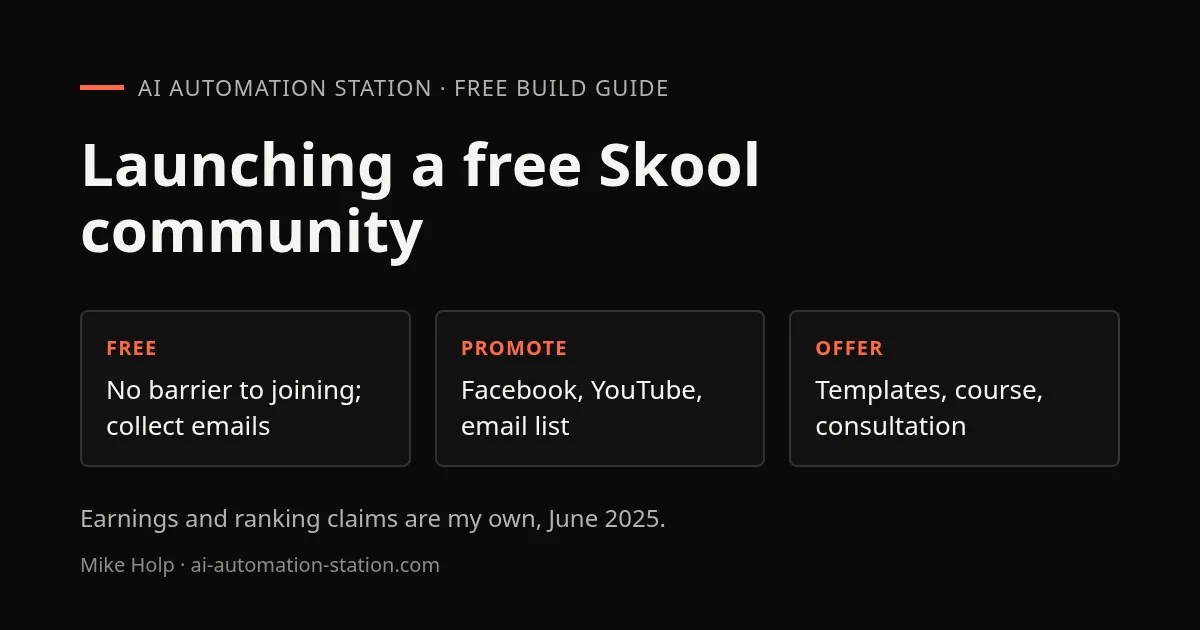
- No barrier to joining; collect emails
- Facebook, YouTube, email list
- Templates, course, consultation
What I didn't cover
- Retention, refunds or how sales changed after the first two weeks.
- Other platforms. I mention trying Facebook groups, but did not compare results.
- Any proof of the figures beyond my statement.
Watch the walkthrough

- 0:00 Introduction & About AI Automation Station
- 1:08 Community Growth and Promotion Strategies
- 1:46 Member Offers & Monetization Model
- 2:34 Building Seamless Automation Systems
- 3:25 The Winning Recipe with AI Automation
- 3:59 Ease of Use of Make.com Automations
- 4:22 Affiliate Links & Monetization Insights
- 4:48 Launching Your Own Skool Community
- 5:34 Conclusion & Future Insights
FAQ
Why a free community?
To remove the barrier to joining and to collect member emails, which I said you cannot do on a paid community.
How many members did it get?
160 in about two weeks, in my test.
Is $300 in two weeks typical?
No. It is my own early figure, and I did not verify averages.
Sources
- Video: I Started A Free AI Community On Skool (Here’s Why You Should Join) (recorded June 2025)
- Start a community through my affiliate link: Skool
- Skool plans: skool.com/pricing (Checked November 15, 2026)
Build the next one with AI Income Lab
Step-by-step courses, reusable templates, and a community that answers when you get stuck.
Members get the Claude Code & Skills and Codex Tutorials & Courses lessons.
- Courses for builds like this one
- Copy-ready templates
- Ask questions while you build
- Weekly coaching on VIP


