Install Herdr on Windows: PowerShell, Mods and Insights
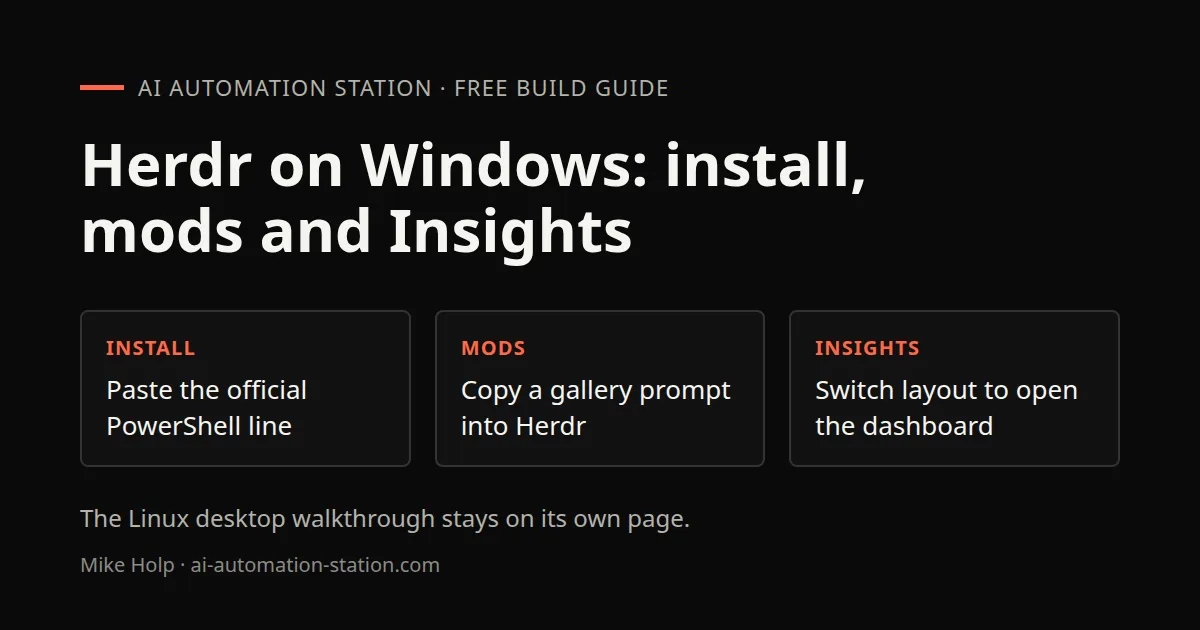
Quick answer: Copy the Windows PowerShell line from the Herdr download page, paste a gallery agent prompt to install a mod, then switch the layout to main-plus-insights to open the token dashboard. The Linux desktop walkthrough stays on Herdr desktop.
Herdr is listed on the recording as free and open source for Windows, Linux and Mac. The terminal-oriented guide is Herdr terminal. Credit use inside GrokBot is a different product: GrokBot credit usage.
Install with PowerShell
Open the official download page. Choose the Windows tab. The recording copies this one-line installer:
powershell -c "irm https://releases.herdr.dev/app/install.ps1 | iex"Themes and tabs
Settings has a layout picker and a theme row. The recording uses graphite and later switches layouts. Ctrl+Shift+L cycles themes. Projects run in separate tabs. The recording has several coding-agent tabs open at once, including two Claude Code windows side by side.
Gallery mods from a prompt
The Herdr website Gallery lists themes and mods. To install one, copy the agent prompt from the listing and paste it into Herdr. The recording says the agent reads AGENTS.md, fetches the mod files from GitHub into a fresh folder, and installs them. Publish your own mod on GitHub with a preview image and a description, then ask Claude Code or another agent to follow the docs.
The Insights install in the recording uses the same paste-a-prompt path. After it finishes, ask how to use the mod. The recording gets a new Insights theme and an Insights button.
Open the Insights dashboard
In Settings, switch the layout to main-plus-insights. That is the step shown at 05:36. The dashboard then shows token use with day and week views and a provider switch. This page does not copy personal usage numbers from that dashboard.
The recording uninstalls a Windows 98 theme from Settings, checks for updates, and restarts to apply a new version. File changes for the current project are visible in the same window.
Launch Update Forge without Sandbox
The recording builds an open-source Windows updater called Update Forge. Asking Herdr to launch it first opened Windows Sandbox. The follow-up was to launch the app on the system and not use the sandbox. After that, the app scanned installed software and started updates through winget. This page does not show that scan, because the recording lists personal installed apps.
Claude Code and Codex routing on a GrokBot computer is a different workflow: Codex vs Claude Code. For Grok 4.7 in Hermes, see Grok 4.7 on OpenRouter. A job-application bot is GrokBot job application agent.
Watch the walkthrough

FAQ
How do I install Herdr on Windows?
The official download page shows a one-line PowerShell command. Copy it from the Windows tab and run it. In the recording the line was already installed, so the paste did not complete a fresh install on camera.
How do I add a gallery mod?
Open Gallery on the Herdr website, copy the agent prompt for the mod, and paste it into Herdr. The recording installs Insights this way. The prompt box in the skillshare listing in the recording is cut off, so this page does not reconstruct it.
Where is the Insights dashboard?
After Insights installs, switch the layout to main-plus-insights in Settings. An Insights button then opens the token dashboard. The recording also shows Ctrl+Shift+L to cycle themes.
Is this the same as the Linux desktop walkthrough?
No. The Linux desktop setup stays on its own page. This page covers the Windows recording: the PowerShell installer, gallery mods, and Insights.
Sources
- Video: Herdr On Windows Is Better Than I Expected! (9 November 2026)
- Installer line shown at 00:39 on releases.herdr.dev
You may also like
Build the next one with AI Income Lab
Step-by-step courses, reusable templates, and a community that answers when you get stuck.
Members get the Claude Code & Skills and Codex Tutorials & Courses lessons.
- Courses for builds like this one
- Copy-ready templates
- Ask questions while you build
- Weekly coaching on VIP


