Herdr Desktop Guide: Setup, Workspaces and Limits
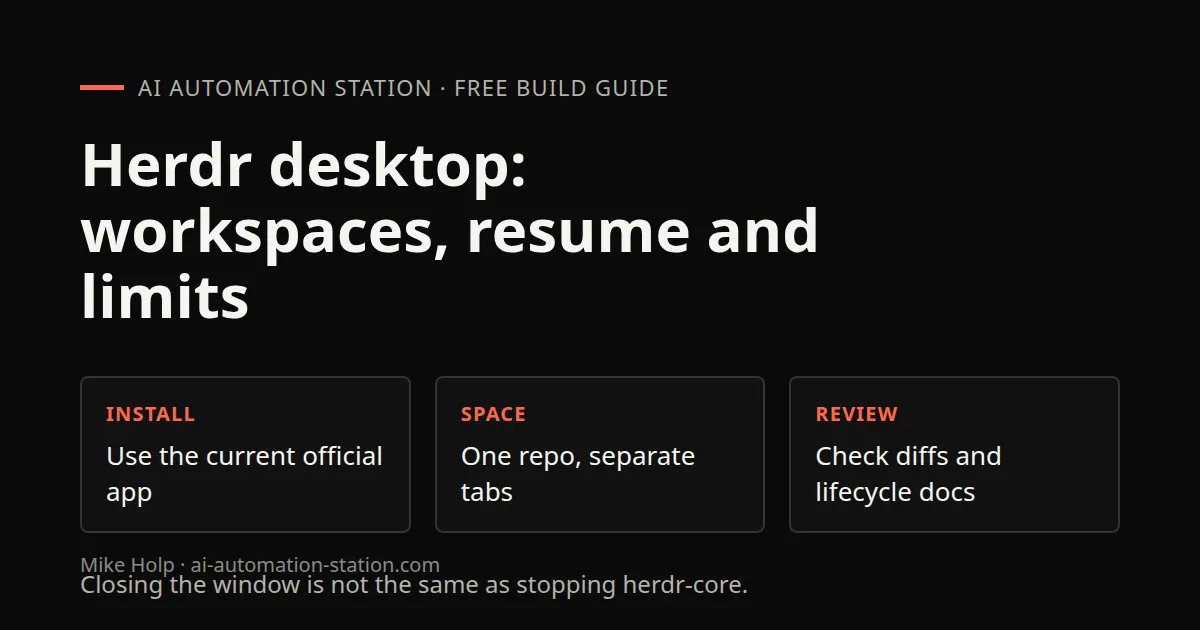
Quick answer: Install the current official Herdr desktop app, open one repository as a space, and run agents in separate tabs. Closing the window is not the same as stopping herdr-core. The recorded memory reading is one observation, not a benchmark.
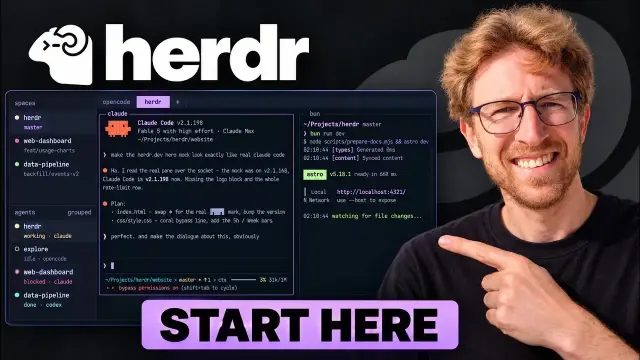
Herdr puts terminal coding agents into a desktop workspace with spaces, tabs and a customizable interface. It is useful to understand it as the place you organize agent work, rather than as a replacement model or a promise that a coding task will finish correctly.
The important distinction is between the window you see and the process running your agents. According to Herdr's official site, the desktop app uses a separate local service called herdr-core. Closing the app does not stop those processes. Restarting the machine or stopping herdr-core does.
This guide follows the recorded setup, customization and multi-agent workflow, then explains the product’s separately documented limits. Vendor descriptions are not an independently reproduced installation test.
What Herdr does, and what it does not replace
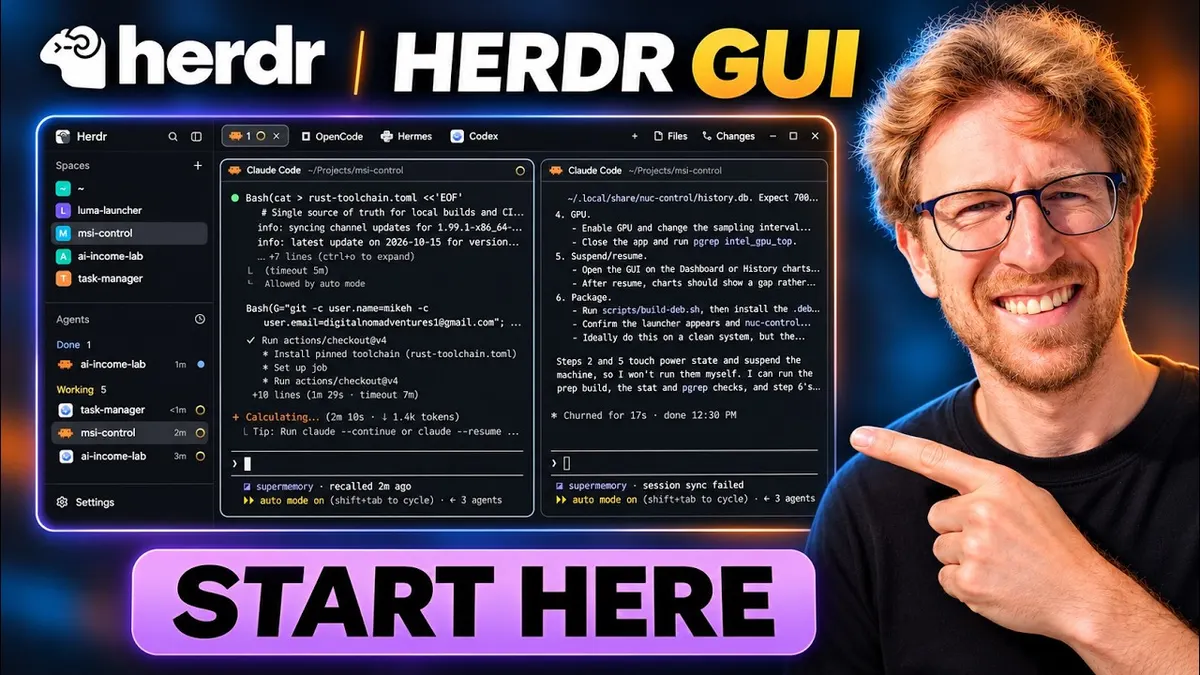
Herdr's official documentation describes a native app that runs coding agents in real terminals. A space can represent a repository, while separate tabs hold separate tasks. An agent that supports the OSC 7501 status protocol can report whether it is working, finished or waiting for help.
An agent without that protocol can still run. What it lacks is the same status reporting. A missing status indicator is therefore not, by itself, proof that an agent failed to start.
The app also allows an agent to change parts of the workspace interface. Herdr documents layouts, tabs, keyboard settings and themes as plain configuration files. This is a different concern from asking an agent to edit your application code. Keep those two scopes separate when you evaluate the tool.
A more convenient workspace does not establish that the generated code is correct. Continue reviewing proposed changes and checking the project itself. The existing AAS guide to building apps with AI coding agents covers that small-change review loop.
Before you install
Check three things before starting:
- Your platform. Herdr currently lists macOS on Apple silicon, Linux on x86_64 and arm64, and Windows on x86_64. Check the official site for the installer that matches your machine.
- Your coding agent. Herdr runs terminal programs. You still need the coding tool you intend to use and whatever account access that tool requires. Do not assume that installing a workspace supplies a model subscription or API allowance.
- Your practice project. Choose a small local repository you own and can restore. Avoid production credentials and sensitive client data for the first session.
If Claude Code itself is new to you, read the AAS Claude Code beginner guide first. That is the tool-specific preparation. This article focuses on the Herdr workspace around it, rather than duplicating the full Claude Code installation tutorial.
Follow the recorded desktop setup
1. Get the installer from the official site
At the installation chapter, 00:36, Mike opens herdr.dev, selects the download option and copies the one-line curl installer for his Linux machine into an existing terminal. He says Windows uses PowerShell. He then searches for Herdr through his own application launcher and opens the desktop app.
The exact command is not spoken in the transcript. Use the current official download instructions for your operating system instead of reconstructing it from this article. Review any downloaded installer before running it. The custom launcher is simply how Mike opens an installed application, not an established prerequisite for Herdr.
The desktop app and Herdr TUI are separate programs. Herdr's documentation says the desktop app runs on herdr-core, while the original TUI has its own agent server. Installing the desktop app should not be treated as migrating all terminal workspaces.
2. Choose a theme, panels and a space
In the 01:13 and 01:45 chapters, Mike chooses dark mode, enables the offered panels and opens Spaces. He explicitly notices that his existing command-line workspaces did not migrate automatically. He continues in the new app rather than demonstrating a migration tool.
He skips the remote-machine option because he is using one computer. Remote setup is therefore not part of this recorded walkthrough. The optional panels sit beside the terminals and can be opened or closed later. Keep the layout simple enough to distinguish terminal output from file changes and agent activity.
3. Start Claude Code and resume its own session
Around the 02:27 chapter, Mike launches Claude in the desktop terminal and uses its resume flow to return to a previous audit session. The transcript describes that session as available and work continuing in the GUI.
This is an important distinction. Resuming a Claude session does not prove that Herdr migrated TUI spaces. Herdr provides the new terminal environment, while the agent has its own session history and access requirements.
The recording also mentions pushing changes directly to main. That is not a recommended default for following this guide. Review diffs and project checks, then use your normal branch and approval process before deploying. The existing small-change coding workflow gives that review loop a separate home.
4. Try a built-in theme before importing one
In the 03:08 chapter, Mike switches to the Windows 98-style theme, sees Clippy, opens the Start menu and settings, then returns to another theme. This is an interface demonstration, not a requirement for coding agents to work.
In the 04:19 chapter, he asks an agent to read Herdr's instructions and import a community theme from GitHub. The agent works on the layout and the new theme later appears in settings. He switches to it, explores it and returns to the default.
The transcript does not supply a complete installer command or an exact repository URL for that community theme. Do not copy a guessed command. Use the current official gallery and inspect a theme's source before allowing an agent to modify configuration.
Separately, Herdr documents interface files under ~/.config/herdr-app, including an AGENTS.md explaining configurable settings, layouts and themes. Treat a layout change as a bounded configuration task. It does not need to become permission to rewrite your project.
5. Inspect files and actual changes
Mike explores the file browser and Changes panel. Initially, he does not see changes and says he expects them to appear once an agent edits local files. Later in the transcript, he says the changes are visible after work occurs in that directory.
Do not turn this into a claim that the panel proves a task completed correctly. Check that you are viewing the intended project, read the actual diff and run its relevant checks. The walkthrough is evidence of an interface interaction, not a full correctness test of the edited application.
6. Add agents side by side
From the 07:12 chapter, Mike opens more agent panes or tabs. He describes Claude Code, OpenCode, Cursor Agent, Hermes and Codex in the desktop interface. These agents are already installed on his machine. The demonstration is not evidence that Herdr installs or authenticates them for you.
He sends simple tests and reports responses from Codex, Hermes and OpenCode. Hermes takes time to start. Kimi is not authenticated, so this is not a successful Kimi setup or test. Check each agent's own access before interpreting an empty pane as a Herdr failure.
Start with one project and a small number of clear tasks. Side-by-side access is useful for visibility, but the video does not establish safe coordination when several agents edit the same files. As editorial guidance, separate tasks and review their changes before combining them.
What the memory observation does and does not show
In the 09:12 memory chapter, Mike says the app is currently using about 309 megabytes in his task-manager view. This is one attributed observation during the recording, not a benchmark reproduced for this article.
The source does not establish the full process-tree total, model workload, hardware baseline or a controlled comparison with other apps. It cannot support a promise of fixed memory use or quantified savings. The useful takeaway is to inspect your own process usage while working, not to assume that every agent and project will fit the recorded figure.
Troubleshooting grounded in the official FAQ
| Symptom | Documented explanation or check |
|---|---|
| An agent runs but is absent from the agent list | Check whether its version supports OSC 7501 status reporting. |
| Status is missing inside tmux | Herdr says an agent running inside tmux cannot report through it. Its FAQ recommends running the agent in a Herdr pane directly. |
| Agents from Herdr TUI do not appear | The TUI uses its own server. It does not share agents with the desktop app. |
| Work continues after the app is closed | The processes run in herdr-core, not in the window. Closing the app is not documented as stopping them. |
| A pane returns after a reboot but the agent is not working | The pane can return to a shell in the same folder without the previous program being restarted. |
These are vendor-documented behaviors, not failures reproduced during this guide. If your situation differs, compare it with the current official documentation before changing configuration.
Remote machines and performance: boundaries to keep visible
Herdr also documents adding machines reachable over SSH. Their spaces and agents can appear under the machine name in the sidebar. This does not mean the local app moves the underlying work onto your laptop. The remote processes run on the remote machine.
Remote access introduces a separate permissions and credential boundary. Remote installation and access control are outside this local desktop walkthrough.
The recording does not demonstrate remote setup or provide a controlled performance comparison. The 309-megabyte observation above should not be extended to SSH workloads, other machines or a larger set of agents.
Takeaways
Herdr is worth evaluating as an organizational layer for terminal coding agents. Its documented features include repository spaces, task tabs, status reporting for compatible agents and configurable workspace files.
The key questions are practical: can you identify the active task, understand whether it needs attention and review what it changed? Keep model access, project permissions and result verification separate from the desktop interface.
Watch the walkthrough
FAQ
Is Herdr a coding model?
No. The official site describes an app for running coding agents in terminals. The agent and its model access remain separate concerns.
Does every agent show a working or waiting status?
No. Herdr says status reporting requires OSC 7501 support. Agents without it can still run without that status integration.
Will my agents stop when I close the desktop app?
According to Herdr, closing or updating the app leaves agents running in herdr-core. A reboot or a stopped core service stops the programs. The documented behavior is not automatic task resumption after a reboot.
Does the desktop app share agents with Herdr TUI?
No. Herdr explicitly describes them as separate programs with separate agent servers.
Was the current release independently tested?
No. The setup is described from the recording and separately attributed public documentation, not an independently reproduced installation. Use the current official installer and theme instructions rather than a guessed command.
Sources
- Herdr official product description and FAQ, read November 7, 2026 ICT.
- AAS long-form Herdr walkthrough. Chapter times are approximate navigation labels, not precise quotations.
- AAS coding-agent workflow guide, read November 7, 2026 ICT.
- AAS Claude Code beginner guide, read November 7, 2026 ICT. Account and installation details should be rechecked at the linked official sources before use.
You may also like

Build the next one with AI Income Lab
Step-by-step courses, reusable templates, and a community that answers when you get stuck.
Members get the Claude Code & Skills and Codex Tutorials & Courses lessons.
- Courses for builds like this one
- Copy-ready templates
- Ask questions while you build
- Weekly coaching on VIP


