Herdr Terminal Guide: Workspaces and Coding-Agent Sessions
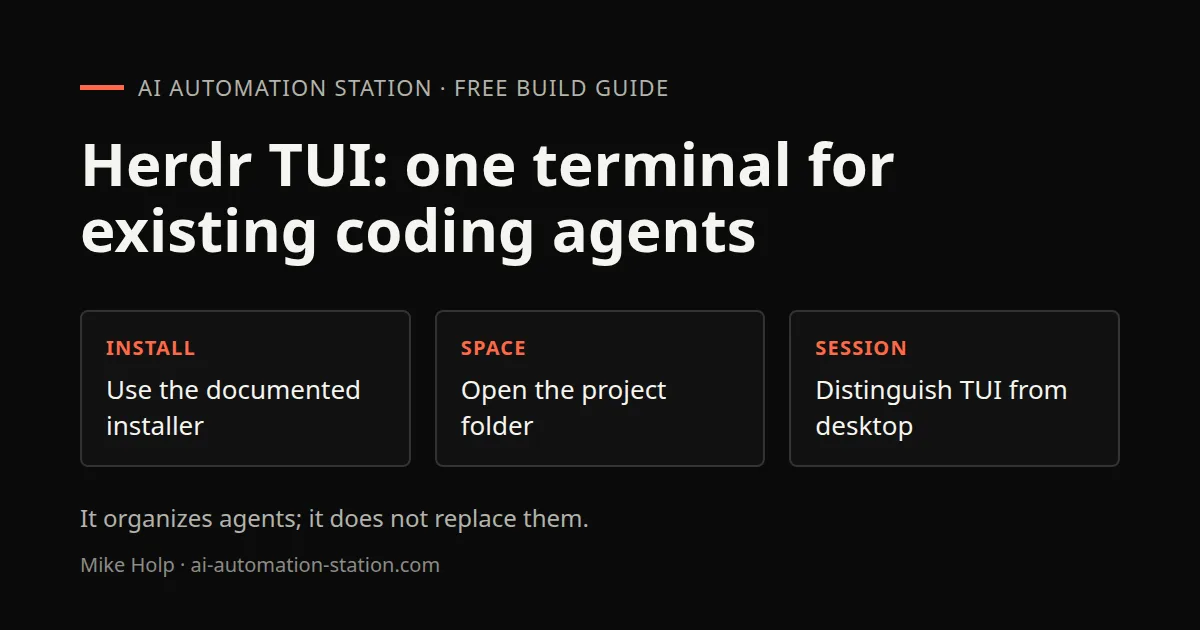
Quick answer: Herdr is a free, open source terminal workspace for coding agents. It does not replace Claude Code or Codex. It runs them in panes and tabs, groups them by project, keeps them running in a background server when you close the window, and marks each pane as working, blocked or idle. Install it with curl -fsSL https://herdr.dev/install.sh | sh, then run herdr in your project folder.
I started using Herdr because I had Claude Code, Codex and OpenCode sessions scattered across terminal tabs. This guide covers the TUI recording. Herdr desktop is a separate program with a different core. Do not use its installer or lifecycle rules interchangeably with the TUI instructions.
1. What Herdr is
The project's GitHub README calls Herdr "the runtime your coding agents live on." Its listed features include:
- Detach without stopping work. Terminals keep running in a background server when you close the client or lose an SSH connection. A restored layout should not be confused with independently verified continuity of every agent task after a host restart.
- Several machines in one window. Local work and saved SSH machines sit together, with one combined agent list.
- Pane status. Every pane is marked working, blocked or idle, so you can see which agent needs an answer.
- Agent control. Agents can drive Herdr through its CLI and socket API to spawn panes and prompt each other.
- Runs your existing tools. The README names Claude Code, Codex, Cursor, OpenCode and Grok, and says Herdr owns their terminals without wrapping or replacing them.
- Keyboard and mouse. tmux-style prefix keys plus click, drag and split.
- Plugins, from a marketplace on herdr.dev.
- Terminal interface, distinct from the desktop app and its core service.
It is licensed under Apache 2.0. Star counts are omitted because they change and do not establish software quality.
2. Install it
The official TUI page, read November 7, 2026 ICT, lists this installer:
curl -fsSL https://herdr.dev/install.sh | shRead the installer before allowing it to run and confirm that it matches your platform. This is a vendor-documented command, not an installation independently performed for this guide. Other platform-specific package-manager instructions should come from the current project documentation rather than a command remembered from the recording.
3. Start your first workspace
Go to the folder where the work lives and run:
herdr4. Add spaces and tabs
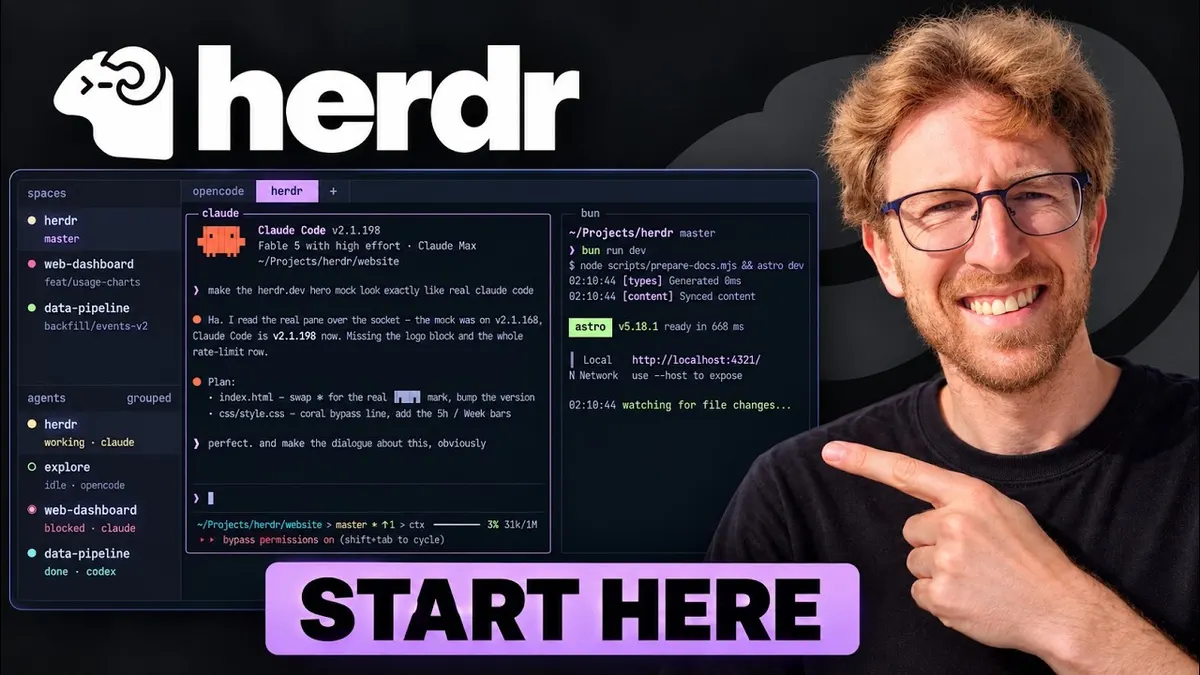
In my setup, projects show in the upper left. Herdr calls these spaces. To add one, cd into a new project and open a new space, or click New. Right-click a space and choose Close to close it.
Inside a space, open tabs and give them names. I keep one tab per agent or per task, such as one Claude Code tab and one Codex tab in the same project.
5. Run your agents
Start each agent in its tab the way you normally would, for example claude or codex. They behave the same as in a plain terminal. You can switch models and type prompts as usual.
The benefit is the overview. When an agent stops and needs input, its pane is marked blocked, so you do not have to click through tabs to find it. In the video I also saw a notification when a task finished.
6. Detach and come back
The official TUI page describes terminals owned by a background server, so closing a client or losing a connection is different from stopping the server. Use the current TUI controls for detaching and reconnecting, rather than assuming a shortcut from another terminal manager applies.
This is the feature I use most. I can close the terminal, come back later, and my Claude Code and Codex sessions are where I left them.
Watch the walkthrough
FAQ
Is Herdr a coding agent?
No. Per its README, it runs your existing agents in terminals it manages. It does not replace them.
Which agents does Herdr support?
The current TUI page names Claude Code, Codex, Cursor, OpenCode and Grok. In my video I also ran Hermes.
Does Herdr work on Windows?
Yes. The current TUI page lists Windows support. Use its current platform-specific installation guidance.
Is Herdr free?
It is open source under the Apache 2.0 license. The README lists sponsors and an enterprise contact.
How do I keep agents running after I close the terminal?
Use the TUI’s documented detach and reconnect controls. Check the server and individual agent state after reconnecting, particularly after a machine restart.
Sources
- herdrdev/herdr on GitHub: https://github.com/herdrdev/herdr (README context recorded October 30, 2026)
- Herdr docs: https://herdr.dev/docs/
- Video: https://www.youtube.com/watch?v=VE66JDHoS6Y
You may also like


Build the next one with AI Income Lab
Step-by-step courses, reusable templates, and a community that answers when you get stuck.
Members get the Claude Code & Skills and Codex Tutorials & Courses lessons.
- Courses for builds like this one
- Copy-ready templates
- Ask questions while you build
- Weekly coaching on VIP


