Token Usage Dashboard: ccusage, RTK and Costs
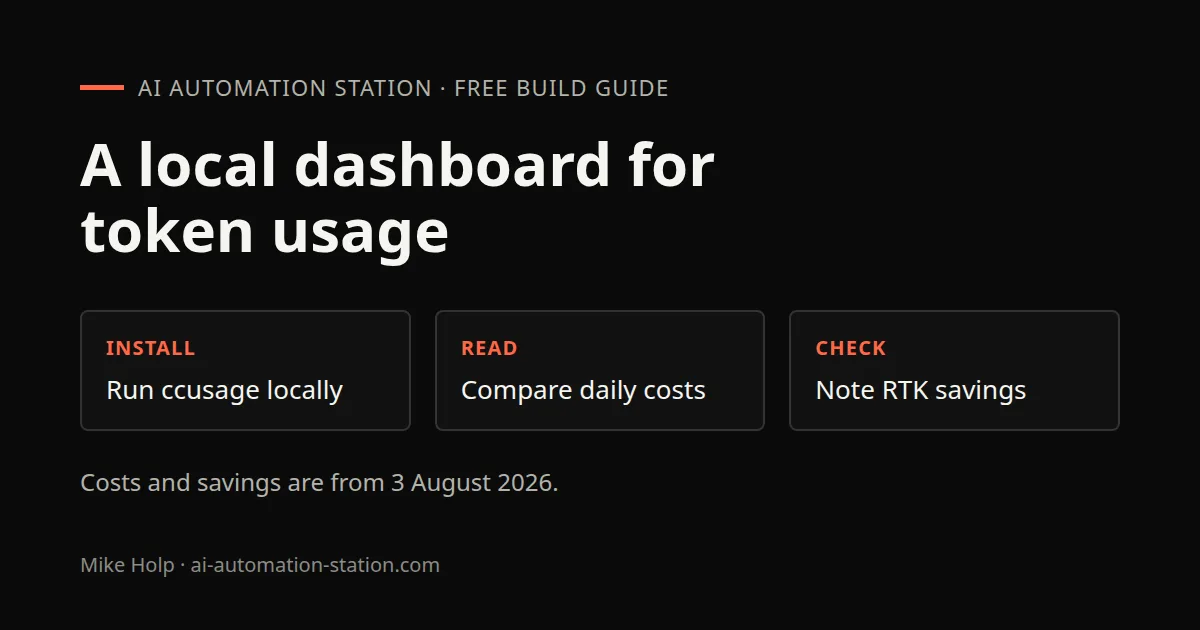
Quick answer: On 3 August 2026, ccusage was installed with the npx quick start, then a local Python dashboard showed daily, weekly and monthly token use. RTK showed 35 million tokens saved. Those figures are from that recording, not a live invoice.
Install for Claude Code is not on this page. Use RTK Token Savings: Install, Hooks and Checks for RTK, and 9Router setup if you still need the gateway. Cost tracking inside 9Router is on 9Router Cost Tracking: Combos and Fallbacks.
What this recording shows
The 3 August 2026 recording walks a local analytics view of token use, token savings and cost across coding harnesses. The dashboard grouped usage by model. For that week, GPT-5.6 Luna was about 19.8 million tokens, then DeepSeek V4 Pro, DeepSeek V4 Flash Free and GPT-5.6 Soul.
For the month on camera, Claude Code showed an effective spend of about $1,600 on a $20 per month plan. Codex showed almost $1,000 on a $20 per month plan. RTK showed 35 million tokens saved. Caveman was in use as well. Those are the numbers from that recording.
ccusage is a free command-line tool. The recording said it works across Claude Code, Codex, OpenCode, Hermes Agent and GitHub Copilot. Product page: https://www.ccusage.com/.
1. Install ccusage
Follow the ccusage quick start. The recording ran this line at 02:50:
npx ccusage@latestAfter that, the CLI can report each coding harness. Daily Codex and OpenCode commands were pointed at on screen and not read aloud, so they are not quoted here. If you need a first local request before you trust a dashboard number, see Test your first AI API request locally.
2. Read daily costs
The CLI already had a daily output across harnesses. Scrolling to the bottom showed an effective total of about $4,000. The recording then said that was over the past three months, and that it was not the real cost because the work used subscription plans with no API credits.
Cost by model was visible in the same output. The day before, Hermes Agent showed about $3.38 on the cheaper Chinese models in use that day. Across harnesses, that day’s total was $94. Opus 4.7 in the CLI overview showed $3.61 with a token output count. Those figures are from 3 August 2026.
3. Run a local dashboard
The nicer view was a Python script running as a local server, built in Codex and Hermes Agent. It ran on localhost only, so daily, weekly and monthly tracking stayed on that machine. This page does not reproduce that script.
Hermes Agent was asked to read the ccusage docs and update the dashboard from those docs. While that ran, the model was switched to DeepSeek V4 Pro in OpenCode Go. The recording treated that as a time saver over reading the docs by hand. Kilo Code is a separate install: Kilo Code tutorial.
4. Check RTK and Caveman savings
In the terminal, rtk gain showed 35 million tokens saved over all time, at 81% token efficiency. The dashboard showed the same all-time figure and a similar breakdown to the terminal.
The savings tools breakdown on 3 August 2026:
- 35 million tokens saved with RTK
- 8 million saved with Ponytail
- 2.4 million saved with Caveman
The recording described those tools as compressing tokens when you issue commands in a coding harness. It did not walk their internals. More RTK install detail is on RTK Token Savings: Install, Hooks and Checks.
5. Refresh the dashboard
After the docs-based update, a refresh showed failed to fetch. The local server was restarted. Once it was up, the page updated about every 60 seconds while coding work continued. The usage window had been removed in that pass. The recording treated the dashboard as a daily, weekly and monthly spend view, not as a bill.
6. Other tools named in the recording
Ponytail, Caveman and RTK were recommended if you want to save more tokens. Supermemory was named as already built into the coding harnesses, with a tutorial recorded the day before. Check memories at supermemory.ai. How to install that memory layer is on Hermes Agent Memory: Install Supermemory. This page does not explain how Supermemory works.
Graphify was named as another saver because it had a better understanding of the project. A Graphify tutorial was promised and is not on this page.
Watch the walkthrough

FAQ
Is the ccusage cost the same as a billed API invoice?
No. On 3 August 2026 the CLI total was about $4,000 over three months. The recording said that was not the real cost because the work ran on subscription plans without API credits.
How do you install ccusage from this recording?
Follow the ccusage quick start. The recording ran npx ccusage@latest. Daily Codex and OpenCode commands were pointed at on screen and not spoken, so they are not quoted here.
What savings did RTK and Caveman show?
On 3 August 2026, rtk gain and the dashboard both showed 35 million tokens saved with RTK at 81% token efficiency. The savings tools breakdown showed 8 million saved with Ponytail and 2.4 million with Caveman.
Does this dashboard run on the public internet?
No. The recording ran a local Python server on localhost so token use stayed on that machine. After a failed fetch, the server was restarted. The page then refreshed about every 60 seconds.
Sources
- Video: The Only AI Dashboard You Need to Track Token Usage (3 August 2026)
- ccusage: https://www.ccusage.com/
- ccusage GitHub: https://github.com/ccusage/ccusage
- RTK GitHub: https://github.com/rtk-ai/rtk
You may also like

Build the next one with AI Income Lab
Step-by-step courses, reusable templates, and a community that answers when you get stuck.
Members get the Claude Code & Skills and Codex Tutorials & Courses lessons.
- Courses for builds like this one
- Copy-ready templates
- Ask questions while you build
- Weekly coaching on VIP


