Kilo Code tutorial: install it, pick a model, run a first task
Quick answer: Kilo Code is an open-source AI coding agent for VS Code, JetBrains and the terminal. Install the VS Code extension (choose Install Pre-Release Version) or run npm install -g @kilocode/cli, sign in with a free Kilo account, and pick a model. You can use free models through Auto Free, your own API keys, local models, or paid credits. The software is free for individuals; model usage is billed separately. Before your first task, check which actions it may run without asking.
This Kilo Code tutorial covers installing it, choosing how you pay for models, the approval settings, a first task you can check, and what the paid plans add. Kilo’s own pages say Kilo has been acquired by Anaconda; the product and docs remain at kilo.ai.
I have tested Kilo Code twice on the channel. In KiloCode Builds Web Apps In Minutes I install it in VS Code and the terminal and build a small web app. In This Free AI Coding Agent Is Actually Insane! I run a security audit and an app build on free models, and connect Kilo to Hermes Agent. Both videos mention referral links; this guide uses plain links only. Steps and prices come from Kilo’s documentation and pricing page, checked November 1, 2026.
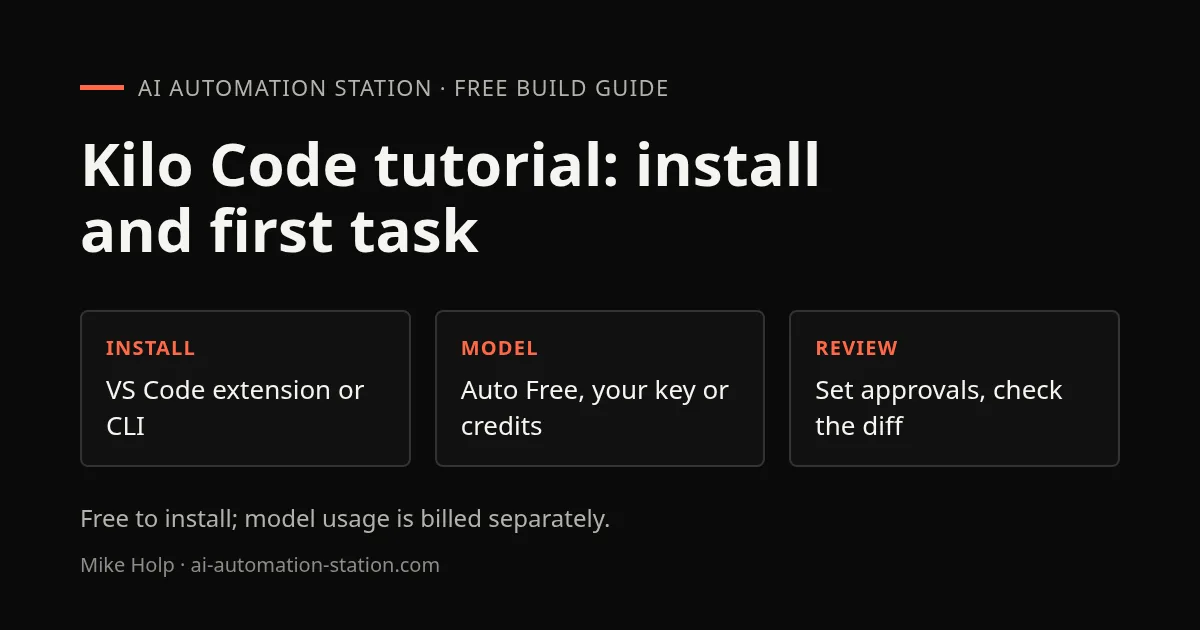
Install Kilo Code in VS Code or the terminal
VS Code extension
- Open VS Code 1.84.0 or later and go to Extensions (
Ctrl+Shift+X, orCmd+Shift+Xon a Mac). - Search for “Kilo Code”.
- Click the arrow next to Install and choose Install Pre-Release Version. Kilo says the pre-release channel is the current, stable extension, built on the Kilo CLI.
- Click the Kilo Code icon in the side bar and sign in when prompted.
From a terminal, code --install-extension kilocode.kilo-code installs it too. VSCodium, Windsurf and other editors without the Microsoft marketplace can install it from the Open VSX Registry, and JetBrains IDEs have their own plugin.
Kilo Code CLI
npm install -g @kilocode/cli
kilo --version
kilo
Run kilo inside your project folder. On first run, use /connect to add a provider and /models to switch models. kilo upgrade updates it. On older CPUs without AVX support, the CLI can crash with “Illegal instruction”; Kilo’s releases page has a -baseline build for that case.
Sign in
Kilo asks you to sign in or create a free account the first time you open it. You can use email, Google, GitHub, GitLab, Apple, Discord, LinkedIn, ChatGPT or Anaconda. Signing in with ChatGPT can also connect your ChatGPT subscription for model requests, without an OpenAI API key.
Choose how to pay for models
Kilo separates the app from the models. You have four options, and you can mix them:
| Option | Cost | Good for |
|---|---|---|
| Auto Free | $0 | Trying Kilo; routes to free models through Kilo Gateway where available |
| Your own keys (BYOK) | Your provider’s bill | If you already pay Anthropic, OpenAI, Google, OpenRouter or another provider |
| Local models | Your hardware | Ollama or LM Studio, when code cannot leave your machine |
| Kilo Gateway credits | Provider rates plus a 5% credit purchase fee | Pay as you go across 500+ models from 60+ providers |
To use your own key, open Settings (the gear icon) › Providers, choose the provider, paste the key and pick a model. Kilo supports more than 30 providers. If you want one key for many models, the OpenRouter setup guide covers keys, free-model limits and fees. The Kilo Code CLI also works with OpenCode Go, which lists it as a validated client.
In my March video, a new account showed about $2.50 of credit before I added any. In June, a model labelled free still asked me to add $1 before it would run. Treat sign-up credit and free labels as things to check on the day, not as a fixed allowance.
Set approvals before the first real task
By default, Kilo auto-approves most tools. Only shell commands, access to folders outside the project and reads of sensitive files ask for confirmation. That means file edits inside your project can happen without a prompt.
For a first session, open Settings › Auto-Approve and set file edits to Ask. Each tool can be Allow, Ask or Deny. Loosen them once you trust how Kilo behaves on your project. Work on a Git branch either way, so you can review and undo every change. The same habit is covered in the Claude Code beginner guide, and it applies to any coding agent.
Run a first task you can check
Kilo’s quickstart suggests tasks like “Create a file named hello.txt containing ‘Hello, world!’.” That proves the setup works. For a more useful first task, pick something small with an obvious pass or fail:
- Open a project that is under Git, on a new branch.
- In the Kilo panel, describe one change in plain English, for example: “Add a 404 page that links back to the home page. Do not change any other file.”
- Approve or reject each proposed action as it appears.
- Read the diff with
git diff, run the project, and check the result yourself. - Commit only if the change does what you asked and nothing else.
In the first video, I let Kilo write a spec file first and then build a small web app from it on a free model. It worked, but the CSS needed more passes. That is typical for a first build: the agent gets the structure right faster than the finish. The Codex workflow guide has a fuller version of this check-the-diff routine.
Modes, the CLI and other places Kilo runs
Kilo has modes for different kinds of work: Code for edits, Ask for questions without changes, Architect or Plan for designing before coding, Debug for tracing a fault, and Orchestrator for splitting a larger task into steps. You switch modes from the chat box in VS Code or in the CLI. Custom modes are also supported.
The CLI uses the same engine as the extension, so the choice is about where you work. In my June video I used the CLI and the cloud agent side by side, ran a security audit on a free model, and had Kilo commit and push the fixes so they deployed. The terminal version lacks the extension’s dictation, which I missed.
Kilo also has a Kilo Gateway API key, found on your profile at app.kilo.ai, for using its models in other tools. In the June video I added that key to Hermes Agent through hermes setup. See the Hermes Desktop guide if you use Hermes.
Kilo Code pricing and Kilo Pass
| Plan | Price | What it adds |
|---|---|---|
| Free | $0, usage billed separately | The open-source extensions and CLI, works with any model |
| Teams | $15 per user per month | Usage analytics, shared agents and keys, central billing, data privacy controls; 14-day Enterprise trial |
| Enterprise | Custom | SSO, audit logs, model and provider restrictions, SLA |
Kilo Pass is separate: a monthly credit subscription for model usage, from $19 a month (Starter), with Pro at $49 and Expert at $199. Kilo adds bonus credits on top, up to 50%, and the bonus rate depends on how long you have been subscribed. It only makes sense if you already spend that much on Kilo Gateway credits each month.
Cloud features are billed by the second on top of model usage, for example $0.60 an hour for a small cloud agent and $0.33 an hour for code review. If you mainly want a terminal agent with a flat monthly cost, compare OpenCode and Claude Code before paying for Kilo Pass.
When it fails
- The extension does not appear: restart VS Code, check Kilo Code is enabled under Extensions, and look in View › Output › Kilo Code for errors. Check you have VS Code 1.84.0 or later.
- “The model hit its output limit while reasoning and produced no actual output”: I got this on a free model in the cloud agent. Switching to Auto Free let the task continue. Turning off reasoning or picking another model also works.
- A free model asks for credit: some free models need a small balance on your account first. Pick another free model or use Auto Free.
- On Windows: Kilo’s docs say PowerShell must be on your PATH (
C:\Windows\System32\WindowsPowerShell\v1.0\); restart VS Code after adding it. - The CLI crashes with “Illegal instruction”: use the
-baselinebuild from Kilo’s GitHub releases.
FAQ
Is Kilo Code free?
The extensions and CLI are free and open source for individuals. Model usage is separate: you can use free models through Auto Free, your own provider keys, local models, or paid Kilo credits.
How do I install Kilo Code?
In VS Code, search Extensions for Kilo Code and choose Install Pre-Release Version, which Kilo says is the current stable build. For the terminal, run npm install -g @kilocode/cli and then kilo.
Which models can Kilo Code use?
More than 500 models from over 60 providers through Kilo Gateway, plus your own keys for providers such as Anthropic, OpenAI, Google and OpenRouter, and local models through Ollama or LM Studio.
What does Kilo Pass cost?
Kilo Pass starts at $19 a month, with Pro at $49 and Expert at $199, as listed on November 1, 2026. It buys model credits with up to 50% bonus credits. The Teams plan, $15 per user per month, is a separate charge for team features.
Does Kilo Code ask before changing files?
Not by default. Most tools are auto-approved; shell commands, access outside the project and sensitive file reads ask first. Set each tool to Allow, Ask or Deny under Settings, Auto-Approve.
Who owns Kilo Code?
Kilo’s documentation and pricing page say Kilo has been acquired by Anaconda. The extension, CLI and docs are still published under the Kilo name at kilo.ai.
Sources
- Kilo docs: installation
- Kilo docs: sign-in and providers
- Kilo docs: your first task and auto-approve defaults
- Kilo docs: the CLI
- Kilo pricing: plans, Kilo Pass and cloud compute
Build the next one with AI Income Lab
Step-by-step courses, reusable templates, and a community that answers when you get stuck.
- Courses for builds like this one
- Copy-ready templates
- Ask questions while you build
- Weekly coaching on VIP


