npx skills: Install Ten Coding Agent Skills
Quick answer
On 1 June 2026 I installed ten third-party skills from skills.sh with npx and ran them in Codex, OpenCode and VS Code. The registry page showed about 620,000 skills. I updated with npx skills update, then pasted npx skills add from a skill page. The front-end design skill rewrote a light theme. Other runs covered Vercel React and Next.js practices, SEO, AI SEO, PageSpeed and Lighthouse, and GEO content. Quoted install counts and scores are what I showed that day. This is the ten-skill tour, not the free-models OpenCode setup.
The registry is skills.sh. A skill gives instructions to your coding agent, so read it before you install. For OpenCode plans and free models, see OpenCode free models, Go and skills. Description-footer affiliate links are not pasted here.
1. Update and install with npx
In the terminal I updated installed skills:
npx skills updateTo add a skill I copied the one-line npx skills add command from the registry page and pasted it. I did not read a full add command with a skill name aloud, so this page does not invent one. The installer asked which agents to target. I kept Codex, Gemini, OpenCode and Antigravity, and said Claude Code and OpenClaw were supported too. I installed globally.
2. Front-end design skill
In Codex I opened skills with:
/skillsThen I typed front-end and told it to run a full site audit. The same skill is selectable in VS Code. I was on the 5.4 mini model. It rewrote CSS so the landing page light theme had dark text and a visible dashboard sample. I still said it needed work.
3. The other skills I ran
I then ran a Vercel React best-practices skill, web design guidelines, and Next.js best practices, and pushed fixes to GitHub. The SEO audit skill read robots, sitemap, metadata and public routes. An AI SEO skill looked at answer-engine visibility and schema. Page Speed and Lighthouse skills were the ones I used to keep PageSpeed Insights at 95 on mobile and 99 on desktop in the report I showed. A GEO content optimizer ran on recent blog articles. I did not name every skill in a copyable list.
Done when
- Ran npx skills update
- Installed a skill with the registry npx skills add command
- Ran at least one skill as a site audit
What I didn't cover
- A copyable list of all ten skill names. Several were only described.
- Independent checks of install counts, stars, crawler visits or citations.
- Proof that the edits improved rankings over time.
Watch the walkthrough
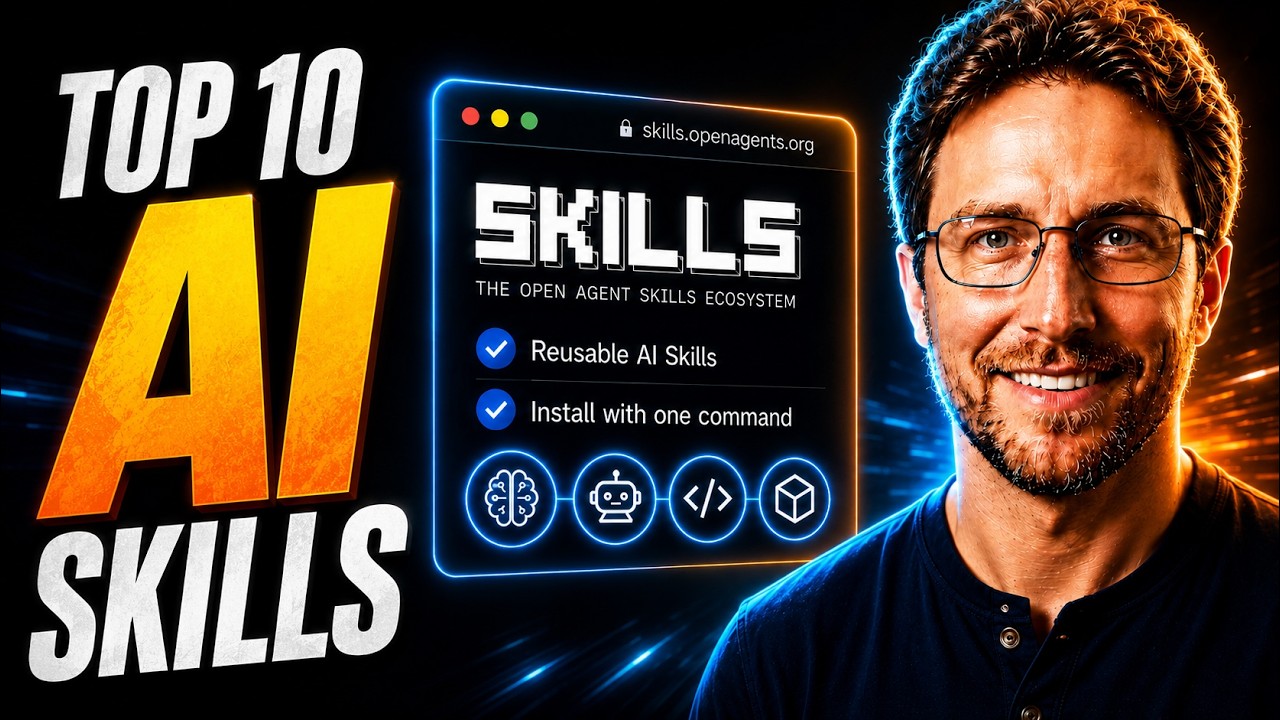
- 0:00 Introduction to the Custom AI Skills Registry
- 0:36 Tutorial: How to Update and Install Skills via Terminal
- 1:40 Skill 1: Front-End Design & Running a Site Audit
- 3:24 Fixing UI Inversions and Theme Constraints in TubeAnalytics
- 5:21 Skill 2: Vercel React Best Practices Optimization
- 7:04 Skill 3 & 4: Web Design Guidelines & Next Best Practices
- 8:55 Skill 5: SEO Audit Skill for On-Page Optimization
- 9:47 Skill 6 & 7: AI SEO Optimization & Tracking Competitor Citations
- 11:11 Skill 8 & 9: Page Speed Insights & Lighthouse for Core Web Vitals
- 12:11 Skill 10: GEO Content Optimizer for Blog Article Citations
From the video
Lines from the video's transcript that this guide does not cover, lightly trimmed. Each time opens the video at that point. Read the full transcript.
- 9:12
Essentially, all you need to do is just run this custom skill, which currently has 124,000 installs, 31,000 stars on GitHub.
- 10:03
I've used it to increase my overall AI visibility on the site so that I can get over 260,000 visits currently about 20,000 visits just today from the AI crawlers by using custom skills like AI SEO.
- 11:38
It's taken a lot of debugging and testing in order to get it to this current state. And also on desktop, it's 99 out of 100 and it's maxed out across performance, accessibility, best practices, and SEO.
FAQ
What is npx skills?
The installer I used from skills.sh. I updated with npx skills update and added skills with npx skills add from a skill page.
How do I install a skill?
Copy the npx skills add command from the registry page, run it in the terminal, and choose agents plus local or global install.
Which agents did you install into?
Codex, Gemini, OpenCode and Antigravity in this session. I said Claude Code and OpenClaw were supported too.
What did the front-end design skill change?
It rewrote CSS so the landing page light theme had dark text and a visible dashboard sample. I said it still needed work.
Is this the OpenCode free-models guide?
No. That guide embeds a different OpenCode setup video. This page is the ten-skill tour from 1 June 2026.
Sources
- Video: The Future Of Coding: 10 AI Skills You Need To Install Now (1 June 2026)
- Registry: skills.sh
You may also like


Build the next one with AI Income Lab
Step-by-step courses, reusable templates, and a community that answers when you get stuck.
Members get the Claude Code & Skills and Codex Tutorials & Courses lessons.
- Courses for builds like this one
- Copy-ready templates
- Ask questions while you build
- Weekly coaching on VIP


