OpenCode Free Models, Go Plan and 10 Agent Skills
Quick answer
Install OpenCode with the curl command or npm, start on the free Zen models (DeepSeek V4 Flash, Big Pickle and Nemotron 3 Super Free when I recorded), and upgrade to the Go plan, 5 for the first month then 10, which I prefer to topping up Zen credits. Copy the Go API key in, pick models such as Qwen 3.5 Plus, run several terminals at once and let sub-agents work in parallel. Then add agent skills with npx skills add from the skills.sh registry: front-end design, Vercel React and Next.js practices, web design guidelines, SEO audit, AI SEO, page speed and Lighthouse, and a GEO content optimizer.
This guide merges two videos: a May 2026 setup and a June 2026 tour of ten skills I use daily. Install counts and traffic numbers I quote are my own and unverified, and skills are code that edits your project, so read what a skill does and review the diff. The OpenCode link on this site is an affiliate link. For plans and comparison with Claude Code, see OpenCode vs Claude Code.
1. Install and the free tier
OpenCode is an open-source agent for the terminal, IDE or desktop, available for macOS, Windows and Linux, with extensions for VS Code, Cursor, Zed, Windsurf and VSCodium and GitHub and GitLab integrations. I was on version 1.15 on Debian. Zen is a curated set of tested models, including free ones such as DeepSeek V4 Flash, Big Pickle and Nemotron 3 Super Free.
2. The Go plan and several terminals
I had run out of credits in another tool, so I subscribed to OpenCode Go, which I preferred to topping up Zen credits. Copy the Go API key into OpenCode and choose models; I ran several terminal tabs at once on MiniMax 2.7, Kimi 2.6 and Qwen 3.5 Plus. Sub-agents can work in parallel and you can open each task’s output. With Qwen 3.5 Plus I fixed a site animation bug, then installed a Google PageSpeed skill from skills.sh and read its list of performance issues. Usage across models is shown in the dashboard.
3. Installing skills
The skills.sh registry listed some 620,000 skills when I recorded. npx skills update refreshes what you have, and npx skills add with a skill’s command installs it locally or globally into the agents you choose, such as Codex, Gemini, OpenCode and Antigravity, or Claude Code and others. Choosing Open Claw is also built in.
4. The ten I use
With a full site-audit prompt each time: a front-end design skill, which fixed an inverted light theme on my landing page; Vercel React best practices; web design guidelines; Next.js best practices, pushing fixes to GitHub; an SEO audit that reads robots, sitemap, metadata and public routes; an AI SEO skill for answer-engine visibility and schema fixes; page speed and Lighthouse skills, which kept my PageSpeed Insights scores at 95 on mobile and 99 on desktop by my report; and a GEO content optimizer run on recent blog articles to improve AI citations.
Done when
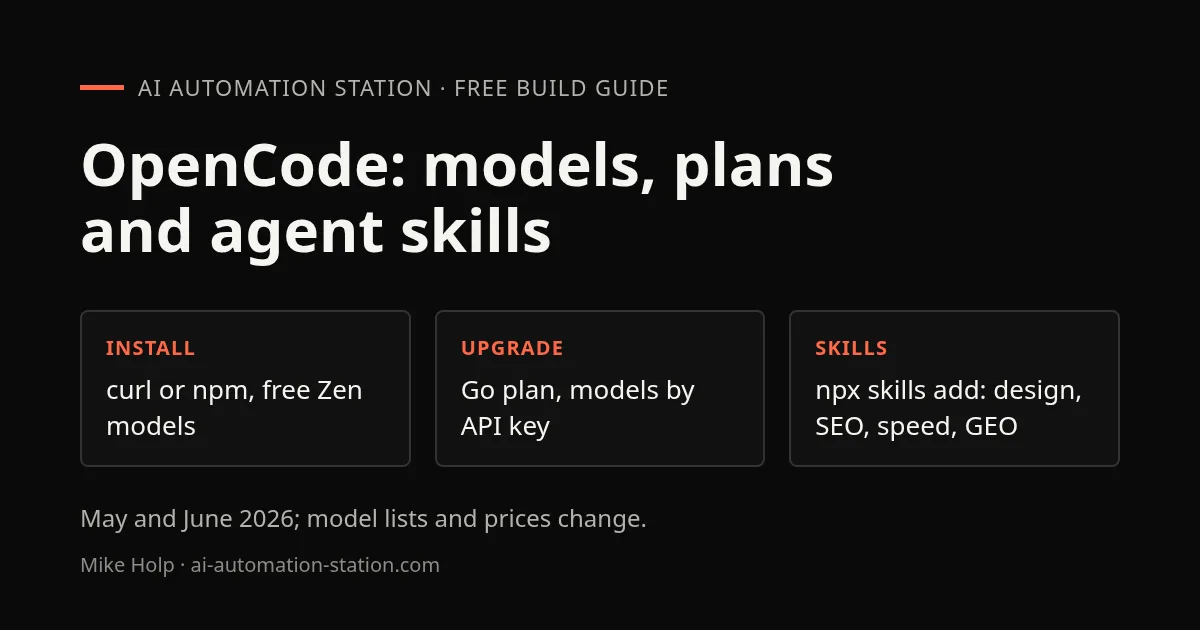
- curl or npm, free Zen models
- Go plan, models by API key
- npx skills add: design, SEO, speed, GEO
What I didn't cover
- The effect of the skills on traffic. My figures are unverified.
- Current free models and Go pricing.
- A review of the code each skill changed.
Watch the walkthrough

- 0:00 Introduction to OpenCode open-source AI coding agent
- 0:40 Installing OpenCode using the oneline curl command
- 1:37 Exploring free AI models in the OpenCode Zen dashboard
- 2:40 Upgrading to the OpenCode Go $10/month subscription plan
- 4:25 Setting up Go plan API keys and picking models like Qwen 3.5
- 5:14 Managing multi-agent execution and sub-agent workflows
- 6:08 Debugging UI bugs and restoring site animations
- 6:37 Integrating Google PageSpeed Insights via custom skills
- 7:46 Reviewing performance audit metrics and credit usage tracking
- 9:13 Switching from Codeex to OpenCode for continuous development
From the video
Lines from the video's transcript that this guide does not cover, lightly trimmed. Each time opens the video at that point. Read the full transcript.
FAQ
What does OpenCode Go cost?
5 for the first month and then 10, as I quoted in May 2026.
How do I install a skill?
Run npx skills add with the command from the skill’s page, choose the agents and local or global.
Are skills safe?
They are code and instructions that change your project. Read them and use version control.
Sources
- Videos: This AI Coding Agent Is 100% Free (And Better Than You Think) and The Future Of Coding: 10 AI Skills You Need To Install Now
- OpenCode through my affiliate link: OpenCode · Skills registry: skills.sh
Build the next one with AI Income Lab
Step-by-step courses, reusable templates, and a community that answers when you get stuck.
Members get the Claude Code & Skills and Codex Tutorials & Courses lessons.
- Courses for builds like this one
- Copy-ready templates
- Ask questions while you build
- Weekly coaching on VIP


