Claude SEO Skill: Audit and Fix a Site From Claude Code
Quick answer
Run the one-line curl command from the Claude SEO GitHub page to install the skill files, sub-agents and Python dependencies, then open Claude Code and type a slash to see the new SEO commands. I ran the audit command on tubeanalytics.net, then the plan command with SaaS as the business type, approved fixes for canonicals, title tags and 404s, let it rewrite the sitemap and robots file and ran a GEO analysis. About 20 minutes of work used up my Claude Pro limit twice, and the full audit was interrupted.
Prices and plan names change. Confirm them on the vendor page before you buy. Checked November 15, 2026.
This is a February 2026 run on my own SaaS site. The skill is free, but it edits your project files, so use it on a branch and review every change. I ran during a Claude Pro limit, so some steps ran partially. For the OpenCode version, see OpenCode SEO audit skills.
1. Install
From the Claude SEO GitHub page, run the one curl command. It downloads the skill files, installs the sub-agents and then the Python dependencies in a few seconds. Read the script before you run it, as with any install command piped from the web. Open Claude Code and type a slash to see the new SEO commands, and read the GitHub page for what each one does.
2. Run the audit
I ran the SEO audit command with my site URL. It fetched the homepage to detect the business type, then launched sub-agents to read robots.txt, analyse the sitemap and check the pages. The skill list also includes sitemap generation and image optimisation. Partway through I hit my Claude limit; after the reset it continued from the data already collected.
3. Plan and fix
I interrupted the audit and ran the SEO plan command with SaaS as the business type, which gave a strategy built on the audit data. I approved the critical fixes, and Claude edited files such as layout.tsx to fix canonical URLs, title tags and 404 pages. It also rewrote the sitemap and the robots file to remove low-value pages, and wrote a Python image SEO audit.
4. GEO analysis
In a second Claude instance I ran the GEO analysis, which checks whether AI crawlers can access the site, whether there is an llms.txt and how citable the content is. For background, see the AI agent workflow guide on keeping a human check on automated changes.
Done when
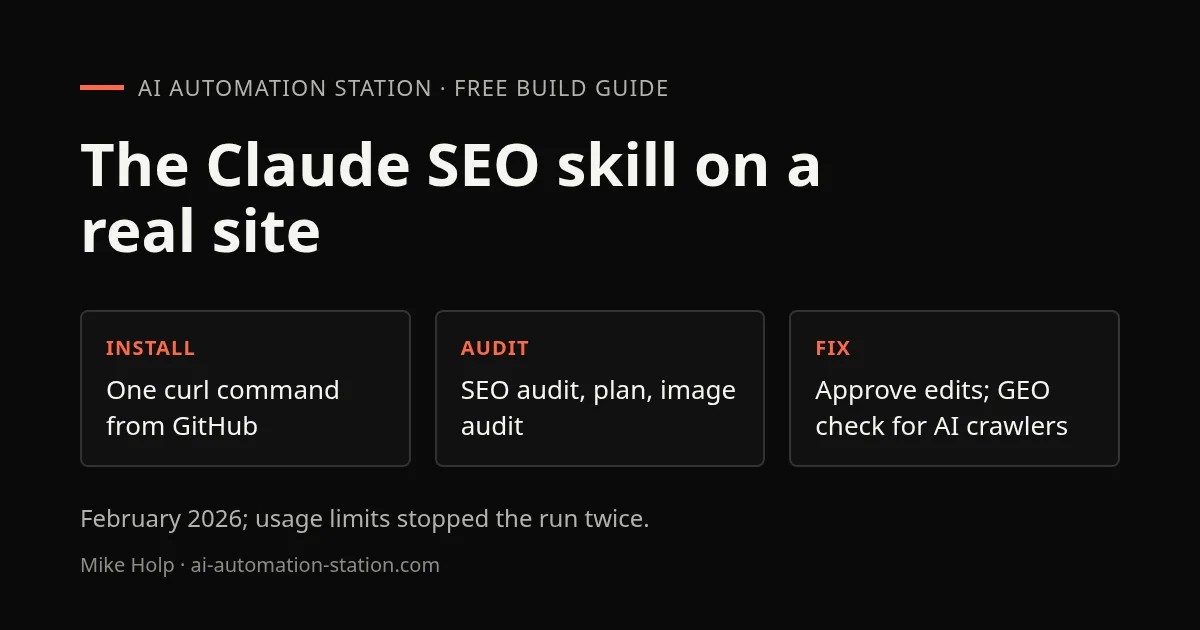
- One curl command from GitHub
- SEO audit, plan, image audit
- Approve edits; GEO check for AI crawlers
What I didn't cover
- The effect of the changes on rankings. I did not measure it.
- A complete audit. The limit interrupted it.
- Whether every suggested fix was correct. I approved them quickly for the demo.
Watch the walkthrough

- 0:00 Can AI Replace Your SEO Team?
- 0:24 Installing Claude SEO via Terminal
- 1:14 Accessing the New SEO Skill Commands
- 1:25 Running a Deep Site Audit on TubeAnalytics.net
- 3:51 Strategic SEO Planning for SaaS
- 5:06 Setting Up for GEO (Generative Engine Optimization)
- 6:48 Implementing Technical SEO Fixes Automatically
- 11:31 Optimizing Sitemaps and Robots.txt
- 13:13 GEO Analysis: Preparing for AI Search Crawlers
- 17:31 Final Thoughts
From the video
Lines from the video's transcript that this guide does not cover, lightly trimmed. Each time opens the video at that point. Read the full transcript.
- 3:37
We could actually try something else as well instead of the full site audit since I don't actually need the full site audit to be perfectly honest. My SEO is already pretty rock solid.
- 13:32
I don't actually have a blog on the website yet. That's definitely something that I would like to add.
- 16:51
We've we've hit 98% credit usage and then that's going to reset in about 4 hours. So, yeah.
FAQ
Is the skill free?
Yes, but it runs inside Claude Code, which needs a Claude plan, and my Pro limit ran out twice in about 20 minutes.
What does it edit?
Files in your project, such as layout files, the sitemap and robots file. Use version control.
What is GEO?
Generative engine optimisation: making a site readable and citable for AI crawlers and answer engines.
Sources
- Video: This Claude Skill Replaces Your SEO Team! (recorded February 2026)
- Claude SEO skill: its GitHub page, linked in the video description
- Claude: claude.ai
Build the next one with AI Income Lab
Step-by-step courses, reusable templates, and a community that answers when you get stuck.
Members get the Claude Code & Skills and Codex Tutorials & Courses lessons.
- Courses for builds like this one
- Copy-ready templates
- Ask questions while you build
- Weekly coaching on VIP


