UpdateForge: Windows and Linux Package Manager GUI
Quick answer
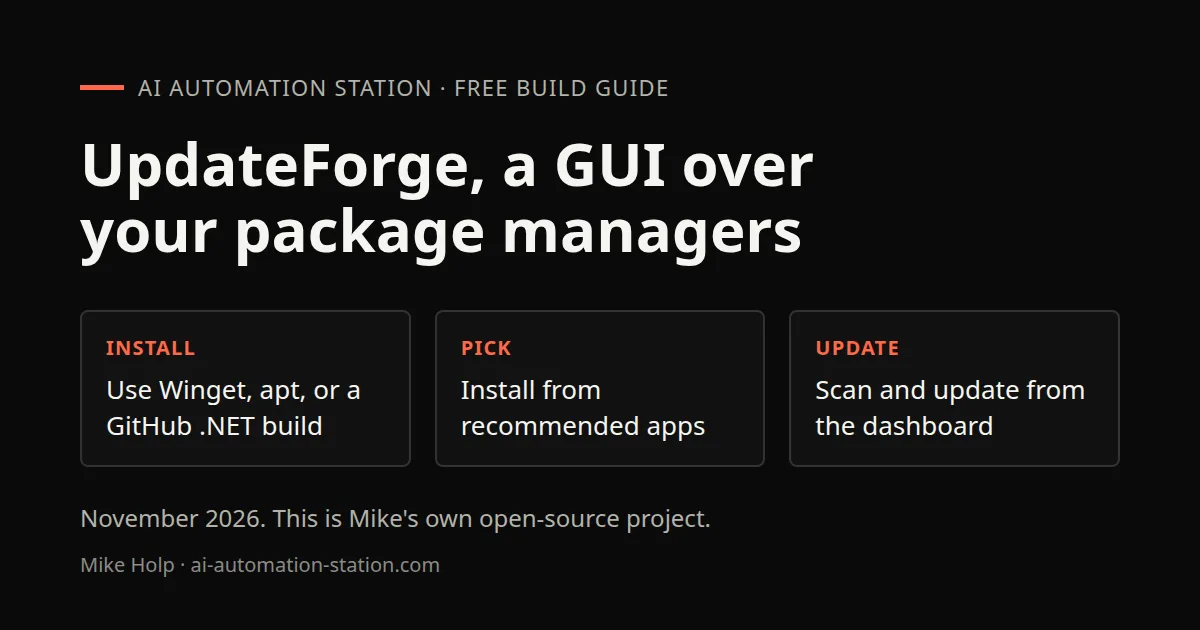
UpdateForge is my open-source package manager GUI for Windows and Linux. On 14 November 2026 I showed the public site, installed a recommended package from the GUI, searched across apt, npm, Cargo and other repos, and turned on automatic update checks. There was no Mac build in that walkthrough. I built it with Claude Code and did not write the code by hand.
UpdateForge is my own open-source project. The official page from the video description is mikeholp87.github.io/update-forge/. This walkthrough is the 14 November 2026 demo, not a vendor comparison and not a security audit. I originally built it for Windows 11 and had just ported it to Linux. For another Claude Code desktop build, see Aegis VPN with Claude Code, which also uses UpdateForge to install Wireshark.
1. Install on Windows or Linux
The public GitHub page has the details. On Windows it was already available on Winget, the default Windows package manager, or you can clone it from GitHub and build it with .NET. On Linux you can clone it, follow the page instructions, or install it from apt. I showed a terminal upgrade as well. The GUI is for people who do not want to do all of that in the terminal. In this take it targeted Linux, mostly Debian and Ubuntu, plus the Windows build. There was no Mac version.
2. Use the recommended apps tab
The recommended apps tab is a self-learning list. It looks at what you install and what is already on the computer, then suggests other packages. I clicked install on Nmap, read the package details, confirmed, and entered my password because it needed root. The download in this demo came from GitHub. After it finished I typed nmap in a terminal (the captions say "map") and the tool was on the machine. You can also mark a suggestion as not interested so it learns what to skip.
3. Built-in package managers
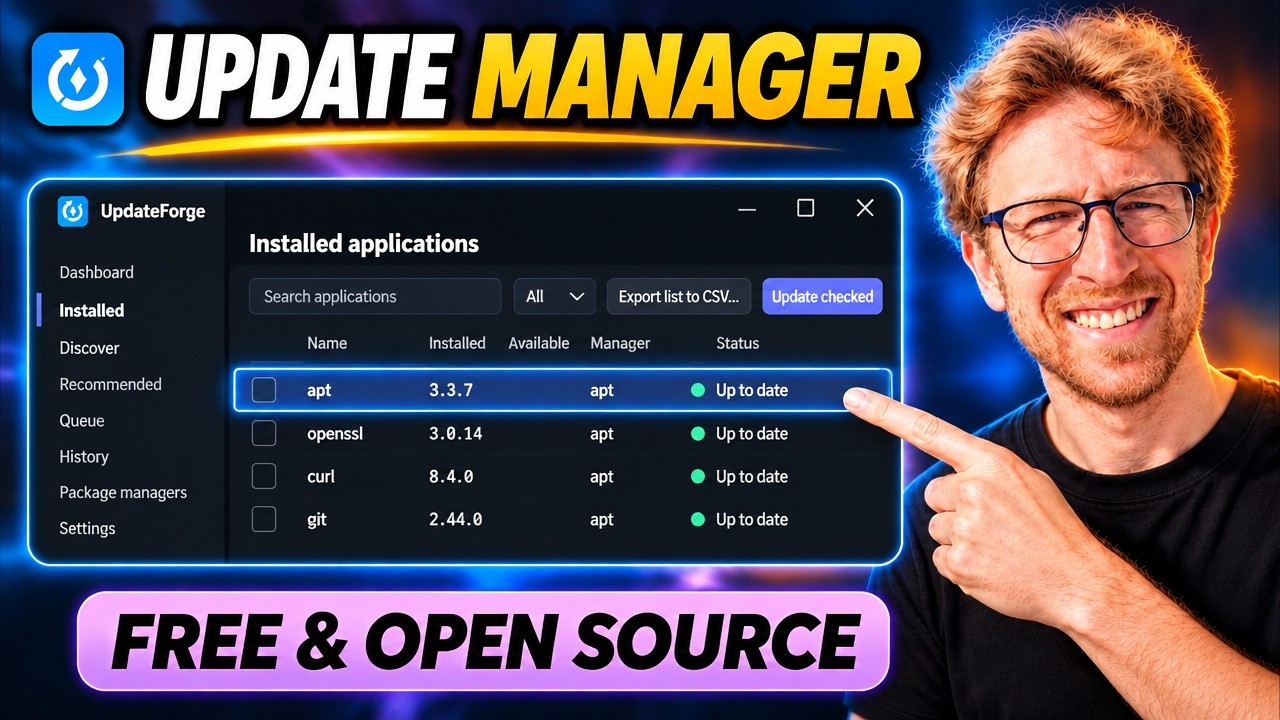
I did not write the code. Claude Code built it. The app included the package managers I wanted on Linux: apt for Debian and Ubuntu, Bun, Cargo for Rust, Flatpak, Homebrew, and npm for Node.js. It searches those sources for updates. I am always looking for contributors, because I was the only person building it in this video.
4. Dashboard, discover and settings
The dashboard showed an update for UpdateForge itself. I did not apply it, because the build I was running was ahead of the apt package. Update all would have updated every listed package. Discover search for OpenCode pulled matches across npm, apt, Flatpak and Cargo, with a details view before install. Settings covered manual or automatic updates, light and dark themes, and a check interval such as every 24 hours. I turned automatic updates on and ran a scan, which found no further updates in that pass.
5. How it compared with UniGetUI
I was modeling a lot of the work on UniGetUI, which looked similar on screen and listed UpdateForge as an available update with a link to my GitHub page. That was a reference, not a claim that UpdateForge matched every UniGetUI feature. I asked people to test it. It was free, open source, and actively maintained for Windows and Linux.
Done when
- Opened the official UpdateForge page and picked Windows or Linux install
- Installed a package from the recommended apps tab
- Scanned updates from the dashboard and reviewed settings
What I didn't cover
- Exact Winget, apt or .NET build commands. I pointed at the GitHub instructions and did not read a full command aloud.
- A Mac build. I said none was available.
- A security review of the updater, root prompts or package sources.
Watch the walkthrough
- 0:00 UpdateForge Package Manager Intro
- 0:47 Installing on Windows & Linux
- 1:34 Self-Learning Recommended Apps Tab
- 1:50 Installing Packages via GUI Demo
- 2:50 Built with Claude Code (Zero Manual Code)
- 3:01 Supported Package Managers (apt, npm, Cargo)
- 3:35 Dashboard & One-Click Package Updates
- 3:56 Comparing UpdateForge to UniGetUI
- 4:45 Discovering & Searching Cross-Repo Packages
- 5:21 Auto-Update Intervals, Themes & Outro
FAQ
Is UpdateForge your project?
Yes. It is my open-source package manager GUI. The official page in the video description is https://mikeholp87.github.io/update-forge/.
Does it run on Mac?
Not in the 14 November 2026 demo. I showed Windows and Linux, mostly Debian and Ubuntu.
Which package managers did it cover?
On Linux I named apt, Bun, Cargo, Flatpak, Homebrew and npm. Windows used Winget, with a GitHub .NET build as another path.
Is UpdateForge a UniGetUI alternative?
I modeled a lot of the work on UniGetUI. That was a reference, not a claim it matched every UniGetUI feature.
Did you write the code?
No. I said I used Claude Code and did not write a single line by hand.
Sources
- Video: I Got Tired of Outdated Software So I Built This App (Windows & Linux) (14 November 2026)
- Official page from the description: mikeholp87.github.io/update-forge/
You may also like


Build the next one with AI Income Lab
Step-by-step courses, reusable templates, and a community that answers when you get stuck.
Members get the Claude Code & Skills and Codex Tutorials & Courses lessons.
- Courses for builds like this one
- Copy-ready templates
- Ask questions while you build
- Weekly coaching on VIP


