GrokBot WordPress Workflow: Long-Form Videos to Drafts
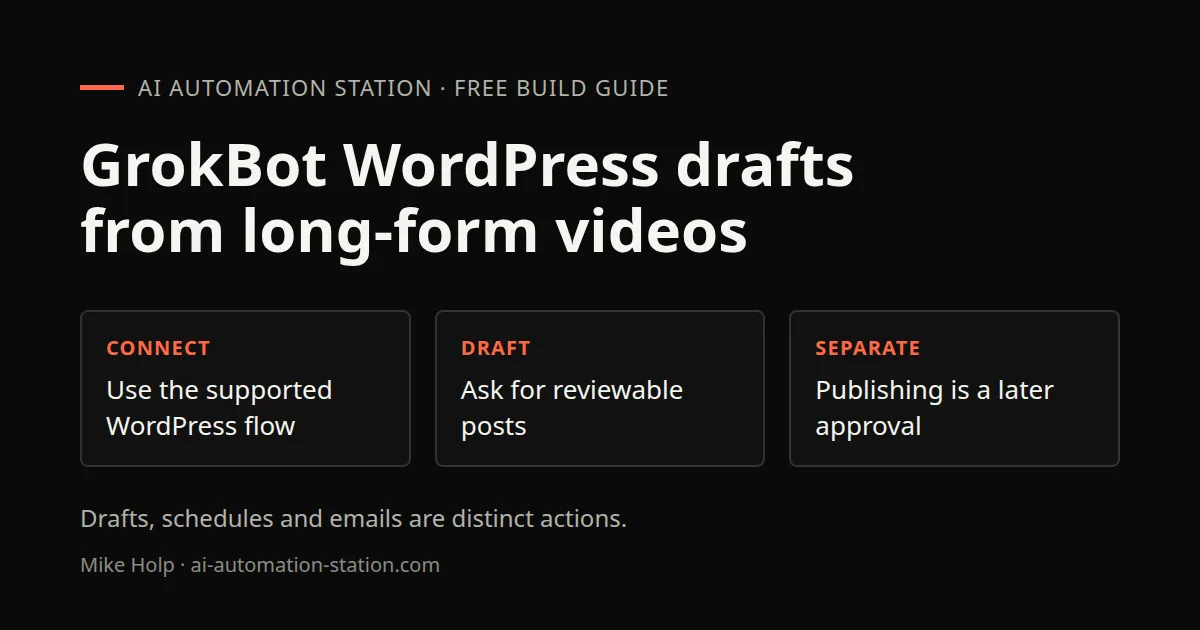
Quick answer: Locate the WordPress connector through the app’s supported connection flow. The recording calls the panel Plugins. Connect only the permissions needed for your approved task. Create a blog writer bot and give it a source, such as your YouTube videos. In the recording, the bot retrieves transcripts and prepares posts, excerpts, categories and tags, with some items scheduled. For a new setup, request reviewable drafts rather than assuming publication is authorized. Keep the initial workflow draft-only. Scheduling and any subscriber email are separate approvals, not a default result of asking for an article.
1. What the bot does
The recorded setup includes drafting and scheduling. For a controlled new workflow, ask the blog writer to:
- Picks the next video from my channel
- Pulls the transcript
- Writes a full post based on what I said, roughly 1,500 words in my case
- Embeds the video in the post
- Adds links to related pages and earlier posts
- Fills in the excerpt, categories and tags
- Prepare a proposed date only after the draft is reviewed, with scheduling subject to explicit approval
xAI's product page says bots share one persistent Linux box with separate agent desktops and browsers and keeps working when your laptop is closed, so this can run while you do other things.
2. Connect WordPress
- Use the supported connector-discovery flow. The recording calls this panel Plugins.
- Search for WordPress and add it.
- Connect your site when asked.
- Review the available tools and enable only the permissions needed for a draft-only test. The recording enables broader tools, but publication, scheduling and subscriber sends require separate approval.
Use an account with only the permissions the bot needs. If your site has an editor role that can create and schedule posts, that is safer than a full admin account.
3. Create the blog writer bot
Ask GrokBot to create a new bot for blog writing, or ask your main bot to set one up. Give it a clear name, such as Blog Writer, so it is easy to delegate to.
4. Write the instructions
The instructions decide quality. Mine cover:
- Source: which YouTube channel or playlist to use, and to skip videos that already have a post
- Length and structure: headings, short paragraphs, an FAQ
- Voice: first person, plain language, no hype
- Links: link to related posts and guides on my site
- Embed: put the video near the top
- Fields: excerpt, categories, tags and featured image
- Status: draft until the exact post and any publication action have been approved
- Facts: use only what is in the transcript or a linked source, and flag anything uncertain
That last rule matters. A transcript can include product names, prices or numbers that changed since filming. Ask the bot to flag them.
5. Run a first batch
Start small:
Write posts for the latest three videos and save them as drafts.
The bot may ask follow-up questions. Mine asked whether I wanted only the newest three and whether to email subscribers. Answer in plain words.
Open each draft in WordPress. Check the title, the facts, the links and the embed. Fix what is off, then tell the bot what you changed so it does better next time. Bots save what they learn to memory.
6. Keep drafting and publication separate
Once drafts look right, a safe next request is:
Prepare one reviewable draft a day from the approved long-form source queue. Do not publish, schedule a post or email subscribers.
My site emails subscribers when a post goes live. If yours does too, review posts before they publish. A mistake in an email cannot be taken back.
7. Put a chief of staff on top
I run many bots, so a chief of staff bot sits on top and passes tasks to the right one. When I ask for blog posts, it hands the job to the blog writer.
The same pattern works for other channels. I have another bot that turns my videos into community posts. One source, many outputs.
8. Quality checks
Automated posts can hurt a site if nobody checks them. I look at:
- Titles. Bots often write titles that are fine but flat. I edit them.
- Accuracy. Anything about prices, limits or features gets checked against the official page.
- Duplication. Two videos on a similar topic can produce two near-identical posts. Merge or skip.
- Links. Make sure they point to live pages.
- Promotion. Keep calls to action short and at the end.
9. Usage and limits
Writing many long posts uses a lot of usage. While I was writing a batch of 21 posts, I hit my weekly usage limit and had to wait a few days for it to reset. GrokBot shows your usage and when it resets, and you can change plans under billing.
Plan for this:
- Write in small batches rather than dozens at once
- Schedule the writing for after your limit resets
- Check x.ai/bot for current plans and limits
Watch the walkthrough
FAQ
Can GrokBot post to WordPress?
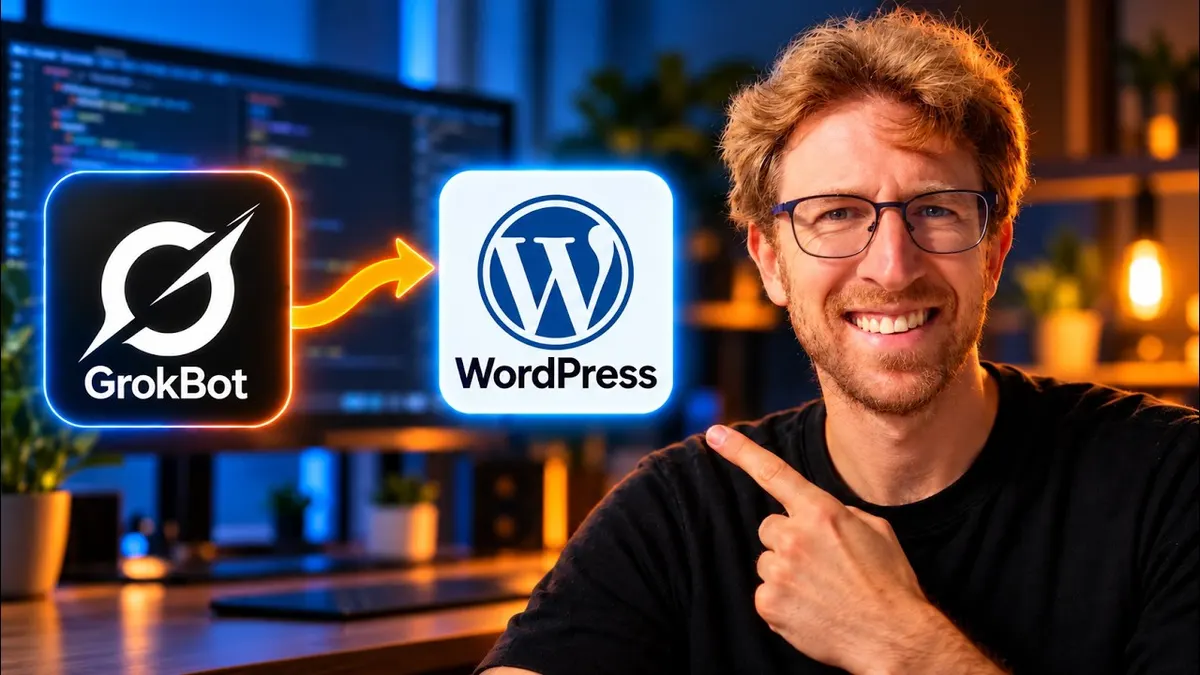
Yes. In my setup, the WordPress plugin let the bot create, edit and schedule posts.
Can GrokBot turn YouTube videos into blog posts?
Yes. My bot pulls the transcript and writes a post with the video embedded.
Should I let the bot publish without review?
I would not. Keep posts as drafts until you have checked them, especially if publishing sends an email.
How long does each post take?
In my case a couple of minutes per post. Your time depends on length and plan.
Will automated posts hurt SEO?
Thin or duplicate posts can. Review each one and add something useful beyond the transcript.
Sources
- xAI, GrokBot: https://x.ai/bot (accessed October 30, 2026)
- Video: https://www.youtube.com/watch?v=wLIiTkra7uM
What the recording does not establish
Despite the current video title mentioning 30 days, the spoken source does not provide a controlled 30-day study, traffic result or subscriber-growth result. A large batch stops at the account’s usage limit. Some displayed items are drafts and others scheduled. A scheduled item is not evidence of delivery to every subscriber.
You may also like
Build the next one with AI Income Lab
Step-by-step courses, reusable templates, and a community that answers when you get stuck.
Members get the Claude Code & Skills and Codex Tutorials & Courses lessons.
- Courses for builds like this one
- Copy-ready templates
- Ask questions while you build
- Weekly coaching on VIP


