OpenCode Skill That Trims Long Videos Into Shorts
Quick answer
Prompt OpenCode to create a skill that turns a long video into a 1.5 to 2.5 minute 16x9 cut that starts on a hook and removes filler words. It writes a transcribe script with Faster Whisper that outputs word-level timestamps and confidence, plus a script of about 100 lines that finds hooks and lists filler words. On a 10-minute tutorial it took about five minutes of CPU to produce a cut of about a minute and a half, and an existing Shorts skill made the 9x16 version in under 30 seconds. I used the free Qwen 3.6 model in OpenCode Zen.
Prices and plan names change. Confirm them on the vendor page before you buy. Checked November 15, 2026.
This is a May 2026 build in the OpenCode web interface. It is a first working pass, not a polished editor, and I check every cut before I publish. The OpenCode link on this site is an affiliate link. For the OpenCode basics and plans, see the OpenCode Go guide.
1. Write a precise prompt
My first prompt was weak and the skill came out as a short-form cutter. I rewrote it: create a skill that takes a long-form video and outputs a shorter video no longer than 1.5 to 2.5 minutes in 16x9, so it is not a Short, that starts on a clear hook, removes filler words and is tuned for virality. OpenCode created it in the right folder for skills as viral short cutter, and I approved the file writes.
2. Transcribe with word timestamps
The skill’s transcribe.py uses Faster Whisper to write JSON with words, timestamps and confidence scores. The later steps need that file to add subtitles, find hooks and cut filler words precisely.
3. Find a hook and trim
A second script of about 100 lines looks for compelling openings in the first seconds, a low filler-word ratio, good pacing and questions, and lists the filler words to cut. Running it on a 10-minute tutorial took about five minutes of CPU processing and produced a trimmed video of about a minute and a half. I ran it through the free Qwen 3.6 in OpenCode Zen, so building it cost no credits.
4. Make the Short and add subtitles
My existing Shorts skill converted the 16x9 cut into a 9x16 vertical in under 30 seconds. It detected where the talking head sat and stacked it below the screen share. I then asked OpenCode to add a subtitle script inside the same skill. It transcribed the Short and burned animated captions into the middle of the frame. They worked, but I wanted bigger text and a better animation.
Done when
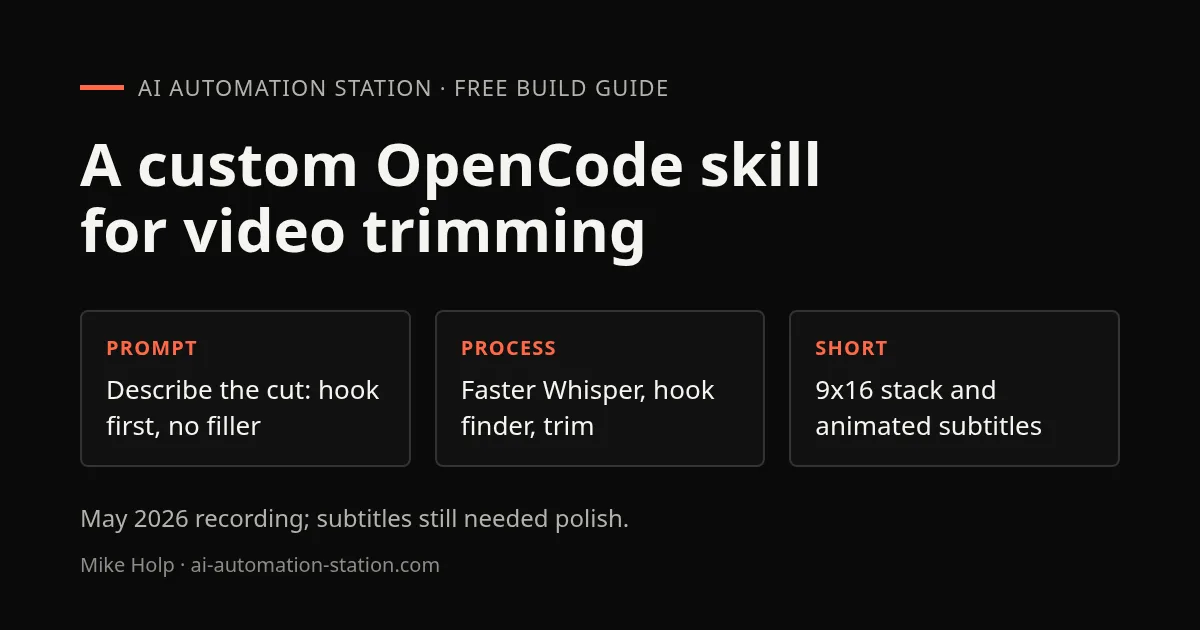
- Describe the cut: hook first, no filler
- Faster Whisper, hook finder, trim
- 9x16 stack and animated subtitles
What I didn't cover
- Audience results from the Shorts this makes.
- Cut quality on videos other than screen-share tutorials.
- The exact setup for installing Faster Whisper and the rest of the dependencies.
Watch the walkthrough

- 0:00 -- Introduction: Creating a Custom AI Editing Skill
- 0:35 -- Why Use OpenCode for Automated Video Editing?
- 1:16 -- Creating the "Viral Short Cutter" Prompt
- 2:05 -- Transcribing with Faster Whisper & JSON Output
- 3:02 -- Designing the 16x9 Virality-Optimized Hook Detector
- 4:15 -- Running the Trimming Process on Long-Form Content
- 5:26 -- Transitioning from 16x9 Trim to 9x16 Vertical Short
- 6:45 -- Auto-Detecting the PIP (Talking Head) Location
- 7:43 -- Enhancing the Pipeline: Adding Animated Subtitles
- 8:28 -- Previewing and Refining Subtitle Placement
- 9:11 -- Final Verdict on Model Performance & Outro
From the video
Lines from the video's transcript that this guide does not cover, lightly trimmed. Each time opens the video at that point. Read the full transcript.
- 5:34
Ultimately that's just going to make the job easier for the custom skills so that it doesn't have to go through a full 10-minute long video.
- 8:54
You don't have to spend any money on credits like in Claude Code or Codex. You can just use OpenCode to do all of this and just use one of the many available free models.
FAQ
Does it cost credits?
Not in my run: I used a free model in OpenCode Zen. CPU processing happens on your own machine.
How long does it take?
About five minutes of CPU for a 10-minute video, and under 30 seconds for the vertical conversion.
Are the subtitles finished?
No. The first pass worked but needed bigger text and better animation.
Sources
- Video: This AI Skill Edits Your Videos For Free! (recorded May 2026)
- OpenCode through my affiliate link: OpenCode
- OpenCode: opencode.ai
Build the next one with AI Income Lab
Step-by-step courses, reusable templates, and a community that answers when you get stuck.
Members get the Claude Code & Skills and Codex Tutorials & Courses lessons.
- Courses for builds like this one
- Copy-ready templates
- Ask questions while you build
- Weekly coaching on VIP


