OpenCode Desktop: Habit Tracker With Electron
Quick answer
Install the OpenCode desktop app (beta, for macOS, Windows and Linux), choose a free model in OpenCode Zen, set reasoning to high and use plan mode to scope a daily habit tracker. I chose React and Electron, switched to MiniMax M2.5 for faster building, fixed a white screen caused by absolute asset paths by setting a relative base in the Vite config, then asked for local storage so habits persist between runs.
This follows a May 2026 walkthrough on Debian Linux. OpenCode is an open-source coding agent with free models built in. The OpenCode Go link is an affiliate link. Free model names and limits change often, so check the app. For plans and how it compares with Claude Code, see OpenCode vs Claude Code.
Prices and plan names change. Confirm them on the vendor page before you buy. Checked November 15, 2026 against the Sources links below where listed.
1. Free models and paid plans
The OpenCode site lists many built-in models, such as Big Pickle, MiniMax, Kimi 2.5, Nvidia Nemotron and Qwen 3.5. I compared that with paid plans I quoted: Claude Pro at $20 a month up to Max at $100 or more, ChatGPT Plus at $20 up to about $100 and Google plans from $8 up to over $250. OpenCode Go was $5 for the first month then $10, and OpenRouter can be connected for more models. The app installs with brew or as a download for macOS, Windows and Linux.
2. Install and set up
On Debian I ran the install command from the page, which downloaded the packages, then opened the desktop app and installed an update and restart. The interface is cleaner than the terminal. I set the model in OpenCode Zen to Nemotron 3 Super Free, reasoning to high and the mode to plan, and said hello to start a session. A terminal is available inside the app.
3. Plan and build the app
I asked for a daily habit tracker. In plan mode OpenCode asked for the tech stack and I chose React and Electron. It then generated the project while I watched. To speed it up, I switched models to MiniMax M2.5 mid-build.
4. Fix the white screen and add storage
The first run opened a white window. The cause was that the built HTML used absolute asset paths, which Electron cannot load. OpenCode added a base setting to the Vite config so paths are relative, and npm start then worked. I added a habit called YouTube video and saw a streak. Closing and reopening lost the data, so I asked for local storage, and afterward habits persisted between sessions.
Done when
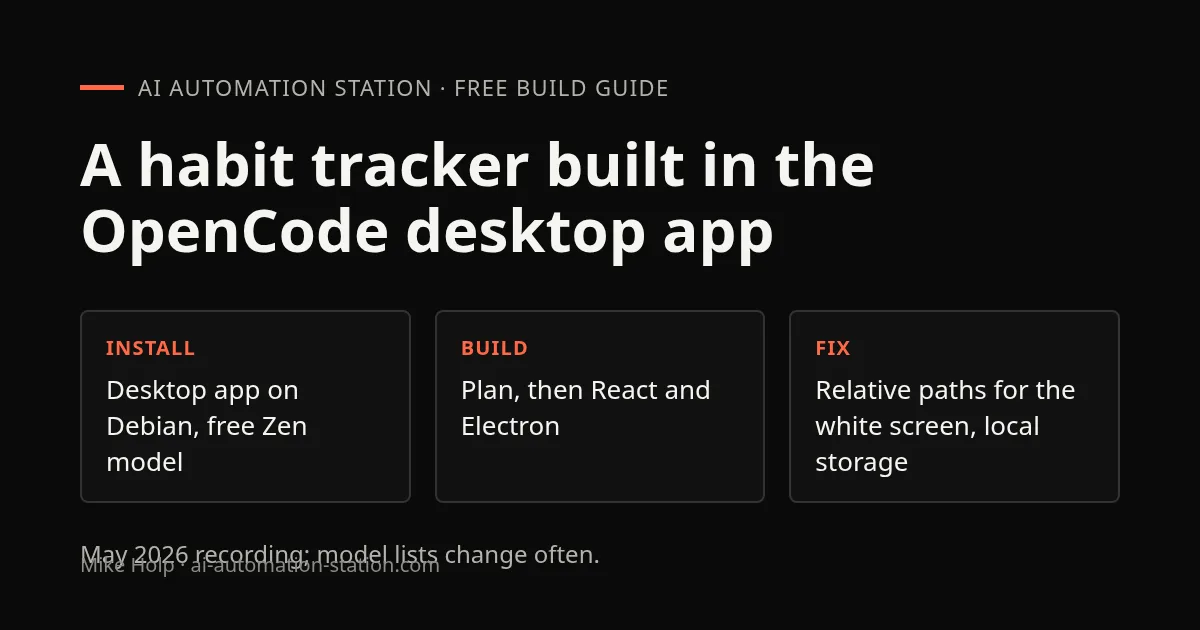
- Desktop app on Debian, free Zen model
- Plan, then React and Electron
- Relative paths for the white screen, local storage
What I didn't cover
- Packaging the Electron app into an installer.
- How the free models compare in quality for larger projects.
- Security review of the generated code.
Watch the walkthrough

- 0:00 Introduction to OpenCode and its library of free AI models
- 0:44 Comparing OpenCode’s free access to paid Claude and ChatGPT plans
- 1:21 How to install the OpenCode desktop app on Linux/Debian
- 2:04 Navigating the interface and setting reasoning levels
- 3:24 Starting the Daily Habit Tracker project build
- 4:14 Choosing the tech stack (React and Electron)
- 5:40 Monitoring the automated code generation process
- 8:31 Switching models to MiniMax M2.5 for faster building
- 11:02 Troubleshooting and fixing the white screen display error
- 13:05 Implementing local storage for data persistence
From the video
Lines from the video's transcript that this guide does not cover, lightly trimmed. Each time opens the video at that point. Read the full transcript.
- 8:43
Basically what we'd have to do is just pause that and then do continue so that it pulls in the new model. And this one tends to be quite a bit faster, I found.
- 10:52
There doesn't seem to be any way to use it currently. So, that's not very good.
- 13:47
I highly recommend installing this as a desktop app, and then you get access to all of these free models.
FAQ
Is the OpenCode desktop app free?
The app and its free Zen models were free in my walkthrough. OpenCode Go was $5 for the first month, then $10.
Why was my Electron window blank?
Absolute asset paths. Setting a relative base in the Vite config fixed it.
How did the data persist?
I asked OpenCode to add local storage, after which habits survived a restart.
Sources
- Video: How To Build A Desktop App With OpenCode (Step-by-Step) (recorded May 2026)
- OpenCode Go through my affiliate link: OpenCode
- OpenCode: opencode.ai
Build the next one with AI Income Lab
Step-by-step courses, reusable templates, and a community that answers when you get stuck.
Members get the Claude Code & Skills and Codex Tutorials & Courses lessons.
- Courses for builds like this one
- Copy-ready templates
- Ask questions while you build
- Weekly coaching on VIP


