Build an OpusClip-Style Web App With OpenCode: Short Forge
Quick answer
Write a detailed prompt in Claude Desktop for a web app that turns long YouTube videos into shorts, paste it into OpenCode and let it scaffold the project: worker files for import and rendering, API routes, Clerk sign-up, Prisma and Postgres, with FFmpeg doing the video work. Fill in the env keys, run npm run dev and paste build errors back until it loads on port 3000. I then fixed the Postgres user and database and swapped Amazon S3 for a local storage folder. The app was still unfinished at the end: the subscribe buttons did not work and no finished clips were shown.
Prices and plan names change. Confirm them on the vendor page before you buy. Checked November 15, 2026.
This is a May 2026 build log of an MVP I called Short Forge, a local alternative to OpusClip that reuses my own video-trimming skills. I used the free Qwen 3.6 Plus model in OpenCode, so building cost no credits. Downloading other people’s videos has rules, so use only your own or licensed footage. The OpenCode link on this page is an affiliate link. For the trimming skill itself, see the OpenCode video trim skill.
1. Write the build prompt
In Claude Desktop I asked for a prompt to build a web app with OpenCode that replicates OpusClip’s core idea: upload a long video or import it from YouTube and produce ready-to-post shorts, reusing the custom skills I already had and FFmpeg for rendering. Running locally on my own machine made FFmpeg simple.
2. Let OpenCode scaffold it
OpenCode created the project structure, the file upload flow, the YouTube URL import, a video render worker, API routes, components and library files. About ten more minutes of building later the files were in place.
3. Keys and first run
The .env file needed a Google Cloud client with the YouTube Data API enabled, an OpenAI API key and Clerk keys. Run npm run dev and paste each build error back into OpenCode until the app loads on port 3000. I signed up through Clerk and saw a three-tier pricing page, whose subscribe buttons did not work yet.
4. Fix the database and storage
The dashboard failed until I created the Postgres user and database from the terminal and restarted Postgres, after a Prisma connection error. For storage, OpenCode had set up Amazon S3. I chose a local storage folder instead to avoid an AWS account and server cost, and OpenCode rewired the code and uploads. A YouTube import then began downloading to my machine.
Done when
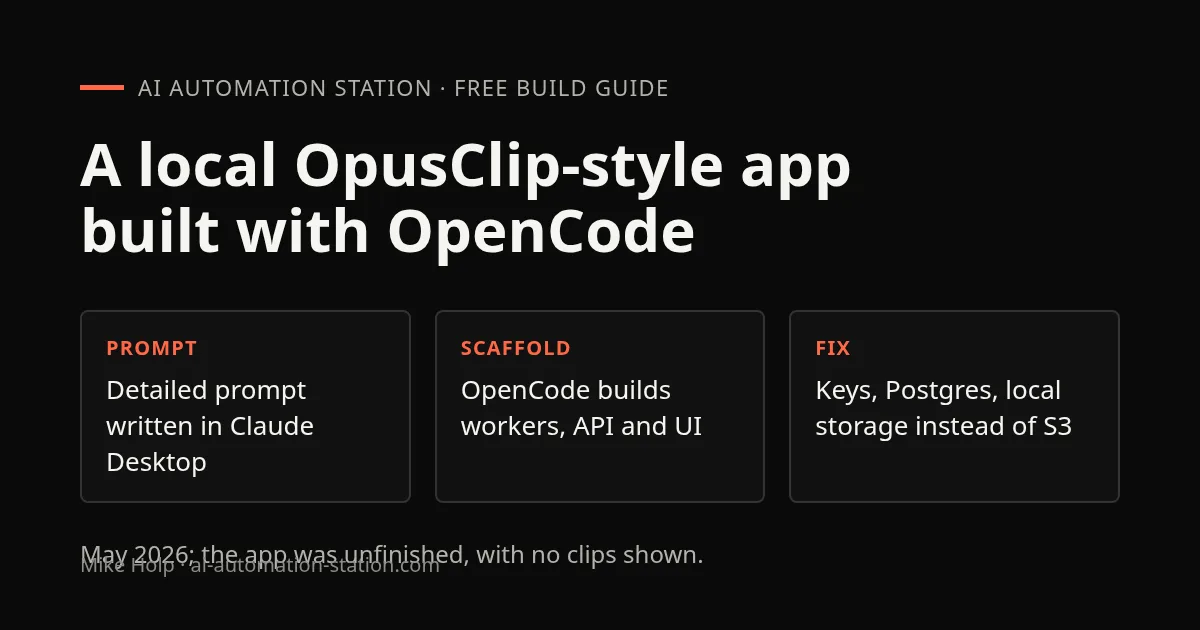
- Detailed prompt written in Claude Desktop
- OpenCode builds workers, API and UI
- Keys, Postgres, local storage instead of S3
What I didn't cover
- Finished clips. I ended while the first import was still processing.
- Working subscriptions. The pricing buttons did nothing.
- Rights to videos you import, and YouTube’s terms on downloading.
Watch the walkthrough

- 0:00 -- Project Overview & OpusClip Concept
- 0:45 -- AI Prompting & Project Scaffolding
- 1:27 -- Architecture: Workers & API Logic
- 3:02 -- Full-Stack Setup (Prisma, Auth, OpenAI)
- 4:46 -- API Key Configuration (Google, OpenAI, Clerk)
- 5:48 -- Troubleshooting Build Errors & Local Server
- 8:54 -- UI Walkthrough & Subscription Logic
- 10:11 -- Debugging Database & Prisma Connection
- 11:29 -- Postgres Migration & Database Setup
- 13:19 -- Local Storage Optimization (Replacing S3)
From the video
Lines from the video's transcript that this guide does not cover, lightly trimmed. Each time opens the video at that point. Read the full transcript.
- 4:00
It shows a full rundown of what was built as well in 43 different files. Here's the pages and the routes.
- 12:43
Unfortunately, it says failed to create project. I just had to restart the dev server.
- 13:54
That way, I don't have to screw around with creating the Amazon AWS account and then potentially even spending money on the server storage and all that stuff.
FAQ
Does it cost credits to build?
Not with the free Qwen 3.6 Plus model in OpenCode.
Why not use S3?
Running locally, a storage folder avoids an AWS account and bill.
Is it finished?
No. It was a work in progress with no finished clips.
Sources
- Video: I Built My Own OpusClip for FREE! (Step-by-Step) (recorded May 2026)
- OpenCode through my affiliate link: OpenCode
- OpenCode: opencode.ai
Build the next one with AI Income Lab
Step-by-step courses, reusable templates, and a community that answers when you get stuck.
Members get the Claude Code & Skills and Codex Tutorials & Courses lessons.
- Courses for builds like this one
- Copy-ready templates
- Ask questions while you build
- Weekly coaching on VIP


