Nano Banana Pro Infographics, Thumbnails and NotebookLM
Quick answer
For an infographic, have Gemini 3 summarize a video’s transcript, give the summary to Nano Banana Pro in Google AI Studio, which got the text right in my test, then use Gemini 3 Pro to write the LinkedIn post. For thumbnails, write a prompt in ChatGPT, regenerate an existing thumbnail in KIE’s Nano Banana Pro at 16:9, 1K and PNG, and swap your face in with Gemini. NotebookLM makes an infographic from a YouTube link in a minute or two, but mine was less detailed than the n8n workflow that calls Nano Banana Pro through KIE. I did not measure whether new thumbnails improved click-through.
This guide merges three videos from December 2025 and January 2026. Image models change quickly, so check current limits and prices. A KIE run cost me about 18 credits, roughly 30 images for 5 dollars as I quoted. The vidIQ link on this site is an affiliate link. For the full automated version, see the YouTube to LinkedIn automations guide.
1. A manual infographic in AI Studio (December 2025)
I took a summary that Gemini 3 wrote from a video transcript and gave it to Nano Banana Pro in Google AI Studio. It drew the infographic with correct text, which earlier models often mangled. I then switched to Gemini 3 Pro Preview, which writes text rather than images, and asked for a professional LinkedIn post about the infographic. I pasted it into a LinkedIn newsletter by hand and uploaded the image. My n8n version pulled the transcript with Apify and summarized it with Gemini 3 Flash, but n8n only had the earlier Nano Banana, so its images looked poor.
2. NotebookLM for a one-off (January 2026)
In NotebookLM I added a YouTube URL as a source, which produced a summary I could ask questions about, then chose the infographic option. It finished in a minute or two. NotebookLM also makes slide decks, reports, audio overviews and mind maps. My n8n workflow, which uses KIE’s Nano Banana Pro and saves to Google Drive, gave a more detailed infographic with cleaner text, but it took me hours to build, so NotebookLM is better for a quick one-off.
3. Thumbnails through KIE (January 2026)
Sign up for KIE, add credits and open Nano Banana Pro in the models market. Write a detailed thumbnail prompt in ChatGPT, paste it into KIE with an existing thumbnail and regenerate at 16:9, 1K and PNG. To put my face in, I used Gemini with the surprised, wide-open-mouth expression kept; one swap failed, and I hit my Nano Banana Pro limit in Gemini and lacked a paid API key for AI Studio. I replaced the thumbnails on three videos that had starting click-through rates around 3.3 to 3.8 percent, but I did not show new rates. I then checked titles, descriptions and thumbnails in vidIQ and planned an n8n automation.
Done when
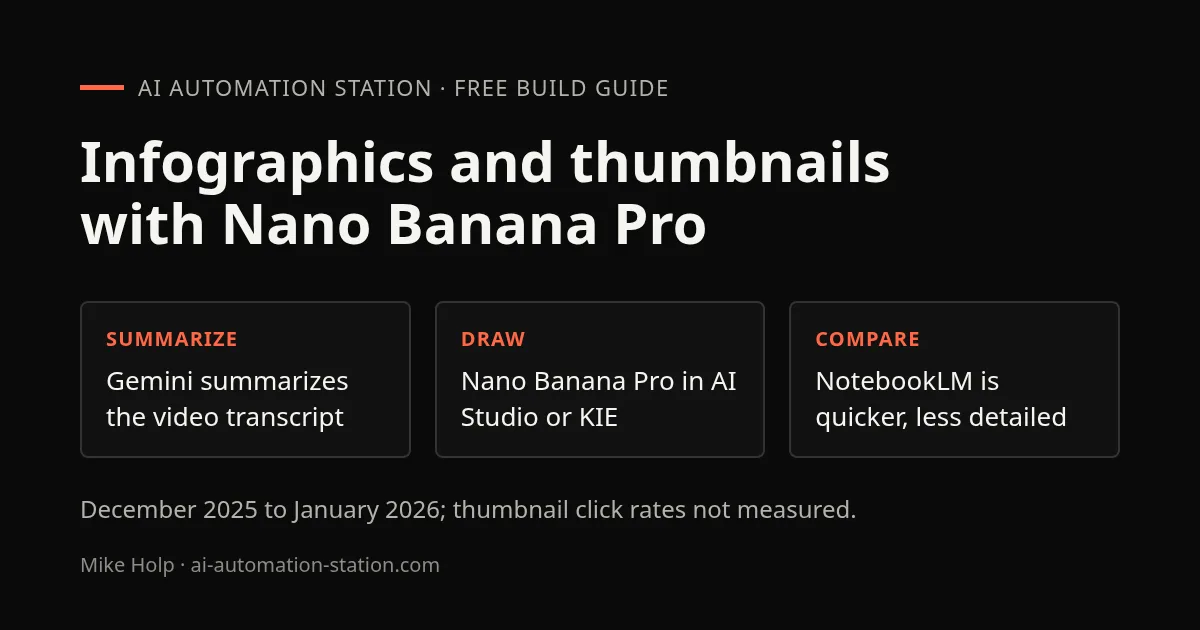
- Gemini summarizes the video transcript
- Nano Banana Pro in AI Studio or KIE
- NotebookLM is quicker, less detailed
What I didn't cover
- Click-through results from the new thumbnails.
- Licensing and platform rules for AI-generated images.
- Current KIE and Gemini limits and prices.
Watch the walkthrough

- 0:00 Intro & Overview
- 0:30 Infographic Creation
- 1:00 LinkedIn Post Workflow
- 1:30 Automation Setup
- 2:00 Tool Limitations
- 2:30 Manual Workflow Tips
- 3:00 Closing & Next Steps
FAQ
Why is Nano Banana Pro better for infographics?
In my tests it got the text right, which earlier image models often did not.
Which is faster, NotebookLM or n8n?
NotebookLM, about a minute or two. The n8n result was more detailed but took hours to build.
Did the thumbnails raise click-through?
I do not know. I did not show new rates.
Sources
- Videos: Nano Banana Pro Makes Content Repurposing Easier Than Ever!, The Easiest Way to Make Infographics from YouTube Content (NotebookLM) and Make Viral YouTube Thumbnails In Minutes With NanoBanana!
- NotebookLM: notebooklm.google.com · vidIQ through my affiliate link: vidIQ
Build the next one with AI Income Lab
Step-by-step courses, reusable templates, and a community that answers when you get stuck.
Members get the Claude Code & Skills and Codex Tutorials & Courses lessons.
- Courses for builds like this one
- Copy-ready templates
- Ask questions while you build
- Weekly coaching on VIP


