ChatGPT Thumbnails: Audit CTR and Redesign
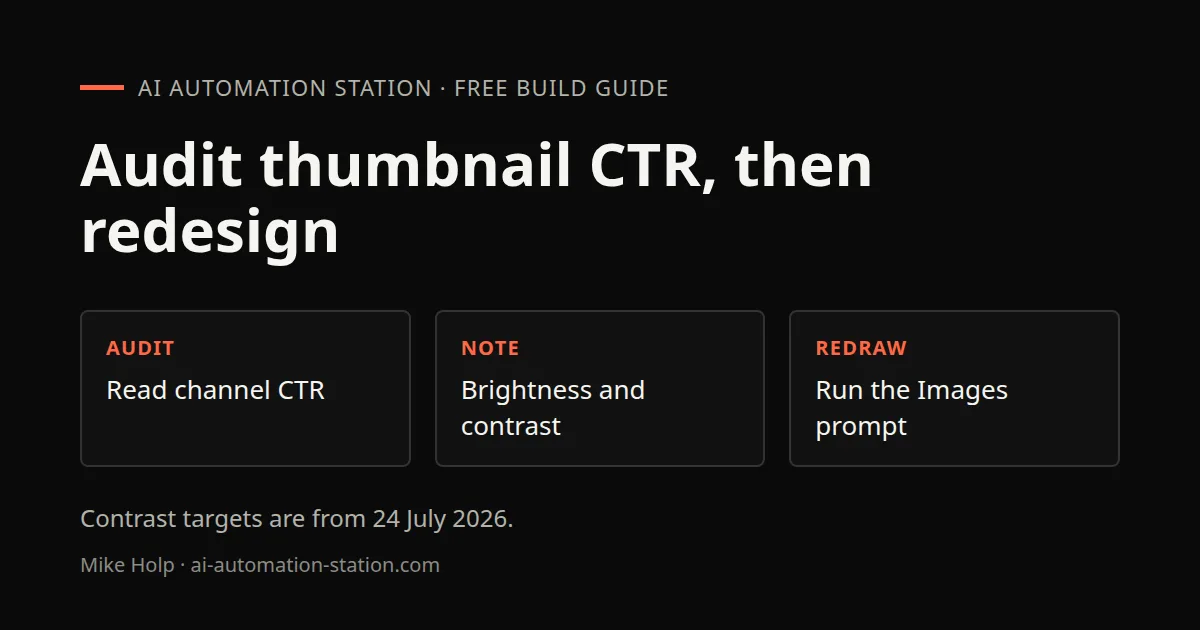
Quick answer: Export YouTube Studio and YouTube Data API fields, score thumbnails on brightness, saturation, contrast, edge density, color, faces and keywords, then paste a master prompt into ChatGPT Images with the image. The 24 July 2026 recording showed a master prompt on screen. The caption track does not include that text, so this page does not reconstruct it. Correlation numbers below are what the recording showed, not a measured lift after the redesign.
This is a thumbnail-CTR pipeline from one channel's data, not a generic ChatGPT Images tour. For sketch and local edits, see ChatGPT Image Editing: Sketch-to-Scene and Local Edits. For packing a title and thumbnail before you publish, see YouTube channel growth workflow: research, publish, learn.
What this recording shows
The presenter walks an infographic of a CTR optimization pipeline used to design later thumbnails in ChatGPT Images 2.0. Existing thumbnails (242 in this recording) are scored, correlated with click-through rate, then fed into a master designer prompt. The recording says the ranges are trained on that channel. Another channel would need its own data.
1. Audit channel thumbnail data
Inputs named on camera:
- YouTube Studio export: click-through rate, impressions, views, watch time and revenue per video.
- YouTube Data API: channel stats, tags, publish dates, descriptions and titles.
Visual attributes scored on each thumbnail: brightness, saturation, contrast, edge density, dominant colors, face detection and keywords. The combined table is what the recording uses to say which looks are doing well. Lowest-CTR thumbnails are shown with those metrics and impression counts. On that lowest-CTR set, the recording described a potential 3% CTR lift as about a thousand extra views. That figure was an on-camera estimate for fixing those thumbnails, not a measured result after the redesign later in the video.
2. Brightness, contrast and other targets
The recording zooms the sweet-spot ranges from that channel's data. Brightness shown on screen was about 40 to 60, with average click-through rate also shown for saturation, edge density and contrast. The recording said thumbnails outside those ranges had 2.5% lower click-through rate on that dataset. Those numbers stay in past tense as what 24 July 2026 showed. They are not a universal target and not a promise for a new thumbnail.
Step six on the infographic calibrates an AI image-generator master prompt with those sweet-spot targets. The recording says that calibration will differ when the thumbnails look different.
3. Python audit scripts and files
Four Python scripts are shown. The recording describes them as:
- A thumbnail audit that reads attributes and file names and can generate a click-through optimized blueprint prompt.
- A CTR enricher.
- A thumbnail optimizer.
- A parser that reads YouTube Studio CSV data and links real click-through rate and impressions to the thumbnail file, then writes a performance report and updates the master designer prompt with those correlations.
The script source is not spoken, so it is not copied here. Markdown and JSON files shown in the full-stack view include a master designer prompt, a blueprint prompt, a CTR-enriched audit, a low-CTR optimization plan, a YouTube API cache of titles, descriptions and tags, and an enriched audit with views, likes, comments and like rate. A low-CTR plan in the recording targets the 25 worst-performing thumbnails, diagnoses which metrics miss the sweet spot, and writes a unique fix prompt per thumbnail. The presenter says those per-thumbnail prompts were not working as well as the master prompt, so the rest of the video uses the master prompt only.
KIE is named as an API layer that could take the same scripts for image and video generation, including Nano Banana. The recording does not run KIE. The live redesign uses ChatGPT Images 2.0.
4. Run the master prompt in ChatGPT Images
The recorded workflow is: open ChatGPT Images, upload a thumbnail, paste the master prompt, and generate. The master prompt is shown on screen and pasted. The public caption track does not include the prompt wording, so this page does not reconstruct it. The presenter also says the prompt has to be trained on your own data to be useful, and offers in the video to share it in comments with that caveat.
Linux desktop vs browser options for ChatGPT are on How to use ChatGPT on Linux: web and desktop options. For other AI video packaging on this site, see HeyGen AI avatar tutorial: create your first video, Claude Code Video Editor Skill and Claude Fable 5 Game Prompts.
5. Compare original and redesigned frames
The recording compares one old thumbnail with the new ChatGPT Images output. The presenter says they look very similar, with the new frame at higher resolution and a smoother background, then saves that file as the new thumbnail. No new click-through rate is shown after the swap. Do not read this walkthrough as a proven CTR lift.
Watch the walkthrough

FAQ
Did the recording prove a CTR lift after the redesign?
No. The side-by-side showed a higher-resolution image with a smoother background. The presenter saved it as the new thumbnail. No post-upload click-through rate was shown.
What brightness range did the recording show?
About 40 to 60, as the brightness sweet spot on the presenter's own channel data. The recording also said thumbnails outside the shown ranges had 2.5% lower click-through rate on that dataset.
Why is the master prompt not quoted here?
The recording showed the prompt on screen and pasted it into ChatGPT Images, but the caption track does not include the prompt text. This page does not reconstruct it.
Did this walkthrough use KIE or ChatGPT Images?
ChatGPT Images 2.0. KIE is named as an API option the scripts might pipe into later. The redesign in the recording is an upload plus the master prompt in ChatGPT Images.
Sources
- Video: I Let AI Redesign My Thumbnails: This Changes Everything (24 July 2026)
- ChatGPT: https://chatgpt.com
- YouTube Data API: https://developers.google.com/youtube/v3
- YouTube Studio: https://studio.youtube.com
You may also like
Build the next one with AI Income Lab
Step-by-step courses, reusable templates, and a community that answers when you get stuck.
Members get the Claude Code & Skills and Codex Tutorials & Courses lessons.
- Courses for builds like this one
- Copy-ready templates
- Ask questions while you build
- Weekly coaching on VIP


