YouTube to LinkedIn Automations in n8n and OpenCode
Quick answer
All four builds start from a video transcript and end with copy you review and post yourself. The simplest n8n version watches your channel’s RSS feed, pulls the transcript with an Apify actor, joins the pieces and asks Claude for a 400-word newsletter saved to Google Docs. The fuller versions add a Gemini summary and a 4K or 2K infographic from Nano Banana Pro through KIE, with a polling loop. A fourth build uses OpenCode and DeepSeek V4 Flash to write a script that makes five LinkedIn post variants from a video. I do not automate the posting step.
This guide merges four related videos into one page so you can pick the build that fits. The impression and open-rate figures I mention are my own, from my LinkedIn account, and not typical results. I post to LinkedIn by hand, partly because I would be careful about automating anything on the platform. The OpenCode link on this site is an affiliate link. For a different repurposing flow, see the Hermes YouTube to LinkedIn cron job.
1. Simplest: RSS to a newsletter draft (November 2025)
An RSS feed trigger runs every 10 minutes with my channel feed URL and channel ID, so it picks up each new video. An Apify YouTube transcript actor takes the video URL, a split step removes the timestamps and an aggregate step joins the text. A Claude prompt asks for a 400-word newsletter at about a sixth-grade reading level, and Google Docs create and update nodes store it. That needs the Docs and Drive APIs enabled in Google Cloud Console with OAuth credentials. I then copy the text into a LinkedIn newsletter by hand and add the video link.
2. Add an infographic, post and newsletter (December 2025)
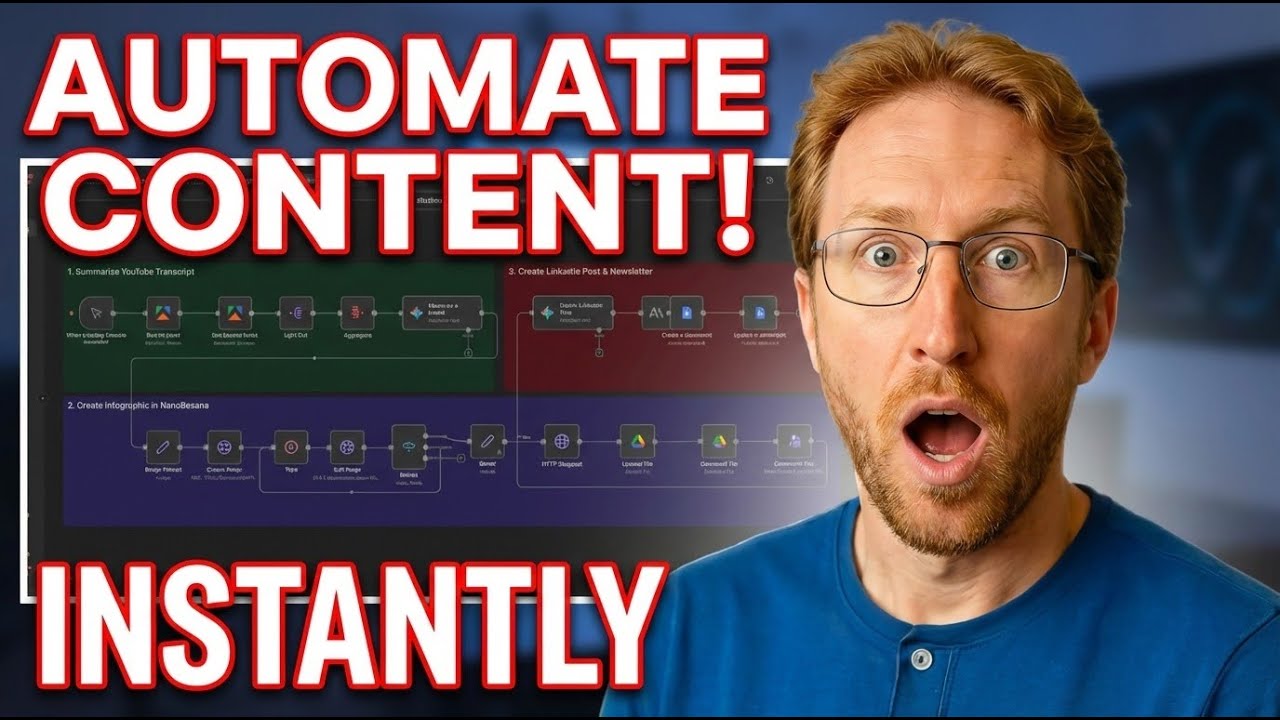
This version summarizes the transcript with Gemini, then calls KIE to create a 4K PNG infographic with Nano Banana Pro and polls until it finishes. The image is downloaded, uploaded to Google Drive and converted to base64. Gemini Flash writes the LinkedIn post from the infographic and a sample post, and Claude writes the newsletter into Google Docs. I quoted about 45,000 impressions in a week and a 19% newsletter open rate, which are my own numbers.
3. A form version at 2K (December 2025)
The third build starts from an n8n form where I paste any YouTube URL, so I can repurpose other videos too. Gemini summarizes the transcript, KIE’s Nano Banana Pro makes a 2K, 16:9 infographic polled every five seconds until its state is success, and Claude Sonnet 4 writes the post and newsletter into a Google Doc. I said it contributed to nearly 200,000 LinkedIn impressions in a month, which is self-reported. I use infographics as the newsletter cover image.
4. A script instead of a workflow (May 2026)
In OpenCode, with DeepSeek V4 Flash on the Go plan, I told it to trim my videos to two minutes with FFmpeg and to write a script that gets a transcript from YouTube or a local file and writes LinkedIn posts. It used yt-dlp captions or Whisper, chose Node.js instead of the Python I asked for and, after fixing a missing OpenAI import, produced five variants per video: thought leadership, storytelling, listicle, hot take and question posts, merged into one file. A rewrite of the prompt then applied a hook first, short lines and fewer hashtags. Posting stayed manual, and the whole session used only a small share of my monthly credits.
Done when
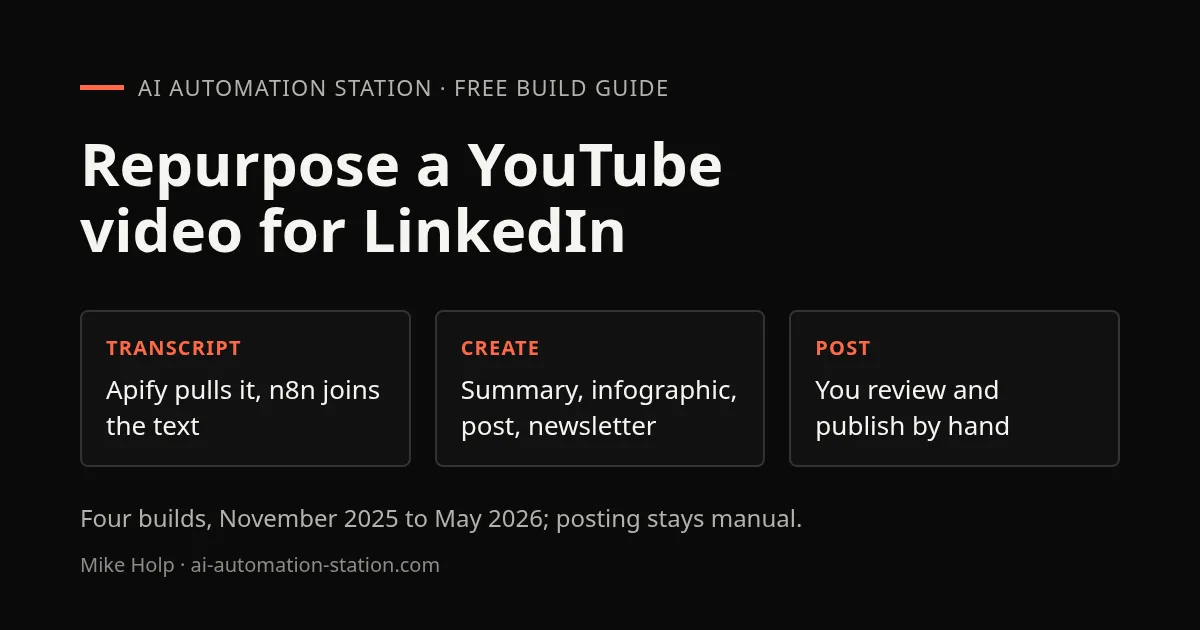
- Apify pulls it, n8n joins the text
- Summary, infographic, post, newsletter
- You review and publish by hand
What I didn't cover
- Whether any of these raise leads or clients. My impression figures are not proof.
- LinkedIn’s rules on automation and AI-generated content.
- The cost of Apify, KIE and model calls per video.
Watch the walkthrough
- 0:00 Automation Overview
- 0:40 Transcript Processing
- 1:20 Infographic Generation
- 2:10 LinkedIn Post
- 2:50 Newsletter Creation
- 3:40 Templates & Pricing
- 4:20 Results & Wrap-up
From the video
Lines from the video's transcript that this guide does not cover, lightly trimmed. Each time opens the video at that point. Read the full transcript.
FAQ
Do these post to LinkedIn automatically?
No. They write drafts and I post by hand.
Which version should I start with?
The RSS newsletter version. It has the fewest parts.
Are the engagement numbers typical?
No. They are my own figures from one account.
Sources
- Videos: I Automated My LinkedIn Content in 30 Minutes With N8N!, This N8N Workflow Saves Me Hours Weekly on LinkedIn Content!, Save Hours Every Week With This YouTube Automation! and The Fastest Way To Generate LinkedIn Content Using AI
- Apify: apify.com (affiliate link) · n8n: n8n.io
Build the next one with AI Income Lab
Step-by-step courses, reusable templates, and a community that answers when you get stuck.
Members get the Claude Code & Skills and Codex Tutorials & Courses lessons.
- Courses for builds like this one
- Copy-ready templates
- Ask questions while you build
- Weekly coaching on VIP


