vidIQ MCP in Claude: Channel Audit and Idea Checks
Quick answer
In Claude Desktop click the plus icon, choose Add a connector and enter the vidIQ MCP server URL from vidIQ’s MCP page. Then ask for a video idea validation, a full channel audit or a competitor breakdown. Claude calls vidIQ tools for keyword research, outliers and trending videos and answers from real channel data. In my May 2026 test the channel health check first returned the wrong channel, and pasting the channel ID fixed it.
Prices and plan names change. Confirm them on the vendor page before you buy. Checked November 15, 2026.
This follows a May 2026 walkthrough. vidIQ did not sponsor the video, and the vidIQ link on this page is an affiliate link. Also note that I am building a competing product, TubeAnalytics, which I mention in the video. Paid vidIQ plans started at $19 a month then, so check its page. For a broader channel process, see the YouTube channel growth workflow.
1. Add the connector
vidIQ says its MCP works with the Claude web app, Claude Desktop, Cursor, ChatGPT, Codex and other MCP clients. I used Claude Desktop. Click the plus icon, choose Add a connector and, because it usually will not be in the list, paste the MCP server URL from vidIQ’s MCP page. It then appears as a vidIQ connector. For what MCP is, see What is MCP?.
2. Validate a video idea
The connector offers starter prompts: content gap analysis, competitor breakdown, channel health check, niche evaluation and video idea validation. I ran idea validation on the phrase “vidIQ MCP”. Claude ran keyword research and reported that outlier results were unrelated videos, which it read as almost no video supply for that exact phrase, then checked trending and breakout sorts. You can open the requests to see which tools it called.
3. Audit a channel
A full audit of my channel returned subscribers, total views, videos published, channel age and a 90-day growth picture, plus upload cadence (about four videos a week), average views and subscribers per video, and view velocity at 1, 24 and 48 hours. It also suggested keyword opportunities and which of my topics were performing well.
The first health check pulled the wrong channel. I pasted the channel ID into the prompt and the competitor breakdown then worked, with a 30-day snapshot and keyword opportunities.
4. Read the answers critically
One note said my TubeAnalytics video had almost no genuine community response and looked seeded. That was right in a way: I paid for YouTube ads on that video. Another note said my tags were inconsistent, and I disagreed because I tag with vidIQ. The tool reads signals; it does not know why. Treat every finding as a prompt to check.
Done when
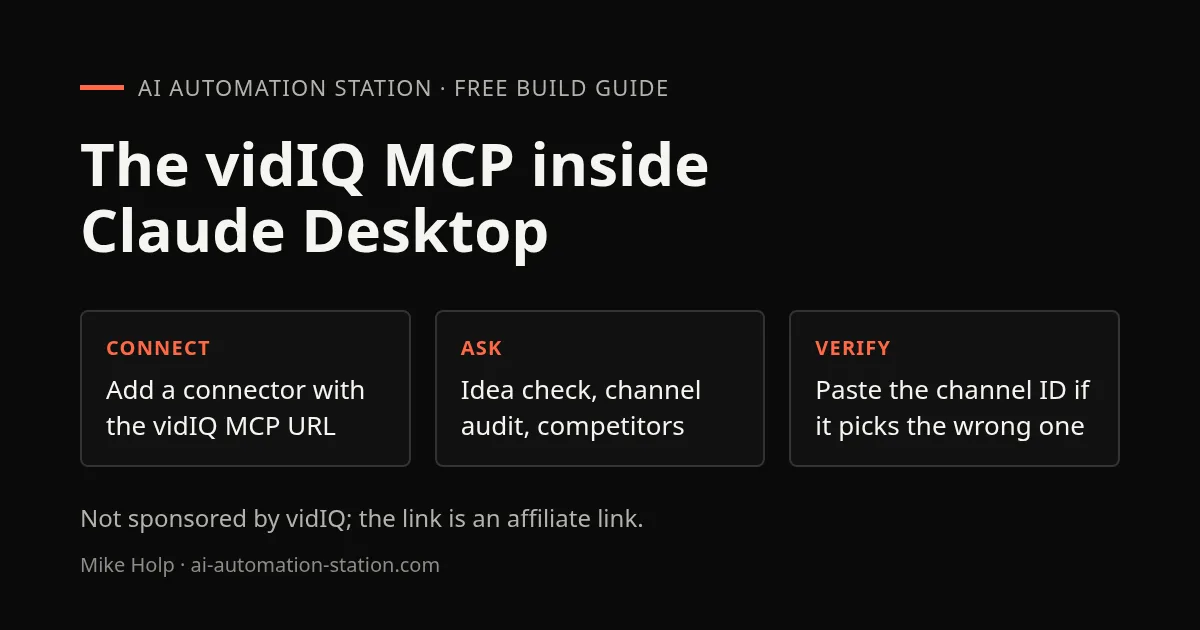
- Add a connector with the vidIQ MCP URL
- Idea check, channel audit, competitors
- Paste the channel ID if it picks the wrong one
What I didn't cover
- Whether acting on the audit improved the channel.
- vidIQ plan limits for MCP calls, or their cost.
- The accuracy of competitor estimates against YouTube Studio data.
Watch the walkthrough

- 0:00 Introduction to VidIQ MCP for Claude
- 1:21 How to set up the MCP connector in the Claude Desktop app
- 2:05 Validating video ideas with real-time data
- 2:52 Running a full YouTube channel audit (Subscribers, views, and cadence)
- 3:43 Identifying high-growth keyword opportunities
- 4:24 Exploring different use cases and VidIQ endpoints
- 5:12 Channel health check and troubleshooting
- 5:42 Deep dive: Competitor analysis and growth trajectory
- 7:48 Content pillars and doubling down on what works
- 8:41 Analyzing specific video performance (Organic vs. Paid)
- 9:34 Closing thoughts and TubeAnalytics update
From the video
Lines from the video's transcript that this guide does not cover, lightly trimmed. Each time opens the video at that point. Read the full transcript.
- 4:13
I wouldn't be able to get access to this without the MCP simply by chatting with Claude because it doesn't have access to any of my data.
- 7:04
The views jumped from 167,000 to 179,000 in a single day, coinciding with a publishing burst of three videos.
- 7:39
You don't need millions and millions of views on long-form videos versus shorts in order to get paid a decent amount from YouTube.
FAQ
Which apps can use the vidIQ MCP?
vidIQ lists Claude, Cursor, ChatGPT, Codex and other MCP clients. I used Claude Desktop.
Why did my channel audit show another channel?
Mine did on the first health check. Pasting the channel ID into the prompt fixed it.
Was the video sponsored?
No. I says it was not sponsored by vidIQ, and the sign-up link is an affiliate link.
Sources
- Video: This VidIQ Claude MCP Is A Game Changer! (recorded May 2026)
- Try vidIQ through my affiliate link: vidIQ
- vidIQ: vidiq.com
Build the next one with AI Income Lab
Step-by-step courses, reusable templates, and a community that answers when you get stuck.
Members get the Claude Code & Skills and Codex Tutorials & Courses lessons.
- Courses for builds like this one
- Copy-ready templates
- Ask questions while you build
- Weekly coaching on VIP


