Make.com News-to-Video Autoposter: RSS to Social Posts
Quick answer
Add an RSS reader module with a news feed URL and return one item, send it to Perplexity’s Sonar model with a prompt to summarize the article for social posts, and have ChatGPT write a scene-based video script of 30 to 60 seconds with overlay text, voice-over and an English image prompt per scene. Parse the JSON, render it in JSON2Video at 720p with a free Azure voice, fetch the file, have ChatGPT write the post text and use a router to upload to Facebook, Instagram and YouTube. In my test the article was summarized but video creation stopped because my JSON2Video quota was used up.
This is an October 2025 walkthrough of a scenario I built to turn news into short videos. It did not finish a video on camera because of a credit limit, so I cannot show posted results. Automated posting of other people’s news can raise copyright and platform issues, so use your own sources or ones you may repurpose. The Make.com link is an affiliate link. For the version built from your own topics, see the Make.com faceless video build.
1. Read the feed
An RSS feed reader module takes the feed URL, here Business Insider, and returns one item. That is all it does; each run handles one article.
2. Summarize with Perplexity
Connect a Perplexity API key and add a little billing credit. I used the Sonar model, since deep research is overkill for a summary. The prompt says to act as an AI and automation tools expert, summarize the article so it is easy to turn into social posts and include URLs for the tools it mentions only where relevant, not the article itself.
3. Script, render and fetch
ChatGPT turns the summary into a script organised into scenes for JSON2Video: overlay text, voice-over text and a detailed, photo-realistic image prompt in English, using the RSS title as the topic. A parse JSON step feeds JSON2Video, set to 720p with a free Azure voice ID. A wait step is followed by an HTTP request that fetches the rendered file.
4. Post with a router
ChatGPT writes the post text, then a router sends the video to a Facebook page, an Instagram business account and a YouTube channel. In my run the article fetch and summary worked, and the scenario stopped at JSON2Video because I had exceeded my plan’s quota.
Done when
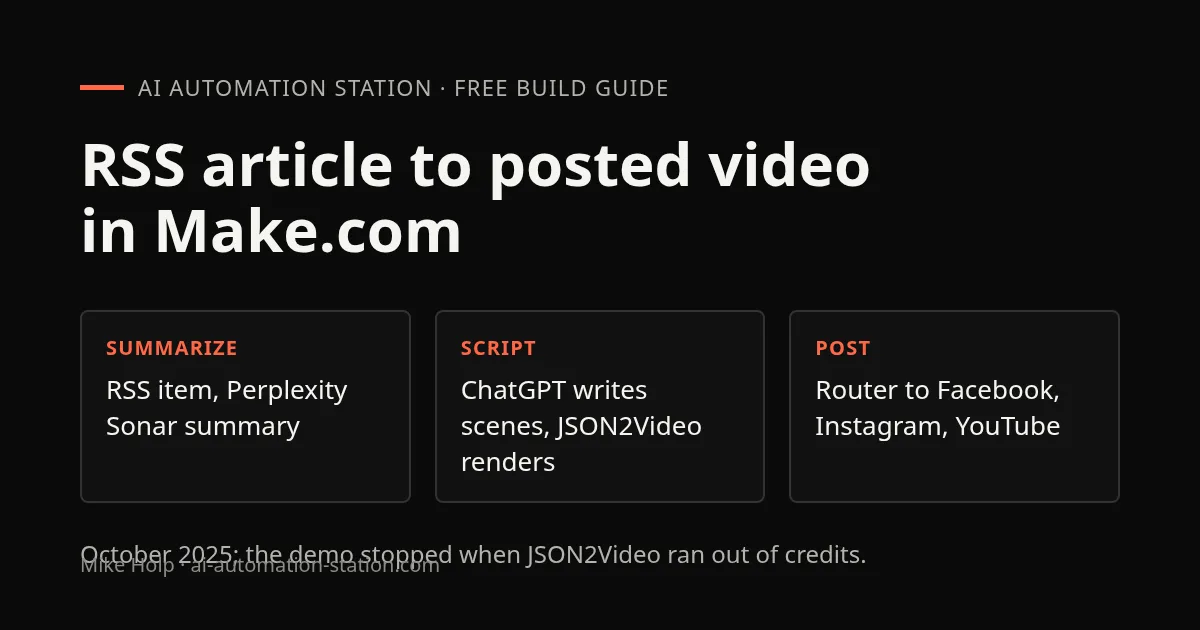
- RSS item, Perplexity Sonar summary
- ChatGPT writes scenes, JSON2Video renders
- Router to Facebook, Instagram, YouTube
What I didn't cover
- A finished, posted video from this scenario.
- JSON2Video, Perplexity and OpenAI cost per video.
- Rights to repurpose the source articles.
Watch the walkthrough

- 0:00 AI Video Automation
- 0:30 RSS Feed Setup
- 1:00 Perplexity Summarization
- 1:30 ChatGPT Video Script
- 2:00 JSON To Video
- 2:30 Social Media Posting
- 3:00 Running Automation Demo
- 3:30 Templates And Pricing
- 4:00 Outro And Subscribe
From the video
Lines from the video's transcript that this guide does not cover, lightly trimmed. Each time opens the video at that point. Read the full transcript.
FAQ
Why did the run stop?
JSON2Video returned a quota error because my plan’s credits were used up.
Which networks does it post to?
A Facebook page, an Instagram business account and a YouTube channel, through a router.
Which Perplexity model did I use?
Sonar. Deep research would be slower than a summary needs.
Sources
- Video: This AI Workflow Saves Me 20+ Hours Weekly on Content (recorded October 2025)
- Make.com through my affiliate link: Make.com · JSON2Video: json2video.com
Build the next one with AI Income Lab
Step-by-step courses, reusable templates, and a community that answers when you get stuck.
Members get the Claude Code & Skills and Codex Tutorials & Courses lessons.
- Courses for builds like this one
- Copy-ready templates
- Ask questions while you build
- Weekly coaching on VIP


