Make.com Business Automations: Email, Skool, Leads
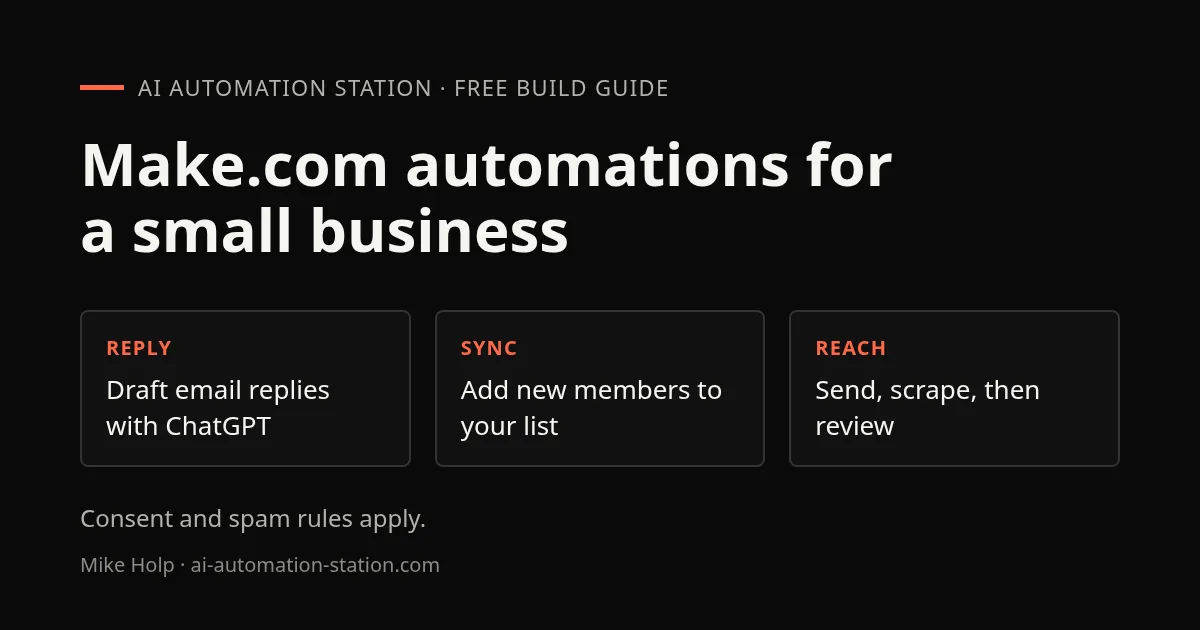
Quick answer: The recording walks through about ten of the speaker’s own Make.com scenarios: an email auto-responder, Skool members into an email list, a Messenger bot, an Instagram comment reply, a Google Sheets cold-email sender, an Apollo lead scraper, YouTube description and topic generators, and Make’s template library. Most are two to four modules. Treat the auto-reply and cold-email ones carefully, since consent and quality are not covered.
This is an August 2025 tour, so interfaces and prices may have changed. It shows what small, useful automations look like. Build one from the list rather than all of them, and start with the safest: your first Make.com automation uses a free starter kit and no live accounts. For a longer course, see the Make.com beginner course.
1. Email auto-responder
Three modules: an email module that watches for unread emails with a given subject line, a ChatGPT module, and the email module again to send the reply. The prompt tells the model it is monitoring a sales inbox that gets replies about a media collaboration at luxury hotels and resorts, and asks for a professional, succinct reply. A second prompt gives it a sample reply to follow. The email text is passed in, the answer is converted from text to HTML so it is formatted, and the reply goes to the sender’s address with the subject line changed to mark it as a reply. It runs every 30 minutes.
Auto-replies can embarrass you. Run it to a draft folder first and read what it writes.
2. Community members into an email list
Two modules: Airtable and EmailOctopus. New free community members entered in an Airtable table are added to an EmailOctopus list with their first name and email, every hour. If a person is already on the list the error is ignored and the scenario moves to the next one. The recording said EmailOctopus was free up to 2,500 subscribers at that time.
3. Messenger and Instagram replies
A Messenger bot uses a webhook, the Facebook Messenger watch messages trigger and a ChatGPT module, then replies. The recording turned it off because the answers felt too impersonal. For Instagram comments the module did not return the comment text, so the reply was a fixed message, not an AI answer.
4. Cold email and lead scraping
A Google Sheets scenario sends cold emails one lead at a time every 15 minutes. The recording said duplicates might happen because it was unclear how a lead is marked as already emailed. A second scenario scrapes Apollo leads with Apify into a Google Sheet.
Cold email and scraping are the risky ones. The recording did not cover consent or spam law, and the rules differ by country. Use verified opt-in lists, include an unsubscribe link, and read the rules before you send.
5. YouTube descriptions, topic ideas and templates
Two scenarios generate YouTube video descriptions from transcripts obtained with Dumpling AI and a custom assistant, and generate topic ideas with Perplexity. The recording closed with Make’s template library, where templates for Google Sheets, ChatGPT and GoHighLevel can be imported. The speaker’s own templates were sold at $15 each or about $150 for the bundle at the time of recording; check the listing for the current price. Make was free to start and about $10 a month for a paid plan, as stated then.
Getting help with a build for your business
These scenarios are examples, not turnkey products. AI Income Lab members get courses, templates and a community where they can ask about a build, and the VIP plan adds weekly group coaching. That is group help with what you are building. It is not custom implementation for your business; see what coaching includes.
What this recording did not cover
- Consent and spam rules for the cold-email and auto-reply scenarios.
- How the cold-email sender marks leads as already emailed.
- Results. Scenarios are shown running or described, with few outcomes.
Watch the walkthrough

- 0:00 Introduction to Video and Make.com
- 0:25 Automated Email Responder Overview
- 1:15 Setting up Professional Replies
- 2:37 Automating Social Media on Facebook & Instagram
- 5:00 Sending Emails Automatically via Google Sheets
- 7:30 Automated Lead Generation with Apollo
- 10:20 Using Templates for Quick Setups
- 14:00 Summary
FAQ
What do the speaker’s Make.com templates cost?
The recording gave $15 each on Gumroad or about $150 for the bundle. Check the current listing.
Can Make reply to Instagram comments with AI?
Not in this setup. The module did not return the comment text, so the reply was a static message.
What does Make.com cost?
The recording said it is free to start and about $10 a month for a paid plan. Check Make’s pricing page.
Which automation should I build first?
The two-module Airtable to email list sync. It has no outbound messages to strangers and is easy to check.
Sources
- Video: 10 AI Automations You Can Build in Minutes (Steal These) (August 2025)
- Make.com: make.com
- EmailOctopus: emailoctopus.com
Build the next one with AI Income Lab
Step-by-step courses, reusable templates, and a community that answers when you get stuck.
Members get the Claude Code & Skills and Codex Tutorials & Courses lessons.
- Courses for builds like this one
- Copy-ready templates
- Ask questions while you build
- Weekly coaching on VIP


