Hermes Agent Cron Job: YouTube Video to LinkedIn Posts
Quick answer
Give Hermes Agent your channel URL and ID and ask for a Python script that finds your latest video and writes a LinkedIn post and a newsletter from it. The first version pulled the latest video without a YouTube API key but the writing was weak, so I moved the edits to OpenCode and the OpenAI API, fixed an unsupported max_tokens error by using max_completion_tokens, produced two post versions (reach and engagement) and a newsletter of at least 1,500 words, added dates to the file names and created a daily cron job in Hermes. I still edit and post by hand.
Prices and plan names change. Confirm them on the vendor page before you buy. Checked November 15, 2026.
This is a May 2026 build. It saves drafting time, but the output needs editing, and I post to LinkedIn myself. Hermes is installed with a one-line curl command and its setup, which I covered in another video. For the desktop app, see the Hermes Desktop guide. The OpenCode link on this page is an affiliate link.
1. Ask Hermes for the script
In a project folder named YouTube to LinkedIn I ran Hermes and asked for a script that finds my latest YouTube video and generates a detailed LinkedIn post and a newsletter. It asked for the channel URL and channel ID, then wrote a Python file with a get-latest-video function that needed no YouTube API key.
2. Add an AI model and fix errors
The script needs a model to write the copy. I first tried a Google AI Studio key and then put an OpenAI API key in the environment file. Hermes’s drafts read poorly, so I moved the edits to OpenCode. An unsupported max_tokens error went away when I switched to max_completion_tokens.
3. Two post versions and a newsletter
The script writes version A for reach and version B for engagement, plus a newsletter. I required at least 1,500 words for the newsletter. Dates are added to the file names so each run keeps its own files and I build a running archive.
4. Schedule it
In Hermes I created a daily cron job for the YouTube-to-LinkedIn task, which is easy in the desktop app. Each day it should write new dated files for me to review. The first newsletter needed formatting fixes, and I add my video at the bottom before sending it to my 1,500 subscribers.
Done when
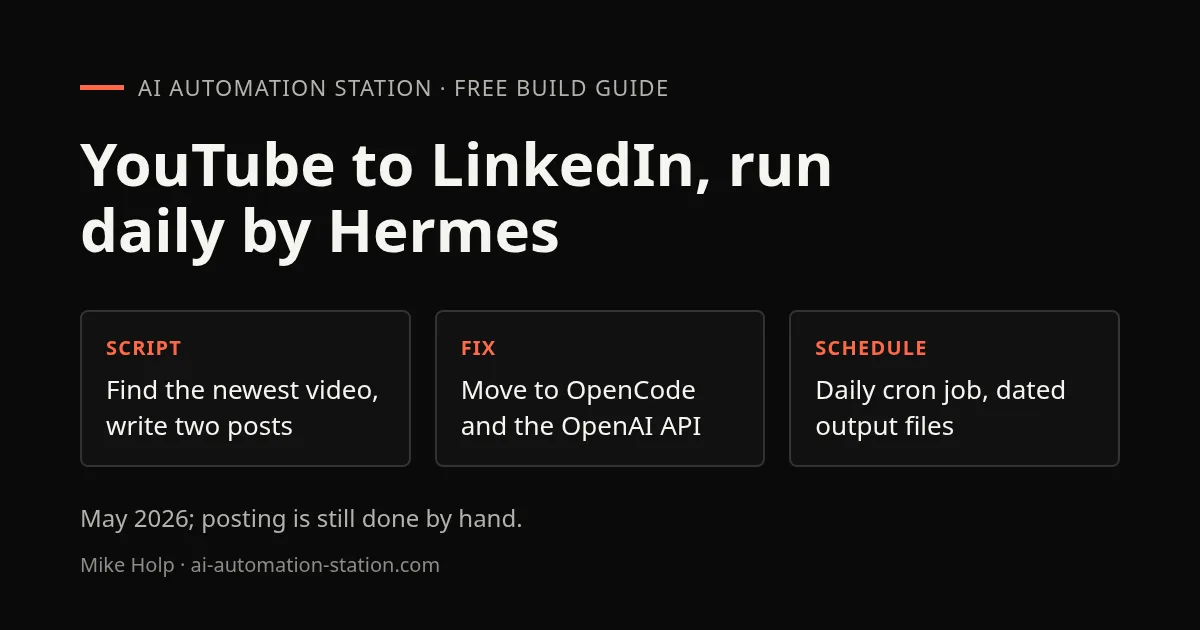
- Find the newest video, write two posts
- Move to OpenCode and the OpenAI API
- Daily cron job, dated output files
What I didn't cover
- Posting. LinkedIn publishing is manual.
- Whether the generated posts perform better than my own writing.
- OpenAI cost per run.
Watch the walkthrough

- 0:00 Introduction to Hermes agent automation
- 0:45 Initializing Hermes and inputting channel IDs
- 2:18 Reviewing the initial Python script
- 3:03 Generating an OpenAI API key
- 4:51 Switching from Hermes to Open Code
- 6:46 Fixing a script token parameter error
- 7:22 Reviewing the reach and engagement copy outputs
- 8:37 Setting the newsletter length requirement
- 9:04 Scheduling the daily automated cron job
- 10:07 Adding daily date stamps to output files
- 11:00 Conclusion
From the video
Lines from the video's transcript that this guide does not cover, lightly trimmed. Each time opens the video at that point. Read the full transcript.
- 3:33
In this case, we're going to be using Gemini 1.5 Flash. I would actually like to upgrade that to like Gemini 3.1.
- 5:24
They've got a version A and then also a version B for deep engagement and this this one's for maximum reach. Honestly, I don't really like the post that much.
- 9:38
This one is actually having a runtime error because I've exceeded my API limit.
FAQ
Does it post to LinkedIn for me?
No. It writes files, and I copy them into LinkedIn myself.
Why switch to OpenCode?
Hermes’s first drafts read poorly, so I made the edits in OpenCode with the OpenAI API.
What was the max_tokens error?
The model rejected max_tokens. Using max_completion_tokens fixed it.
Sources
- Video: Hermes Agent Writes Your LinkedIn Posts (So You Don’t Have To) (recorded May 2026)
- OpenCode through my affiliate link: OpenCode
Build the next one with AI Income Lab
Step-by-step courses, reusable templates, and a community that answers when you get stuck.
Members get the Claude Code & Skills and Codex Tutorials & Courses lessons.
- Courses for builds like this one
- Copy-ready templates
- Ask questions while you build
- Weekly coaching on VIP


