AI Rocket Demo: Three.js Scene and Camera Controls
Quick answer: Start from a source prompt you can read, generate a single-file rocket scene, inspect the HTML preview, then add zoom and rotation. The original prompt is not reproduced here. This is a visual coding exercise, not a physics-validated simulator.
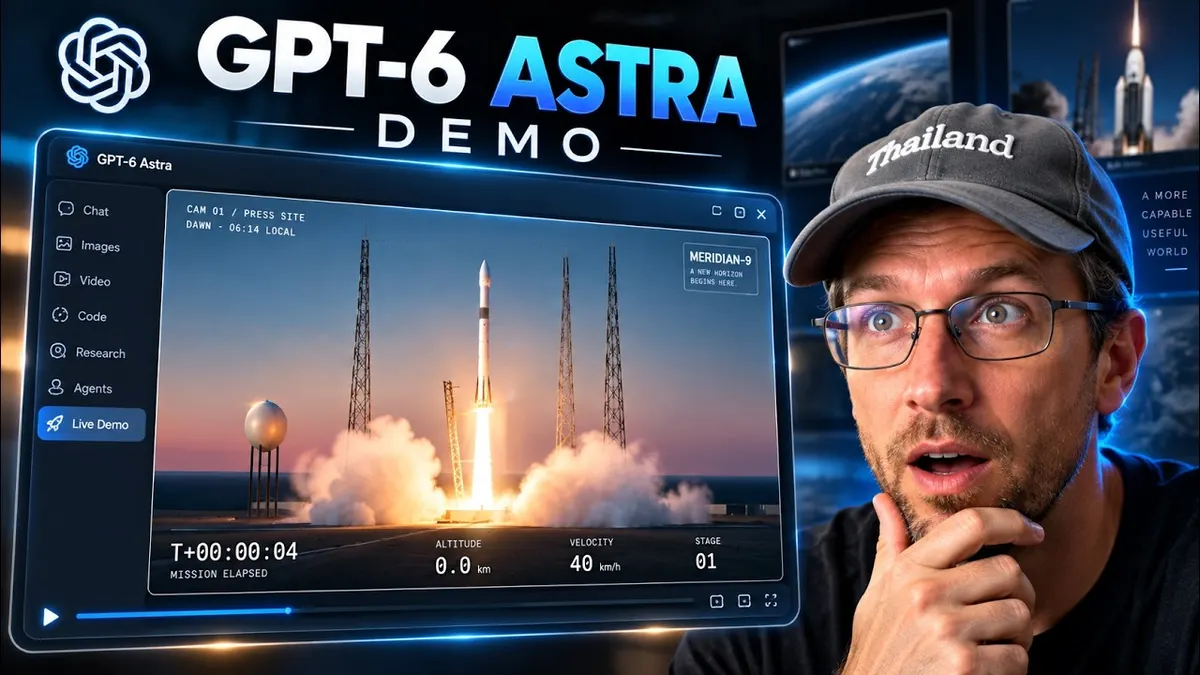
The AAS rocket walkthrough is a concrete example of turning a detailed visual brief into an interactive HTML scene. Mike generates a single-file rocket-launch demo, previews it, then requests zoom and rotation controls that were missing from his first experience.
It is a visual coding exercise. The recording does not establish a physics-validated simulator, a guaranteed build time or a controlled 60 FPS benchmark.
Start with a source prompt and a separate project folder
Mike obtains a rocket prompt from the Bridgebench prompts page and uses it inside a folder for demonstrations. He asks for a new directory before starting generation.
The video discusses a long prompt rather than supplying its complete text. The original prompt is not reproduced here. The focus is the generated scene and the follow-up camera interactions, not an exact-prompt build-along.
Use a prompt you can read and are permitted to reuse. Write down its intended scene, controls and output format before asking an agent to implement it.
Inspect the generated artifact instead of just the status message
The recorded agent reports a completed single-file scene and browser checks. Mike opens the resulting HTML, refreshes the preview and inspects the code. He explores audio, quality settings, replay, pause and overlay controls.
Those interactions are evidence of the recorded walkthrough. The agent’s own “checks passed” message is not an independent test performed for this article. Keep the output file and test evidence together if you repeat the exercise.
Turn a usability gap into one precise follow-up
Mike finds the rocket too distant and asks for mouse-wheel zoom. He also wants rotation. The later preview lets him zoom and drag around the scene.
This is the useful workflow: inspect the first version, identify one missing interaction, request that interaction and test it specifically. A broad request to “make it realistic” is much harder to verify than a camera-control requirement.
Separate prompt requirements from measured outcomes
The original brief requests an ambitious visual effect and a frame-rate target. The recording shows an FPS display and describes the laptop resolution, but it does not provide a repeatable hardware comparison or establish stable performance across machines.
Likewise, the spoken build time is one account’s observation, not a promise that another model, plan or environment will finish in that time. Cloud or API charges also depend on the actual route used.
What remains unfinished
Mike mentions wanting more realistic clouds and visuals. The source does not show those additions completed. Do not list them as implemented features.
For a useful local acceptance check, confirm that the scene loads, the requested controls respond and the browser reports no relevant errors. Those are editorial checks to run, not results reproduced here. Do not treat an attractive launch animation as scientific validation of a rocket design.
Watch the walkthrough
FAQ
Is the exact Bridgebench prompt reproduced?
No. The walkthrough follows the scene and camera-control workflow rather than reconstructing the source prompt.
Does “single HTML file” mean no dependencies?
The transcript identifies the deliverable, not a fully inspected dependency graph. Review the actual file before assuming it works offline.
You may also like
Build the next one with AI Income Lab
Step-by-step courses, reusable templates, and a community that answers when you get stuck.
Members get the Claude Code & Skills and Codex Tutorials & Courses lessons.
- Courses for builds like this one
- Copy-ready templates
- Ask questions while you build
- Weekly coaching on VIP


