Three AI Site Builds: Antigravity, n8n Dashboard, Hotel Site
Quick answer
In March 2026 I had Claude write a master prompt from screenshots of a reference page, built the first landing page in Google Antigravity with Gemini 3.1 Pro in about five minutes, then finished all 16 sections in OpenCode when Gemini credits ran low. In February I used Antigravity to build a web dashboard that sends a YouTube URL to an n8n workflow on a Hostinger VPS; it ran in 3 minutes 39 seconds but the app did not display the results. Also in February, one OpenCode prompt with Apify skills scraped about 100 Koh Samui hotels into a filterable site, with wrong images and links left to fix.
This guide merges three build videos. All three were first drafts: the landing page still had placeholder testimonials and the wrong pricing, the dashboard did not show its output and the hotel site had bad images and links. Apify gave me credits for the hotel video, and the Apify and Hostinger links on this site are affiliate links. Scraping a booking site can breach its terms, so check them before you reuse the data. For a similar scrape, see the Apify Klook hotel scraper guide.
1. A landing page in Antigravity (March 2026)
I wanted a page for my Skool community that looks like a reference site I admired. I uploaded screenshots of it and asked Claude for a detailed master prompt for a clean, responsive page with the same colour scheme, then opened a prompt window in Google Antigravity with Gemini 3.1 Pro and chose a production-ready single HTML file with inline CSS and JavaScript. The first draft, with a hero and testimonials, took about five minutes. I edited names and links in index.html by hand, switched between Claude Code, Gemini and OpenCode to manage credit limits, and ran section prompts in OpenCode, which built all 16 sections for free, about ten minutes each. The page had an FAQ and plans, but the pricing needed fixing to 49 a month or 490 a year and I wanted a sticky sidebar.
2. A dashboard that triggers n8n (February 2026)
I asked Gemini how to connect n8n to Antigravity, installed the n8n MCP and put my n8n API key in an MCP config file, which I kept off screen. Antigravity built a React dashboard on localhost that posts a YouTube URL to an n8n webhook. The workflow transcribes with Apify, summarizes with Gemini, writes a LinkedIn post, blog article and tweets with Claude and makes an infographic through KIE. I switched from local n8n to my Hostinger instance, installed the Apify node and replaced the form trigger with a webhook. Failed to fetch and 500 errors needed a webhook fix and passing the URL into the next node, plus Google Cloud billing for a Gemini rate limit and Claude credits. The run completed in 3 minutes 39 seconds, but the app showed only a placeholder: the results appeared in Google Drive and KIE, not on the page.
3. A hotel site from one prompt (February 2026)
In OpenCode with the Apify agent skills I asked for the top 100 luxury hotels in Koh Samui and a beautiful site with images, prices, reviews and booking links. It first picked the wrong Apify skill, an e-commerce one, then switched to the ultimate scraper and the Voyager Booking Scraper at roughly 20 to 50 cents a run. The first page showed no hotels, because the first scrape had only sample data. After I supplied my Apify token and reran it, I got 100 hotels, and more prompts added price and rating filters and a detail popup with a gallery. Closing OpenCode by accident lost my context. I planned to earn Booking.com affiliate commissions, for which I was not yet approved.
Done when
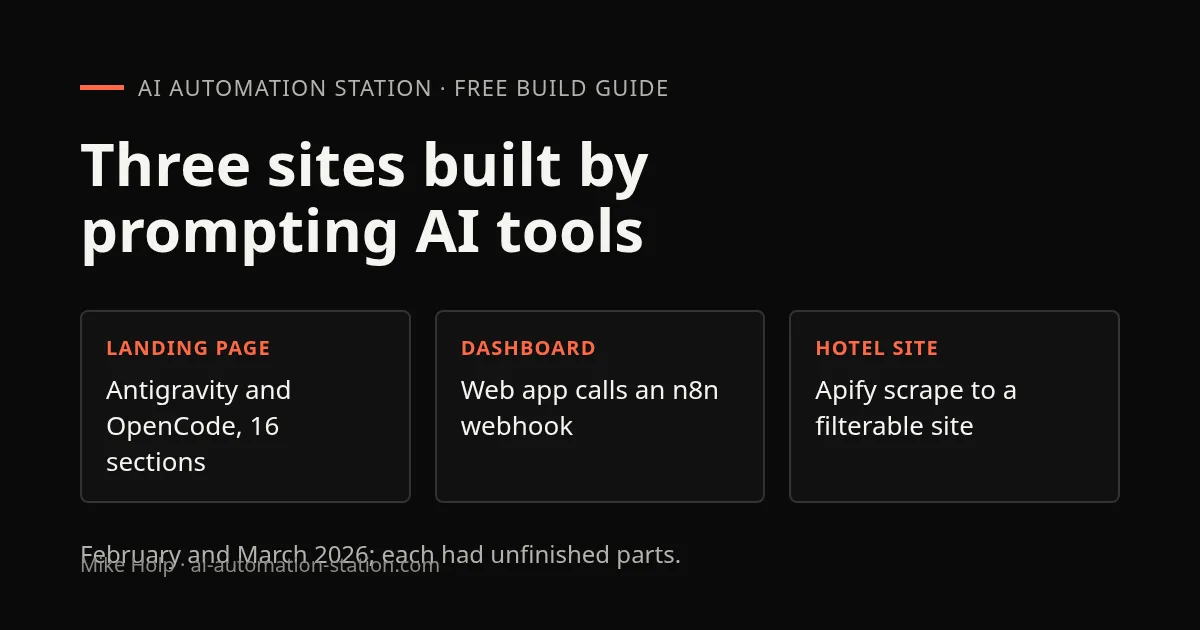
- Antigravity and OpenCode, 16 sections
- Web app calls an n8n webhook
- Apify scrape to a filterable site
What I didn't cover
- Conversion or traffic results from any of the three sites.
- Security review, especially of the n8n webhook and API keys.
- Data licensing for scraped hotel content.
Watch the walkthrough
- 0:00 Intro: Witnessing a landing page built from scratch in just 5 minutes using AI.
- 0:33 Strategy Overview: Using Claude to create a master prompt and Google Anti-gravity (Gemini 3.5 Pro) for the build.
- 1:11 Design Emulation: Uploading screenshots of an existing site to copy its color scheme and layout.
- 2:07 Tech Stack Selection: Opting for a production-ready, single HTML file with inline CSS and JavaScript.
- 2:53 Multi-Agent Workflow: Switching between Claude Code, Gemini, and Open Code to manage credit limits.
- 4:13 Initial MVP Review: Examining the first draft of the landing page, including hero sections and testimonials.
- 6:40 Advanced Prompting: Copying and pasting complex prompts for section-by-section page structure.
- 7:11 Live Code Editing: Manually tweaking branding and links within the index.html file.
- 10:33 Switching to Open Code: Using a third platform to complete all 16 sections of the landing page for free.
- 11:51 Final Result Showcase: A full walkthrough of the finished, responsive landing page with FAQs and pricing.
From the video
Lines from the video's transcript that this guide does not cover, lightly trimmed. Each time opens the video at that point. Read the full transcript.
- 4:19
It took 5 minutes to build this complete landing page. It's already looking really, really good right off the bat, and we've got some testimonials in here, which obviously we're going to have to fix up.
- 9:05
Since it's the free plan, they don't actually get a chance to view the paid plans.
- 10:53
It's going to check all the files that exist already, which is only one file so far.
FAQ
Which tool built the landing page?
Google Antigravity with Gemini 3.1 Pro for the first draft, then OpenCode for the remaining sections.
Why did the dashboard not show results?
I was not returning the workflow output in the format the app expected, so the results appeared only in Google Drive and KIE.
Why did the hotel site show no data?
The first scrape returned sample data. After I added my Apify token, I got 100 hotels.
Sources
- Videos: Google Antigravity Just Changed How I Build Landing Pages!, Google Antigravity + N8N Is A Game Changer! and The Fastest Way To Build A Booking Website Using AI Tools
- Affiliate links: Apify · Hostinger
Build the next one with AI Income Lab
Step-by-step courses, reusable templates, and a community that answers when you get stuck.
Members get the Claude Code & Skills and Codex Tutorials & Courses lessons.
- Courses for builds like this one
- Copy-ready templates
- Ask questions while you build
- Weekly coaching on VIP


