Lovable Landing Page: Cal.com, Stripe, Domain
Quick answer
Write one prompt for your landing page in ChatGPT and paste it into Replit, Lovable and Orchids. I preferred Lovable’s result. Then ask Lovable to connect the booking button to a Cal.com link, add a floating calendar popup, connect Supabase and Stripe, and buy a domain and email address through it. The site went live in under an hour. Stripe was only partly working: the page prices did not match the Stripe products and the buttons still sent visitors to account creation. Replit and Lovable both needed about $25 a month to deploy or use a custom domain.
This is a 39-minute July 2025 walkthrough, shortened here. It builds a landing page for an AI automation agency I run, and Lovable and Replit links on this site are affiliate links. It is a one-hour demo, not a finished shop. For a three-way price and feature comparison, see Lovable, Base44 and Replit compared.
Prices and plan names change. Confirm them on the vendor page before you buy. Checked November 15, 2026 against the Sources links below where listed.
1. One prompt, three builders
I wrote a prompt in ChatGPT for a high-converting landing page for my agency: hero section with a headline on the main benefit, services, pricing, about and contact sections. I pasted it into Replit first, which I had used for my own agency site, then Lovable and Orchids. Replit’s result was good, and I preferred Lovable’s. Orchids built and published for free. The costs I noted: Replit’s $25 a month plan to deploy and Lovable’s $25 a month plan for custom domains.
2. Add a booking link and popup
In Lovable I asked it to connect the Schedule a call button to my Cal.com link and add a floating calendar popup. I also changed the See our work button to Pricing so it scrolls to that section. Each change was a prompt.
3. Connect Supabase and Stripe
I upgraded Lovable and connected Supabase, which stores accounts when visitors sign up. For payments I added a Stripe secret key for recurring subscriptions, created products and payment links in Stripe and asked Lovable to attach them to the plan buttons. At the end it was only partly working: the prices on the page differed from my Stripe products and the buttons still led to account creation instead of checkout. Treat that part as unfinished.
4. Domain, email and publishing
I bought the domain and an email address through Lovable and published. The custom domain took a little while to finish connecting, then the site was live, with the contact details still to update. I counted the whole build as less than an hour.
Done when
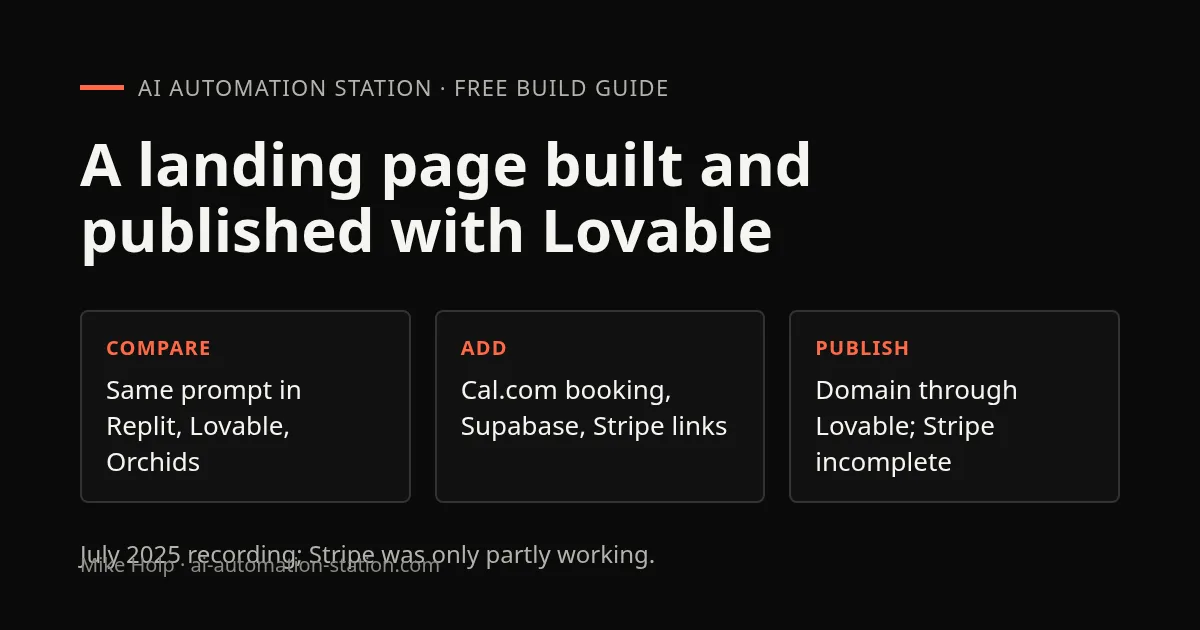
- Same prompt in Replit, Lovable, Orchids
- Cal.com booking, Supabase, Stripe links
- Domain through Lovable; Stripe incomplete
What I didn't cover
- A working Stripe checkout. The page and the Stripe products did not match.
- Lovable and Replit current prices and credit limits.
- Search ranking or leads from the live site.
Watch the walkthrough

- 0:00 Introduction & Overview of AI Website Creation
- 1:15 Starting with Replet: Prompt & Process
- 3:37 Transition to Lovable: Features & Functions
- 7:24 Exploring Orchids: Building & Publishing
- 12:18 Integrating Calendars & Chatbots
- 19:26 Connecting Payment Systems with Stripe
- 25:08 Domain Setup & Publishing
- 29:24 Troubleshooting and Final Touches
- 36:53 Conclusion & Next Steps
From the video
Lines from the video's transcript that this guide does not cover, lightly trimmed. Each time opens the video at that point. Read the full transcript.
- 8:17
It took less than 10 minutes to build this entire website. And honestly, I like this one even better.
- 10:41
One of these images is broken as well. So, you can't actually see this image.
- 28:37
It looks like the order is confirmed and it will be configured to work with Lovable. can take up to 10 minutes for updates to appear, which is no big deal.
FAQ
Which builder did I prefer?
Lovable, for this landing page. Orchids published for free and Replit needed a paid plan to deploy.
Did Stripe work?
Only partly. Prices did not match the Stripe products and the buttons went to account creation.
How long did it take?
Under an hour from prompt to a live site on a custom domain.
Sources
- Video: Build a Full Website with AI in Under 60 Minutes (Lovable Tutorial) (recorded July 2025)
- Affiliate links: Lovable · Replit
- Lovable: lovable.dev
Build the next one with AI Income Lab
Step-by-step courses, reusable templates, and a community that answers when you get stuck.
Members get the Claude Code & Skills and Codex Tutorials & Courses lessons.
- Courses for builds like this one
- Copy-ready templates
- Ask questions while you build
- Weekly coaching on VIP


