Open Design With OpenCode: A Free Claude Design Option
Quick answer
Open Design is an open-source alternative to Claude Design that runs on your own machine and drives whichever command-line agent you already have installed. I cloned the repository, ran pnpm install, opened it in the browser and chose OpenCode as the engine, so my designs used OpenCode models instead of my Claude credits. I picked a design system, attached an analytics dashboard example, asked for the remaining dashboard tabs and downloaded the result as a zip to hand to Claude Code.
This is a May 2026 test, so menus and options may have changed. The tool and its design systems are third-party, and I was using free OpenCode models, which can change. For the Linux build from source and a slides workflow, see Open Design on Linux. The OpenCode link below is an affiliate link.
1. Install it locally
Open a terminal, clone the Open Design repository and run pnpm install. Then start it and open the local address in a browser. It looks and works like Claude Design, but the work happens on your computer.
2. Choose which agent does the designing
On first run Open Design lists the command-line agents it finds on your machine, including Claude Code, Codex, Gemini, Cursor, Pi and OpenCode. You can also enter API keys for providers such as Anthropic, OpenAI, Azure or Google Gemini. I chose OpenCode with a free model so the designs did not touch my Claude credits.
3. Pick a design system and prompt
In the prototype view I named my project, chose a design system and could also import a Claude Design zip so it had my existing work. You can attach images for visual reference or type @ to attach a file. I attached an analytics dashboard example and asked for a dense dashboard, then asked it to build out the remaining tabs in the same system.
4. Browse the built-in examples
Open Design ships example designs you can preview and reuse, with the prompt shown so you can click use prompt. It also includes design systems modelled on well-known sites, as design.md files, plus image templates. If you want your site to feel like a particular product, start from one of those and adjust it.
5. Export or deploy
I downloaded the finished design as a zip. To apply it to a real site, I would hand the zip to Claude Code and ask it to implement the changes. Open Design can also deploy to Vercel directly, which I did not test.
Done when
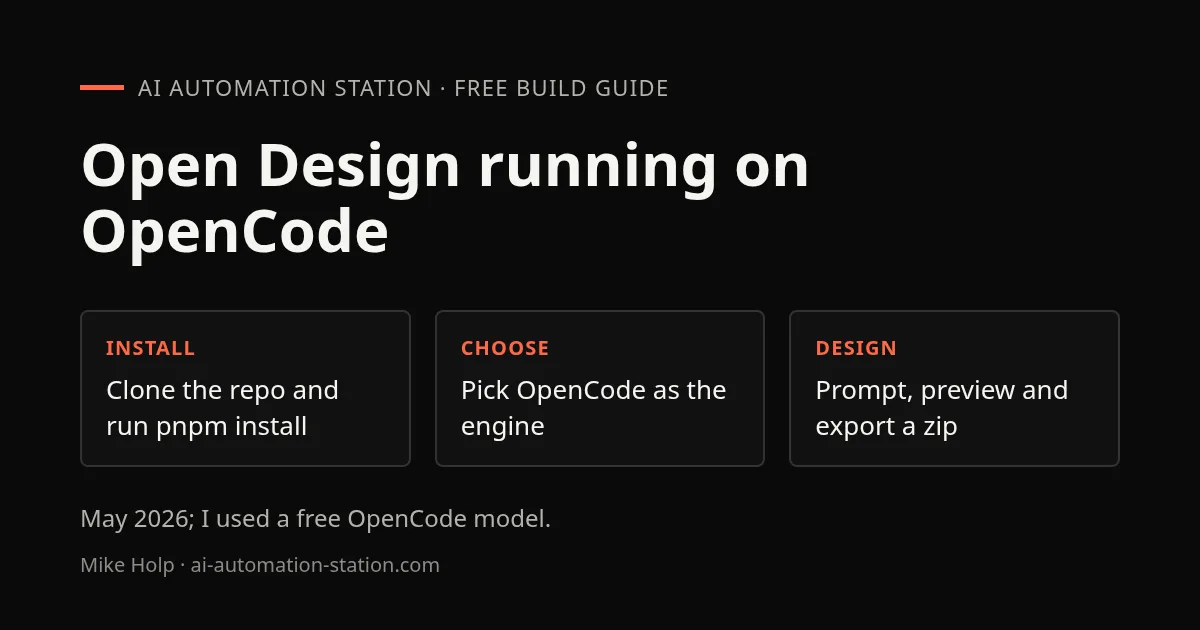
- Clone the repo and run pnpm install
- Pick OpenCode as the engine
- Prompt, preview and export a zip
What I didn't cover
- Free OpenCode model quality varies, so check generated code before using it.
- I did not test the Vercel deploy button.
- I did not compare results with Claude Design side by side.
- Setup steps and options may have changed since May 2026.
Watch the walkthrough

From the video
Lines from the video's transcript that this guide does not cover, lightly trimmed. Each time opens the video at that point. Read the full transcript.
FAQ
Is Open Design free?
The software is open source and runs locally. Cost depends on the agent you drive: a free OpenCode model costs nothing, while Claude Code uses your Claude credits.
Which agents can it use?
In my setup it found Claude Code, Codex, Gemini, Cursor, Pi and OpenCode. Yours depends on what is installed.
Can I import my Claude Design work?
Yes, it accepts a Claude Design zip so it has the project context.
How do I put the design on my site?
Download the zip, then ask Claude Code or another coding agent to implement it in your repository.
Sources
- Video: The Best Claude Design Alternative You Can Run On Your PC (May 2026)
- Open Design: open-design.ai · GitHub repository · Try OpenCode through my affiliate link: OpenCode
Build the next one with AI Income Lab
Step-by-step courses, reusable templates, and a community that answers when you get stuck.
Members get the Claude Code & Skills and Codex Tutorials & Courses lessons.
- Courses for builds like this one
- Copy-ready templates
- Ask questions while you build
- Weekly coaching on VIP


