How to Use Claude Design: First Pitch Deck Tutorial
Quick answer
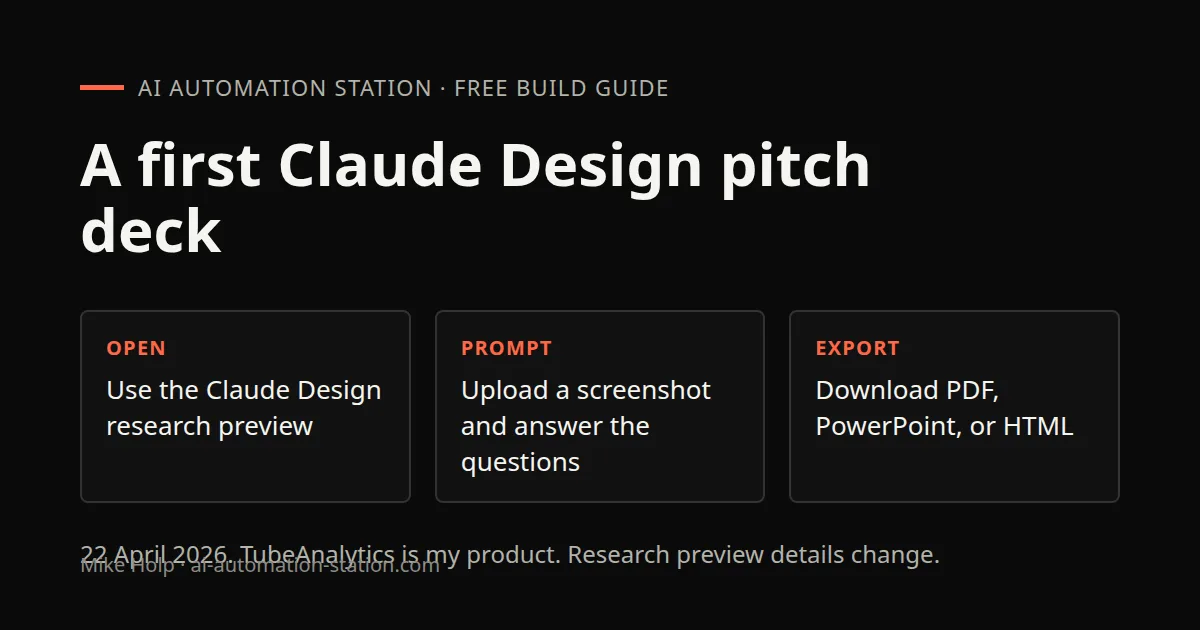
On 22 April 2026 I opened Claude Design, five days after the 17 April launch, uploaded a TubeAnalytics screenshot, and asked for a 10-slide investor pitch. I answered pre-seed, $1 to $3 million, angels, bold tone, and a creators-as-media-companies story. It wrote HTML slides with speaker notes in a few minutes. I switched from Opus 4.7 to Sonnet 4.6 to save credits, then exported a PDF. TubeAnalytics is my own product. This is the first-look deck, not a full site redesign.
This Claude Design tutorial shows how to use Claude Design for a first deck, from claude.ai/design to export. TubeAnalytics is my own SaaS. Captions that say TubeBuddy Analytics mean TubeAnalytics. Claude Design was a research preview for Pro, Max, Team, and Enterprise on that launch. I was out of Claude Pro credits and it still ran. A later site-redesign pass is Claude Design Website Redesign: design.md to Claude Code. Open Design on OpenCode is a different tool: Open Design with OpenCode.
1. Access Claude Design
The product page from the description is claude.ai/design/. I said it rolled out on 17 April 2026, used Claude Opus 4.7, and made designs, prototypes, slides, and one-pagers. News I repeated that day said Figma stock dropped about 7 to 8 percent. I did not verify that figure myself. The UI offered a new prototype, slide deck, template, project, or design system. Prototype let me pick wireframe or high-fidelity.
2. Upload a screenshot and answer questions
I uploaded a TubeAnalytics screenshot and typed:
create a slide deck investor pitch presentation.It asked qualifying questions. I answered round pre-seed, raise $1 to $3 million, audience angels, 10 slides, tone bold and confident, narrative creators becoming media companies, and competitors that included View Stats. Continue started the build. Those raise figures were answers for the demo, not a live fundraise.
3. Edit, switch models, and export
It wrote JavaScript in a couple of seconds, then an HTML pitch with 10 slides, a mock-up, and speaker notes. I wanted red to match the logo. Text and design were editable. An overflowing slide was auto-redesigned. Export options were HTML download, skills including animate video, PowerPoint, PDF, HTML, send to Canva, and GitHub. I did not connect GitHub. On Opus 4.7 I switched to Sonnet 4.6 because Opus burns credits. Full-screen present worked. After edits I had a small logo, updated colors, and a techy font closer to the site. Graphs still needed work. I said it was not yet a Canva competitor.
Done when
- Opened Claude Design
- Generated a deck from a screenshot and the qualifying answers
- Exported PDF, PowerPoint, or HTML and reviewed the slides
What I didn't cover
- A production-ready pitch. I said the deck still needed quite a bit of work.
- Credit prices. I was already out of Pro credits and still ran the preview.
- The Figma stock move. I repeated news, not a check of the chart.
Watch the walkthrough

- 0:00 Introduction to Claude Design & Opus 4.7
- 0:40 Figma Stock Reaction & Market Impact
- 1:33 Case Study: Creating a Pitch Deck for Tube Analytics
- 2:12 Qualifying Questions & Setting the Presentation Tone
- 3:04 How the AI Generates Code (JS & HTML Design)
- 5:08 Export Options: PowerPoint, PDF, and Canva
- 5:41 Pro Tip: Switching Models to Save Credits
- 6:05 Full Screen Preview & Presentation Mode
- 6:40 Final Results: Branding & Logo Integration
- 7:21 Is it a Canva Competitor? Final Verdict
From the video
Lines from the video's transcript that this guide does not cover, lightly trimmed. Each time opens the video at that point. Read the full transcript.
- 3:16
I think it took a couple seconds to create this JavaScript file, which it's going to use to design the pitch deck. And next, it's going to set up the pitch deck stage starter plus the base styles.
- 5:40
Oh, and it looks like I'm using Opus 4.7. So, that's going to burn through my credits really fast.
- 7:21
I still don't really think it's a major competitor to something like Canva yet, but with enough time, and as they continue making improvements, I think this could be a serious competitor.
FAQ
When did Claude Design launch in this video?
I said 17 April 2026, five days before this 22 April walkthrough. It was a research preview.
Whose screenshot did you use?
TubeAnalytics, which I own. Captions that say TubeBuddy Analytics are wrong.
Which model saved credits?
I started on Opus 4.7, then switched to Sonnet 4.6.
Is this the website redesign guide?
No. This page is the first pitch-deck test. The later redesign is a separate guide.
How do I access Claude Design?
I opened claude.ai/design. On launch it was a research preview for Pro, Max, Team, and Enterprise plans.
Is Claude Design free?
On 22 April 2026 it was a research preview for Pro, Max, Team, and Enterprise. I was out of Pro credits and it still ran. I did not check current pricing.
Sources
- Video: I Tested CLAUDE DESIGN And It's Incredible! (22 April 2026)
- Claude Design from the description: claude.ai/design/
You may also like



Build the next one with AI Income Lab
Step-by-step courses, reusable templates, and a community that answers when you get stuck.
Members get the Claude Code & Skills and Codex Tutorials & Courses lessons.
- Courses for builds like this one
- Copy-ready templates
- Ask questions while you build
- Weekly coaching on VIP


