Meta Muse Code Setup: API Failure and a Working CLI
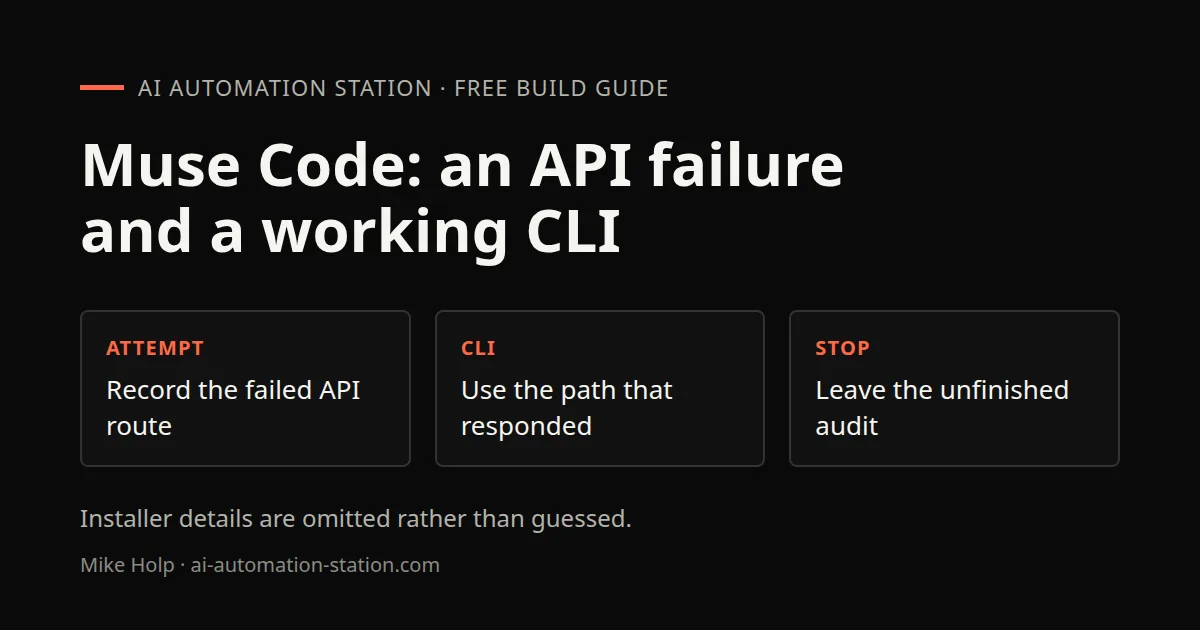
Quick answer: Record the failed OpenCode API route, then use the Meta Muse Code CLI path that actually responded. A working CLI test does not prove the third-party integration was fixed. Installer details that were not shown are omitted rather than guessed.
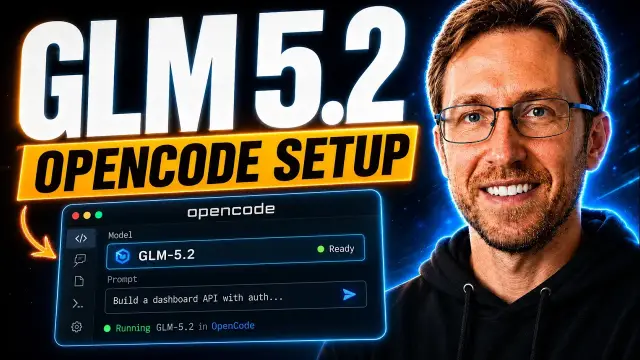
The AAS Muse Wonder video begins with release commentary, then attempts a practical coding-agent setup. The first OpenCode API path fails. Mike switches to Meta’s Muse Code, signs in through a browser, selects the model, receives a basic response and starts an audit of a project.
The distinction between those paths matters. A working official CLI test does not retroactively prove the third-party integration was fixed.
What the official source establishes
Meta’s announcement, dated October 12, 2026, names Muse Wonder and Muse Wonder Full. The machine transcript sometimes renders the latter as “Wonderful.” The official spelling is used here.
The announcement says Muse Wonder is available through the Meta Model API and Muse Code, with Muse Wonder Full available for Muse Code subscribers. Those statements establish product access routes, not the current entitlement of a particular reader or independent benchmark superiority.
Start by distinguishing model, harness and account
Muse Wonder is the model being requested. OpenCode and Muse Code are different agent interfaces. A provider account or subscription supplies the access behind those interfaces.
Mike first tries an API configuration in OpenCode. It repeatedly reports an invalid API key. He asks Claude Code to investigate, but the recording does not demonstrate a successful OpenCode request. Provider-side activity alone is not a substitute for a returned answer in the intended harness.
Follow the route that actually returns an answer
The recorded fallback is to install and launch Muse Code, accept its workspace trust prompt and choose browser sign-in. Mike then changes the model from the default to Wonder and asks a small capability question. A response describes coding-related tasks it can help with.
The transcript does not contain a complete, unambiguous installation command. Use the current official Muse Code instructions rather than transcribing a guessed package name. A browser sign-in or workspace-trust decision should be completed deliberately by the account owner.
Move from a smoke test to a bounded project task
After the small response, Mike opens a project directory and asks for an audit and suggested fixes. The agent begins inspecting project health, checks and security-related areas.
The spoken source ends before a complete audit result or a verified code repair. Therefore the supported outcome is “CLI route responds and an audit starts,” not “the repository was fixed.” For your own test, ask for a read-only report before any changes and require exact file evidence for important findings.
Troubleshooting without conflating causes
An invalid-key response points to an authentication or provider-configuration problem until investigated. It is not automatically a balance problem. A different agent responding successfully shows that its route works, not that all prior settings are correct.
Record the selected model, provider, harness, account route and exact error. Never include the secret itself in a shared debugging note. Do not cycle through fresh accounts or keys to bypass an eligibility restriction.
Watch the walkthrough

FAQ
Was OpenCode successfully repaired?
Not established by the spoken source.
Was the final audit completed?
The recording starts it but does not establish its final outcome.
Are launch benchmarks enough to choose a model?
No. Use the AAS task-based model evaluation guide to define a small test you can judge.
You may also like
Build the next one with AI Income Lab
Step-by-step courses, reusable templates, and a community that answers when you get stuck.
Members get the Claude Code & Skills and Codex Tutorials & Courses lessons.
- Courses for builds like this one
- Copy-ready templates
- Ask questions while you build
- Weekly coaching on VIP


