Ghostty Config on Debian: Themes and Reload Checks
Quick answer: Use current distro docs to install Ghostty, edit the official key = value config files, then open a fresh terminal to confirm a reload. Memory comparisons in the recording are one-session observations, not a benchmark or a reason to call it the only terminal.
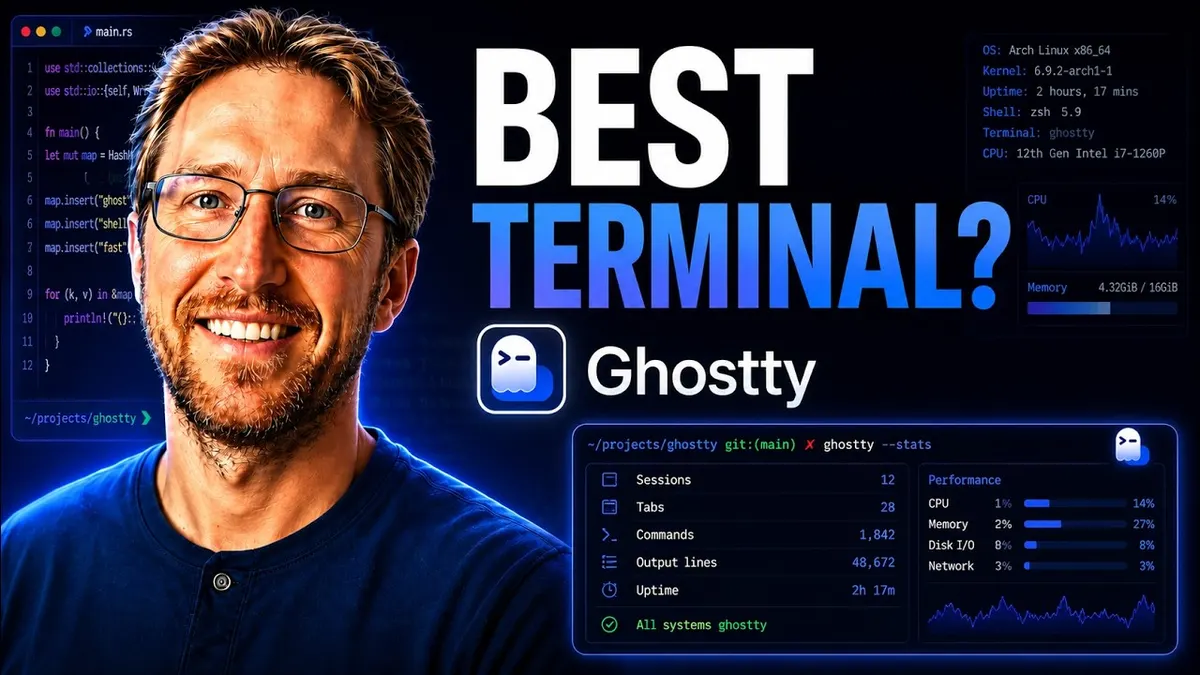
A terminal can make coding-agent work easier to organize, but changing terminals does not change the model behind the agent. The AAS Ghostty walkthrough shows an existing Debian installation, theme customization, configuration edits and a coding tool running inside the new terminal.
It also compares memory readings with Konsole. Those are observations from one session, not a controlled performance benchmark or a reason to call Ghostty the only terminal anyone needs.
Choose installation instructions for your distribution
Mike opens Ghostty’s official download documentation, looks for Debian and runs a package-manager installation check. The system reports the application is already installed.
That demonstrates his machine’s package availability, not that every Debian release or repository has the same package. Use the official installation guidance for your distribution and inspect the package source before following a command from an old recording.
Know where the Ghostty config lives
The current official configuration documentation says Ghostty works with sensible defaults and configuration is optional. It names config.ghostty, with the older config filename also supported, under the Ghostty configuration directory. With the usual XDG default, that directory is ~/.config/ghostty.
This current filename detail comes from documentation, not the spoken recording. Keep a copy of a working configuration before replacing it.
Change Ghostty themes and settings one at a time
In the video, Mike uses a community theme/configuration helper, copies its output and opens the configuration file from the terminal menu. He adjusts theme-related options, cursor colors and font size, then reloads the file.
The helper’s URL is ambiguous in the machine transcript, so it is not reproduced here as a verified destination. You can use Ghostty’s own theme/configuration documentation without relying on that exact third-party site.
The documented configuration syntax is key = value. Check each option and its accepted values in the official reference for your installed version rather than assuming every setting exported by a theme helper is valid.
Reload and open a fresh terminal when needed
The current docs list Ctrl+Shift+, as the default Linux reload shortcut and explain that some options apply only to new terminals or cannot reload at runtime. The recording uses its menu to reload.
If a change appears ineffective, check the file actually being loaded, the option name and whether it requires a new terminal. Avoid adding several overlapping files until you understand their order.
Run the agent you already installed
Mike opens Codex and later asks Hermes to read the Ghostty documentation and suggest improvements. These are existing command-line tools, not software bundled by installing the terminal.
A useful acceptance check is that ordinary shell work and the intended coding agent still launch correctly after customization. Do not ask the agent to rewrite an unrelated project while the task is only terminal configuration.
Watch the walkthrough
FAQ
Does this prove a specific RAM saving?
No. The workload and process grouping are not controlled across the recorded comparison.
Do I need a third-party theme helper?
No. The official docs say configuration is optional, and individual settings can be edited directly.
Does a terminal supply model access?
No. Your agent and provider account remain separate. For project organization around those tools, the related long-form Herdr TUI walkthrough is distinct from terminal installation.
You may also like
Build the next one with AI Income Lab
Step-by-step courses, reusable templates, and a community that answers when you get stuck.
Members get the Claude Code & Skills and Codex Tutorials & Courses lessons.
- Courses for builds like this one
- Copy-ready templates
- Ask questions while you build
- Weekly coaching on VIP


