Internal Link Audit with Codex: A Reviewed SEO Workflow
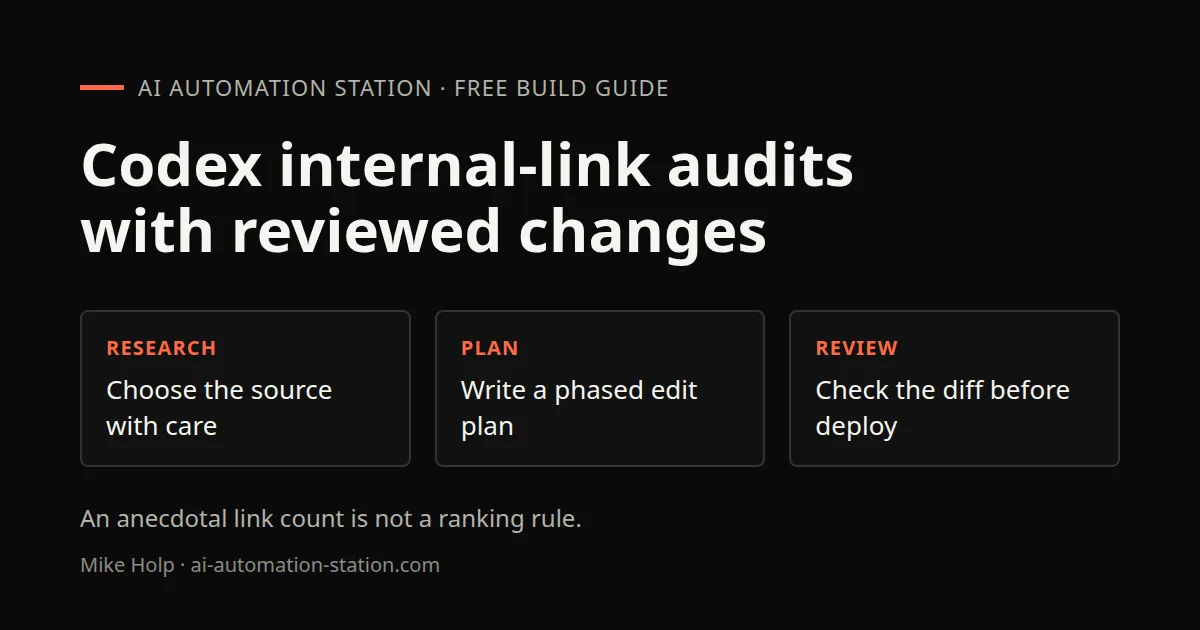
Quick answer: Give Codex the research you want to apply, ask it to audit your site against that research, and have it write the findings to a report. Turn the report into a phased implementation plan saved in your repo, run the plan with a capable model, then ask Codex to run the same audit again. Review the diff before you deploy. The same loop works for most on-page SEO jobs. In this guide I use internal linking as the example.
Codex is good at SEO tasks that touch many files at once, such as adding links across hundreds of articles. This guide follows what I did on my own blog. For general Codex habits, see our Codex workflow guide.
1. Why internal linking suits Codex
Internal linking is tedious by hand. You need to know every article, find related pages, and place links in sensible spots. On a large site, the effort depends on the content structure and the checks already available.
Codex can read the whole content folder, count links per page, find pages with no inbound links (orphans), and edit files in bulk. You keep control by reviewing the plan and the diff.
2. Pick your research source
Choose the research source with care. In the recorded discussion, I describe a forum post reporting one SEO’s experience across his own sites. The claims quoted in that recording include:
- Pages with 10 or more internal links did better for him, and he saw no ranking drop with 20 or more
- Links higher on the page seemed to carry more weight
- Links that people actually click seemed to matter
That is one person's experience, not a controlled study. When I asked Codex to plan from it, Codex itself called the core rule "useful but anecdotal." Use it as a working hypothesis and measure your own results.
You could also feed Codex Google's own documentation or your keyword data. Our DataForSEO MCP guide shows one way to pull that data.
3. Set up the repo
Before you start:
- Commit or stash your work so the changes are easy to review.
- Define the project instructions and acceptance checks before a bulk edit. The video mentions a third-party skill, but this workflow does not depend on installing an unidentified package.
4. Run the first audit
My prompt was simple. I pasted the research and asked:
Create an internal linking plan based on all of the research in this article.
Codex mapped the principles onto my blog's structure, then ran the repo's existing audit tooling to get real counts. The results on my site were much worse than I expected. Most articles were far below 10 internal body links, and hundreds had zero inbound links from other posts.
It wrote the findings to a report file. Read it in full. This is where you catch rules that do not fit your site.
5. Write an implementation plan
Next, ask Codex to turn the report into a plan saved in the repo, for example under docs/plans/. Mine split the work into phases:
- Repair high-value pages first by linking from the strongest articles to priority orphans
- Bring every article up to the body link minimum
- Complete orphan and cluster coverage, using hub and spoke clusters
- Navigation, click tracking and maintenance
The plan also set a mix for each article. Mine called for at least six links to closely related posts, at least two to guides or tools, and at least two to product pages, with the first contextual link early in the article where it reads naturally.
Edit the plan if you disagree with any of it. It is much cheaper to change a plan than to undo hundreds of edits.
6. Implement in phases
For planning I used a lighter model. For the edits I switched to a stronger one. Then:
Implement the plan in docs/plans/internal-linking.md, phase by phase.
7. Re-audit and fix the stragglers
After implementation, ask Codex to run the same audit again and confirm the rules are met across the whole blog. Mine took about a minute and a half. It reported zero orphans and every public English article inside the target link range, with a small set of pages still below the inbound link target.
Then a short follow-up:
Fix the remaining under-linked pages.
Repeat until your agreed checks pass. Do not force irrelevant links just to hit the recording’s anecdotal numeric target.
8. Review before you deploy
Bulk link edits can go wrong in quiet ways: links to the wrong page, repeated anchors, or links stuffed into intros. Before you deploy:
- Ask for a read-only review against the base branch, using the supported review controls in your installed client.
- Spot-check ten random articles in a browser.
- Check for broken links with your usual tool.
Then measure. Watch indexing and clicks in Google Search Console over the following weeks. Results from one site do not guarantee results on yours.
9. Using the same loop for other SEO work
The audit, report, plan, implement and re-audit loop works for other SEO tasks too:
- Missing or duplicate titles and meta descriptions
- Schema markup
- hreflang and language tags
- Image alt text
Watch the walkthrough

FAQ
Can Codex do SEO?
It can audit and edit a site's code and content in bulk. You still choose the strategy and review the results.
How many internal links should a page have?
There is no official number. The forum post I used suggested 10 or more. Treat it as a test, not a rule.
Will Codex break my site?
It can make mistakes. Work on a branch, review the diff and run the project’s relevant checks before deploying.
Which model should I use?
A lighter model is fine for audits and plans. Compare candidates on a small representative change and keep the one that meets your checks. Size or price alone does not establish correctness.
Does this work with Claude Code?
The workflow can also be used in Claude Code, but check its documented project-instruction behavior for the installed release.
Sources
- OpenAI, Codex code review: https://developers.openai.com/codex/code-review (redirects to learn.chatgpt.com/docs)
- OpenAI, AGENTS.md: https://developers.openai.com/codex/guides/agents-md
- OpenAI, Codex pricing and limits: https://developers.openai.com/codex/pricing
- Documentation context recorded October 30, 2026. Use the installed client’s current controls rather than assuming every historical command is unchanged.
- Video: https://www.youtube.com/watch?v=TuVL2x6IfDk
Independent check against Google’s guidance
Google Search Central’s link guidance, read November 7, 2026 ICT, recommends crawlable links and descriptive, relevant anchor text. It explicitly says there is no magical ideal number of links on a page. This overrides any reading of the video’s ten-link anecdote as an official minimum. Keep user relevance and valid destinations ahead of a numeric quota.
You may also like




Build the next one with AI Income Lab
Step-by-step courses, reusable templates, and a community that answers when you get stuck.
Members get the Claude Code & Skills and Codex Tutorials & Courses lessons.
- Courses for builds like this one
- Copy-ready templates
- Ask questions while you build
- Weekly coaching on VIP


