Free AEO Tracker: GEO/AEO Tracker GitHub with Bright Data
Quick answer
On 27 April 2026 I cloned the GEO/AEO tracker GitHub repo (about 108 stars), ran npm install, added a Bright Data key, installed the Bright Data CLI, and opened a local dashboard on port 3000. An AEO audit showed 17 of 20 checks, average visibility around 95 percent, and AEO readiness 75 percent on TubeAnalytics. I added VidIQ, TubeBuddy, SocialBlade, and ViewStats as competitors, then turned on a 12-hour auto-run. Bright Data trial was $2.50 per 1,000 requests. I skipped a $500 a month upgrade. TubeAnalytics is my own product. This is not Otterly or VisiScan.
This free AEO tracker is a self-hosted GitHub project that checks AI visibility with Bright Data. TubeAnalytics is my own product. The tracker from the description is github.com/danishashko/geo-aeo-tracker. Paid-tool prices I quoted that day ($200 to $500 a month) were a reason I wanted a self-hosted option, not a live vendor list. For a hosted brand tracker I used later, see Otterly AI visibility tracking. VisiScan is my own scanner: VisiScan AI visibility audit.
1. Clone and install the AEO tracker
I had already cloned the repo. The git clone command was not read aloud. I ran:
npm installI said it would integrate with Claude Code. A test command I spoke was:
npm run test scraperThat pull used Bright Data. Keep this app in its own folder so keys stay in this project's .env.
2. Add Bright Data and the CLI
I signed up for Bright Data with GitHub, skipped a paid plan, and used the free trial, which I said was $2.50 per 1,000 requests. A monthly upgrade starting at $500 a month was out of budget. .env wanted a Bright Data key plus ChatGPT, Perplexity, Copilot, Gemini, Google AI, and Grok. I copied scraper IDs from a URL and did not read those IDs aloud. OpenRouter was mentioned for later and not finished on camera. CLI commands I spoke:
npm install -g brightdata-cliThen login, then add MCP for Cursor, Codex, and Claude Code. In Claude Code I used /mcp until Bright Data connected. I also put a skill in the .claude/skills folder.
3. Run the AEO audit
The dashboard ran on localhost 3000. AEO audit reported 17 out of 20 checks. I already had llms.txt, a full llms file, and robots. Fail or warn items were noscript fallback, JS weight, and reduce inline JS. Model toggles were GPT, Perplexity, Copilot, Gemini, Google AI, and Grok. A compare-all article warned that heavy pages may time out AI crawlers. Average visibility was about 95 percent. AEO readiness was 75 percent. Blog and guides sat around 80. Project settings included company name, SaaS as the industry, and a brand description.
4. Competitors and the 12-hour run
I added vidiq.com, TubeBuddy, SocialBlade, and ViewStats as competitors, then generated niche queries to optimize later in OpenCode. Auto-run every 12 hours was turned on. Funds dipped about 2 cents. I said the web scraper API was $1.50 per thousand records. Those spend figures are from 27 April 2026.
Done when
- Installed the tracker with npm install
- Added a Bright Data key and connected the CLI or MCP
- Ran an AEO audit and reviewed the 12-hour schedule
What I didn't cover
- The git clone command and Bright Data scraper IDs. I copied them and did not read them aloud.
- An OpenRouter key. I said I would add it later and did not show that step.
- Whether 95 percent visibility caused more AI citations. I only showed the dashboard.
Watch the walkthrough
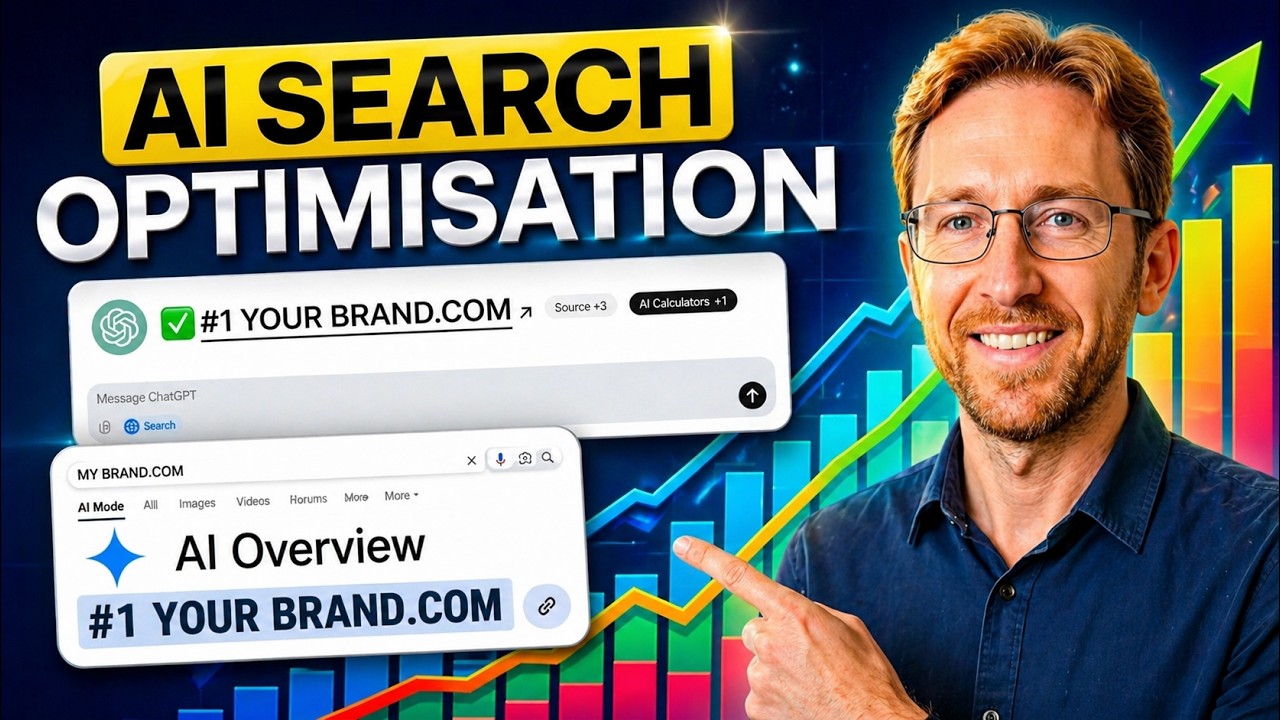
- 0:00 Intro: Why your brand needs AI Visibility (GEO/AEO).
- 0:26 Why use a free, self-hosted tracker over expensive $500/mo tools?
- 1:23 Installation: Cloning the GitHub repo and integrating with Claude Code.
- 1:45 Setting up Bright Data for free web scraping credits.
- 3:51 Installing the Bright Data CLI and MCP for seamless AI interaction.
- 5:24 Running an AEO Audit: Checking "readiness" scores across 6 LLM models.
- 6:29 Analyzing AI Visibility: Tracking mentions and citations over time.
- 7:48 Competitor Tracking: Adding rivals like VidIQ and SocialBlade to your dashboard.
- 8:46 Optimizing Content: Using generated niche queries to improve AI rankings.
- 9:00 Scheduling Auto-Runs: How to automate your visibility tracking every 12 hours.
From the video
Lines from the video's transcript that this guide does not cover, lightly trimmed. Each time opens the video at that point. Read the full transcript.
- 1:03
You've got your index DB local storage, no external database. This is what you get access to, 13 feature tabs, the brand mentions, all of the crawlers that are crawling your site, responses, visibility analytics, citations, citation opportunities.
- 5:03
This is what it looks like as it's running here. You just need to make sure to keep this separate from your main project.
- 6:59
Under project settings, I would recommend filling out all of the information for your brand and website.
FAQ
Is this Otterly or VisiScan?
No. This is the free self-hosted GEO/AEO tracker GitHub project with Bright Data.
What did the AEO audit show?
17 of 20 checks, about 95 percent average visibility, and 75 percent AEO readiness on 27 April 2026.
What did Bright Data cost in the video?
I used a trial I said was $2.50 per 1,000 requests and skipped a $500 a month upgrade. Spend in the demo dipped about 2 cents.
Whose brand did you track?
TubeAnalytics, which I own. Competitors I added were VidIQ, TubeBuddy, SocialBlade, and ViewStats.
Is the GEO/AEO tracker free?
The GitHub project is free to self-host. It needed a Bright Data key. I used a trial I said was $2.50 per 1,000 requests.
Sources
- Video: Optimize Your AI Visibility Using This Free Tracker! (27 April 2026)
- GEO/AEO tracker from the description: github.com/danishashko/geo-aeo-tracker
- Bright Data: brightdata.com
You may also like
Build the next one with AI Income Lab
Step-by-step courses, reusable templates, and a community that answers when you get stuck.
Members get the Claude Code & Skills and Codex Tutorials & Courses lessons.
- Courses for builds like this one
- Copy-ready templates
- Ask questions while you build
- Weekly coaching on VIP


