Emergent Agency Site From One ChatGPT Prompt
Quick answer
Create a free Emergent account, ask ChatGPT to write a long build prompt for your site, paste it in, choose GPT-5 under advanced controls and set a credit budget (I capped mine at 8 of my remaining 10). Answer the agent’s questions, then refine by prompting: a CMS, visuals, a contact form and a booking popup tied to my calendar. When the contact button broke, one prompt, “fix the error when the contact button is clicked”, repaired it. I compared the result with my earlier Lovable build and thought the popup was better.
This is a September 2025 build of a second website for my AI automation agency, so I could compare Emergent with the Lovable version I had already made. The Emergent and Lovable links on this site are affiliate links. A builder like this is quick, but you still need to check forms, links and what data the site collects. For a longer Lovable build, see the Lovable landing page guide.
1. Let ChatGPT write the prompt
On the Emergent dashboard a single box asks what you want to build. I asked ChatGPT for a prompt to build a website for my agency; it already knew the company name from earlier chats. A long, complete prompt looked better and needed less editing than one I wrote myself.
2. Pick the model and cap credits
Under advanced controls I chose GPT-5 and set a budget, 8 of my 10 remaining credits, so one build could not drain the account. I said the paid plan was $20 a month, cheaper than Lovable at that time; check current prices on the tools page.
3. Answer the agent’s questions
The agent set up a cloud environment and then asked for details: whether to use a green AI design system (I said yes), whether I had a calendar link and more. This is typical for Emergent. The more precise your answers, the less rework later.
4. Refine with prompts
I changed visuals, added a simple CMS and AI visuals, and set up a contact form. The booking popup that scheduled calls through my calendar link looked better than the one Lovable made for me. Then the contact button broke. I did not look at the code: I asked Emergent to fix the error when the contact button is clicked, and it worked again within seconds. You can view the changed code in the editor.
Done when
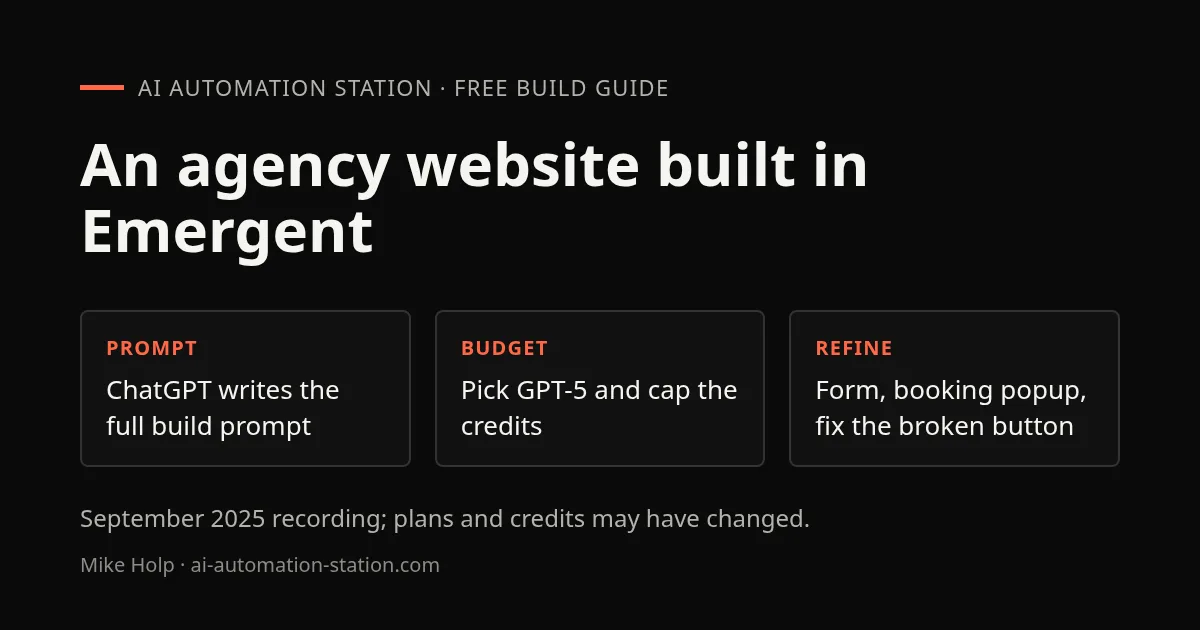
- ChatGPT writes the full build prompt
- Pick GPT-5 and cap the credits
- Form, booking popup, fix the broken button
What I didn't cover
- Whether the contact form delivers messages. I only saw it open and submit.
- The cost of the whole build in credits, beyond my budget cap.
- SEO, accessibility or performance of the generated site.
Watch the walkthrough

- 0:00 Welcome & Overview of Emergent
- 0:12 Create Your Free Emergent Account
- 1:03 Using ChatGPT for Creating Website Prompts
- 1:47 Setting Up Your Website with GPT5
- 2:35 Initializing Cloud Environment and AI Agent
- 3:08 Customizing Visuals and Features
- 5:03 Comparing Emergent with Lovable
- 6:40 Building Backend Capabilities
- 7:17 Simple CMS and AI Visual Integration
- 8:14 Improving Design with Prompt Adjustments
- 9:02 Contact Form Setups and Improvements
- 10:09 Integrating Calendly for Strategizing Calls
- 11:52 Enhancing Client Sign-up Process
From the video
Lines from the video's transcript that this guide does not cover, lightly trimmed. Each time opens the video at that point. Read the full transcript.
- 0:16
I actually just started building this website about 45 minutes ago. I just got back from lunch and it's already finished.
- 1:25
I highly recommend using ChatGPT to create the prompts for building the website because it's just going to look a lot better and you don't have to edit it very much.
- 9:47
In this case, I can't actually edit these files. Maybe because they're not actually finished yet.
FAQ
Which model did I use?
GPT-5, selected under advanced controls.
How can I limit credit use?
Set a budget in the advanced controls before you run the prompt.
Did the broken button need code?
No. I asked Emergent to fix the error and it did.
Sources
- Video: I Built a SaaS Website Using Only AI (Step-by-Step) (recorded September 2025)
- Affiliate links: Emergent · Lovable
- Emergent: emergent.sh (Checked November 15, 2026)
Build the next one with AI Income Lab
Step-by-step courses, reusable templates, and a community that answers when you get stuck.
Members get the Claude Code & Skills and Codex Tutorials & Courses lessons.
- Courses for builds like this one
- Copy-ready templates
- Ask questions while you build
- Weekly coaching on VIP


