Install OpenClaw on Emergent: Setup and WhatsApp
Quick answer
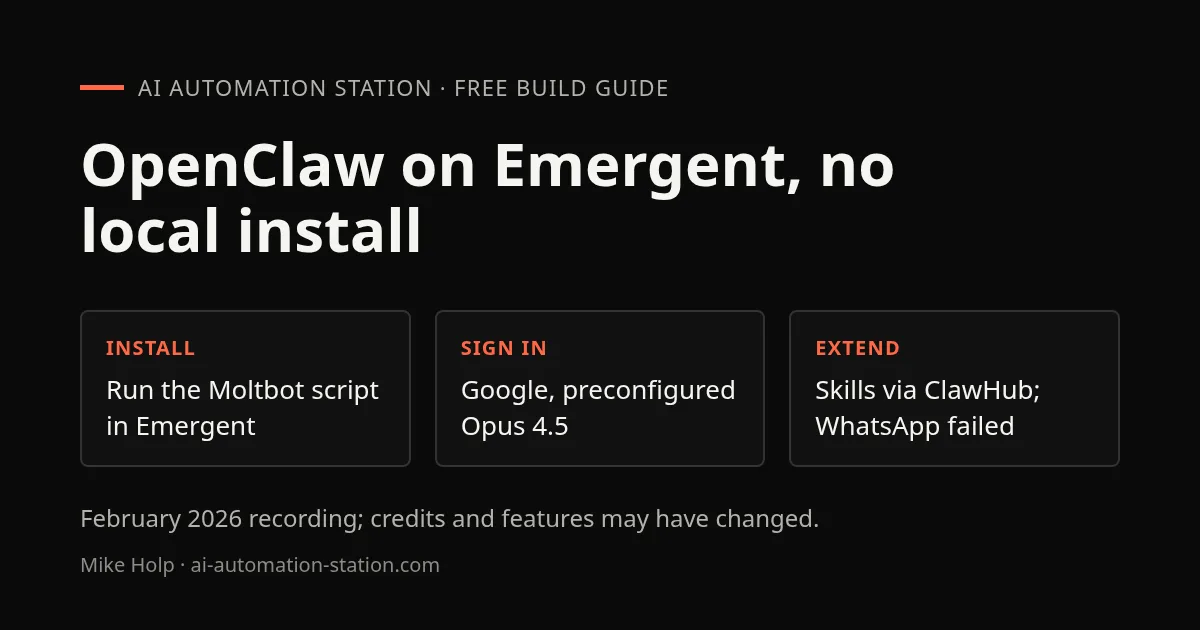
In Emergent click the Moltbot chip, run the installation script and let Emergent obtain the model key for you. When it finishes, sign in with Google, choose the preconfigured Opus 4.5 option and start OpenClaw to open its control UI. Publishing the server so it keeps running cost 50 credits a month as I noted then. I installed skills, but WhatsApp did not connect: the UI showed a channel config schema unavailable error.
This is a February 2026 walkthrough. OpenClaw, also called Moltbot, is an assistant you talk to through chat channels, and Emergent had just integrated it. The Emergent link on this page is an affiliate link. For installing OpenClaw on a VPS instead, see the OpenClaw install guide.
1. Run the install script
In Emergent click the Moltbot chip, which fills in the instructions: step one gets the LLM key, and step two runs the install script. I said Emergent had found a way to get the key without you entering your own because of account bans with Claude. The installer set up the runtime on a cloud virtual machine, installed dependencies and ran in the background. The article on the page also said you need a Telegram or WhatsApp account to use as your messaging channel.
The main advantage I gave for Emergent is that it runs on their server, so you do not open ports on your own machine. That reduces some risk, but check what access you give the assistant.
2. Sign in and start OpenClaw
After the install finished I signed in with Google. The setup asks for an LLM provider: Emergent’s own, your Claude key or GPT. I chose the preconfigured Opus 4.5, then Start OpenClaw. It started services and opened the control UI in the browser.
3. Keep it running and set its profile
To keep the instance running, publish the server. I stated this costs 50 credits a month. Then tell the assistant your name, what its role is, its vibe and your time zone so it updates its profile files.
4. Skills and channels
The skills list let me install a Twitter monitoring skill with a package manager, and ClawHub offers more. A Gemini skill failed because Homebrew was not installed. For WhatsApp, the assistant offered a dedicated number, but the UI said the web login provider was not available and showed a channel config schema unavailable error. I did not solve it in my walkthrough, so I ended with no channel connected.
Done when
- Run the Moltbot script in Emergent
- Google, preconfigured Opus 4.5
- Skills via ClawHub; WhatsApp failed
What I didn't cover
- A working WhatsApp or Telegram connection.
- Emergent’s current credits, and whether the 50 credits a month still applies.
- A security review of the skills you install. Read each skill before you add it.
Watch the walkthrough

- 0:00 Introduction to OpenClaw (Moltbot) on Emergent
- 0:27 Running the Moltbot Installation Script
- 1:25 Automatically Obtaining LLM Keys (No API needed!)
- 2:21 Signing in with Google & Configuring UI Access
- 3:25 Exploring the OpenClaw Control Dashboard
- 4:20 How to Publish Your Server & Keep it Running
- 5:14 Setting Up Your Assistant’s Personality & Vibe
- 6:17 Troubleshooting WhatsApp & Messaging Channels
- 7:15 Installing Skills with Claude Hub (Twitter, Gemini, etc.)
- 8:07 Security Benefits of Using Emergent for AI Agents
- 8:35 Final Thoughts
From the video
Lines from the video's transcript that this guide does not cover, lightly trimmed. Each time opens the video at that point. Read the full transcript.
- 1:26
I don't even have to worry about entering that in. It looks like it's just got one built directly in.
- 2:53
We don't actually need an API key or you can use your Claude API key or GPT in this case. I don't really want to worry about any of that.
- 7:58
You want to make sure that you're not opening up your ports for nefarious actors, right?
FAQ
Do I need my own API key?
Not in my walkthrough: Emergent obtained a key and offered a preconfigured Opus 4.5. You can also use your own Claude or GPT key.
What does it cost to keep it running?
I stated 50 credits a month to publish the server. Check Emergent’s plans.
Did WhatsApp work?
No. It showed a channel config schema unavailable error and I left it unsolved.
Sources
- Video: Emergent Makes It Easy To Install OpenClaw In Minutes! (recorded February 2026)
- Try Emergent through my affiliate link: Emergent
- Emergent: emergent.sh (Checked November 15, 2026)
Build the next one with AI Income Lab
Step-by-step courses, reusable templates, and a community that answers when you get stuck.
Members get the Claude Code & Skills and Codex Tutorials & Courses lessons.
- Courses for builds like this one
- Copy-ready templates
- Ask questions while you build
- Weekly coaching on VIP


