n8n Music Video Workflow: Suno, Nano Banana Pro, Creatomate
Quick answer
Add an n8n form trigger that collects a music genre, have an OpenAI node write a Suno prompt under 500 characters, call the KIE Suno endpoint for instrumental tracks and poll every 10 seconds until the task succeeds. Generate a 16:9, 2K background image with Nano Banana Pro the same way, then render a Creatomate template with the two audio URLs and the image and upload the video to Google Drive. Everything worked up to the Creatomate step, which errored in my demo and still needed debugging. For a one-off channel, making the videos by hand may be easier.
This is a January 2026 build for a synthwave channel I started. It is a working draft, and I recommend a manual path if you only make a few videos. I self-host n8n on a Hostinger VPS, and the Hostinger link on this site may pay me a commission. For the server setup, see the n8n on Hostinger guide.
1. Form and prompt
The workflow starts with an n8n form that asks for the genre. An OpenAI node using the GPT-4o model gets the instruction: create a detailed prompt for Suno for that genre, only the prompt, and under 500 characters, because longer prompts will not generate a track in Suno. You can also type a prompt into Suno yourself.
2. Generate the music through KIE
An HTTP node calls the KIE Suno endpoint for instrumental tracks with the prompt, genre and model version. Generation takes a while, so a polling loop checks the task every 10 seconds until its status is success, then passes on the audio URLs. Suno returned two tracks per run.
3. Make the background image
A second OpenAI step writes an image prompt. KIE then calls Nano Banana Pro to create a 16:9, 2K PNG, with another polling loop until it finishes.
4. Assemble and store
Creatomate renders a template with the two audio URLs and the image, then the workflow waits for the render and downloads the video to Google Drive. The Creatomate step errored in my run, so I did not get a finished video. I post to YouTube manually.
If you make only a few videos, generate the tracks in Suno and edit them in Kdenlive, Final Cut or CapCut. It is probably easier than automating.
Done when
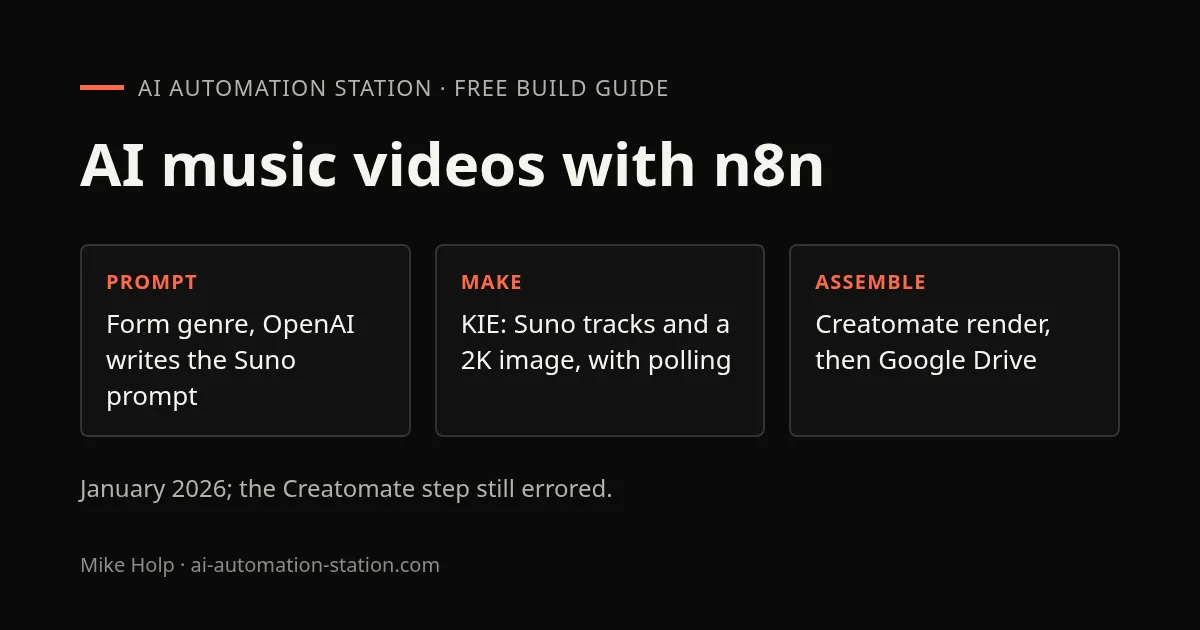
- Form genre, OpenAI writes the Suno prompt
- KIE: Suno tracks and a 2K image, with polling
- Creatomate render, then Google Drive
What I didn't cover
- A finished rendered video. Creatomate errored in my demo.
- KIE, Suno, Creatomate and OpenAI cost per video.
- Platform rules on AI-generated music and repeated uploads.
Watch the walkthrough
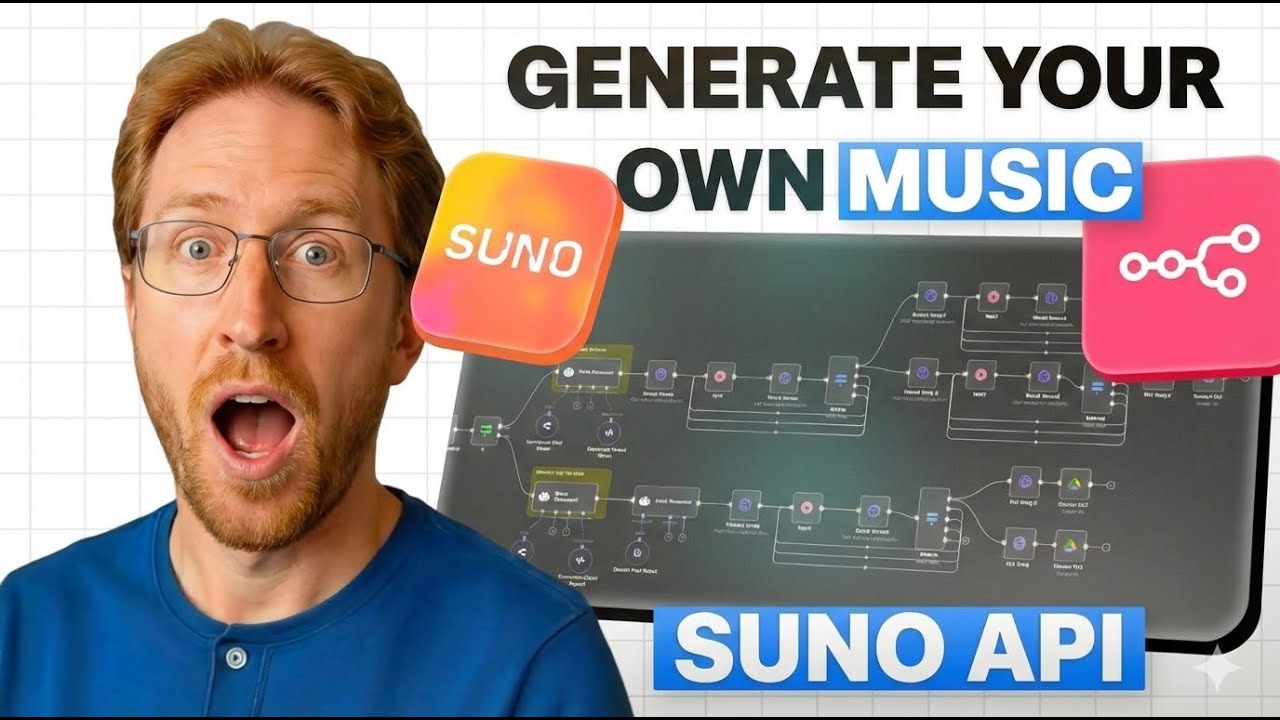
- 0:00 Intro: Automating AI music videos for a synthwave YouTube channel.
- 1:10 Step 1: Using an n8n Form Trigger to capture the music genre.
- 1:36 Step 2: Prompt Engineering with OpenAI GPT-4 to generate Suno-specific instructions.
- 3:15 Integrating Suno AI via the KIE API to generate instrumental tracks.
- 5:30 Polling Workflow: How to wait until the AI music track is finished.
- 7:05 Generating Background Images: Using Nano Banana Pro for 2K high-res visuals.
- 10:40 Video Assembly: Using Creatomate to stitch audio and images into a final video.
- 13:35 Rendering and Downloading: Handling the video export process.
- 15:08 Storage and Distribution: Automatically uploading to Google Drive and YouTube.
- 16:10 Summary: How to get the n8n template and joining the Skool community.
From the video
Lines from the video's transcript that this guide does not cover, lightly trimmed. Each time opens the video at that point. Read the full transcript.
- 0:24
I've just recently decided to launch a third YouTube channel where I'm creating synthwave music videos. And in order to make my job easier, I've just decided to automate the entire process using n8n.
- 0:52
This will allow you to self-host n8n, which is quite a bit cheaper than using the official cloud service.
- 9:34
I would recommend using 2K otherwise the file is just going to be really large. So just set 2K and then the output format is going to be PNG.
FAQ
Why under 500 characters?
Longer Suno prompts will not generate a track.
How does the workflow wait for the music?
A loop polls the KIE task every 10 seconds until it reports success.
Did it finish a video?
No. The Creatomate step still needed debugging.
Sources
- Video: Automate Your Entire Music Video Production with Suno & N8N (recorded January 2026)
- Hostinger: hostinger.com · Creatomate: creatomate.com
Build the next one with AI Income Lab
Step-by-step courses, reusable templates, and a community that answers when you get stuck.
Members get the Claude Code & Skills and Codex Tutorials & Courses lessons.
- Courses for builds like this one
- Copy-ready templates
- Ask questions while you build
- Weekly coaching on VIP


