SendPulse Facebook Chatbot: Comment Replies and DMs
Quick answer
Connect your Facebook page to SendPulse, create a trigger for comments on any post, add several randomized public replies so you do not look repetitive and send each commenter one direct message. Make the message a yes or no question or a set of link buttons, ignore repeated triggers for 12 hours, tag and log interested people and close the chat. An AI agent step can take over later replies but needed a paid plan. I have used it for about two years on a page of roughly 175,000 to 180,000 followers.
This guide merges three videos from October 2025 to January 2026. Automated messages can annoy people and break Facebook’s rules if you overdo them, so keep to one message per commenter and offer an easy way out. The SendPulse link here is an affiliate link. Prices below are as I quoted them then, so check SendPulse. For a Make.com Messenger bot, see the Messenger bot guide.
1. Connect and trigger
Sign up for the free plan with Facebook, log in and connect Messenger with a code. The dashboard covers email marketing, chatbots and a CRM. Chatbots work on Facebook, WhatsApp, Instagram, Telegram, Viber and website live chat; I use the Facebook one. Create a trigger that fires on any comment on any post, and add several different public replies that SendPulse picks at random.
2. Design the direct message
In the first build the message came with three buttons that lead to my Facebook group, YouTube channel and Skool community, and then closed the chat. In the January builds it asked whether I could share my YouTube channel, with yes and no branches. On yes it sent the link, added an interested tag, appended a Google Sheets row and closed. On no it unsubscribed the person from the automation. Setting a 12-hour delay stops the same person triggering it again.
3. The AI agent step
An AI agent node can answer later replies. I configured one on GPT-4.1 Mini with a customer-service prompt, web search and an exit condition. It needed a paid plan, and in one test replies were cut off on the free API model and ChatGPT answered in German to a German commenter, which showed the multilingual reply working.
4. Inbox, CRM and cost
You can reply and pause or resume automations from the SendPulse inbox instead of Meta Business Suite, and connect WhatsApp as another channel. The built-in CRM did not receive my contacts, and 1,700 contacts exceeded the free limit of 500. Prices I quoted: paid plans from about 8 to 10 USD a month for 500 subscribers, and 48 USD a month for the 5,000-subscriber tier I pay for. I compared ManyChat at about 15 USD a month. My DM campaigns showed read rates of 70 to 77 percent, which are my own numbers.
Done when
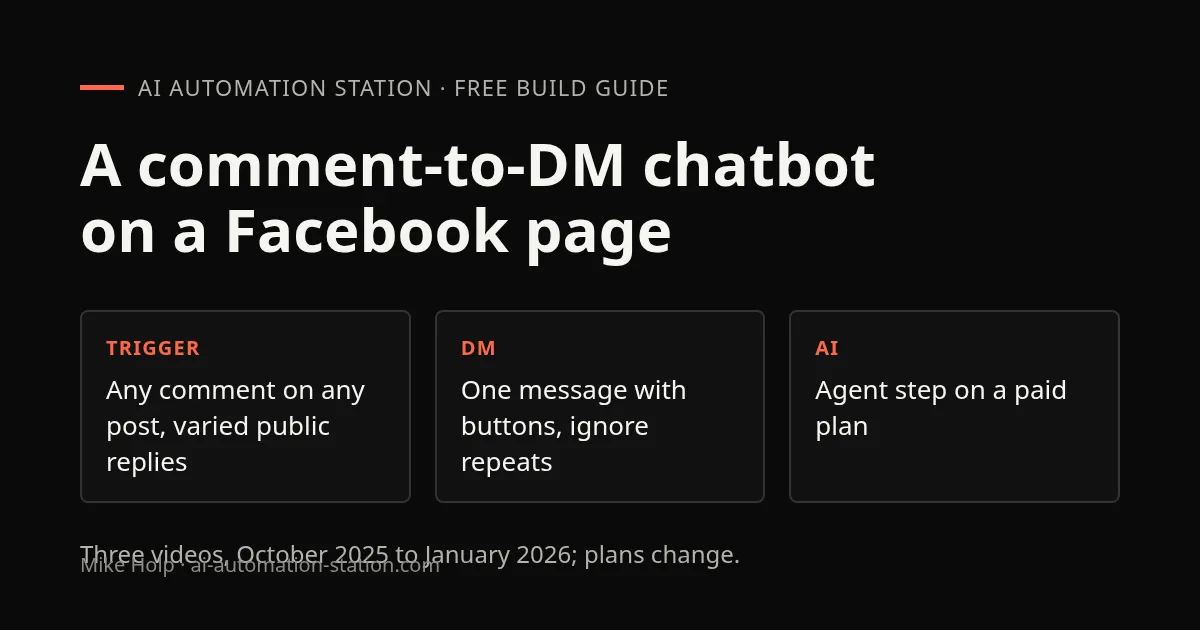
- Any comment on any post, varied public replies
- One message with buttons, ignore repeats
- Agent step on a paid plan
What I didn't cover
- Whether the DMs convert to subscribers or sales beyond my read rates.
- Facebook’s current rules on automated messaging.
- Why my CRM was not receiving contacts.
Watch the walkthrough

- 0:00 SendPulse Facebook Automation
- 0:40 Connect Facebook Messenger
- 1:20 Set Comment Auto-Replies
- 2:05 Build DM Workflow
- 2:50 Prevent Spam Responses
- 3:30 Add AI ChatGPT
- 4:20 Compare ManyChat Pricing
- 5:10 Use Built-In CRM
- 6:00 Join AI School Community
From the video
Lines from the video's transcript that this guide does not cover, lightly trimmed. Each time opens the video at that point. Read the full transcript.
FAQ
Does it need a paid plan?
The free plan covers basics, but the AI agent step and larger contact lists needed a paid plan.
How do I avoid messaging someone twice?
Ignore repeated triggers for 12 hours, as in my first build.
Does it reply in other languages?
Yes, ChatGPT replies matched the commenter’s language, for example German.
Sources
- Videos: How to Build a Facebook Chatbot in Minutes (No Coding), Your Facebook Page Now Has an AI Assistant (Here’s How) and The Easiest Way To Build A Facebook AI Chatbot
- SendPulse through my affiliate link: SendPulse
Build the next one with AI Income Lab
Step-by-step courses, reusable templates, and a community that answers when you get stuck.
Members get the Claude Code & Skills and Codex Tutorials & Courses lessons.
- Courses for builds like this one
- Copy-ready templates
- Ask questions while you build
- Weekly coaching on VIP


