Build Viral Post Genie in Replit: Errors, Limits
Quick answer
In Replit choose Web app, paste a detailed prompt written in ChatGPT and let the agent build it. Mine was Viral Post Genie, a Facebook post generator with a topic, style and call-to-action form. Add an OpenAI key when asked, then fix the errors that follow: max tokens, an unsupported JSON object format and a 500 error, which I cleared by switching to GPT-4. I then added a numbered thread format, a demo popup, AI images, a history and Google sign-in on a temporary Postgres database before hitting the starter plan limit. Deploying needs a paid plan.
Prices and plan names change. Confirm them on the vendor page before you buy. Checked November 15, 2026.
This is a 41-minute August 2025 build, shortened here to the steps that mattered. The Replit link is a referral link. It is a test app, not production code. For how Replit compares with other builders, see Lovable vs Base44 vs Replit.
1. Write the prompt and start
The Replit dashboard asks you to describe an app. Choose the type: web app, data app, game or Python web app. I picked web app and pasted a prompt I wrote in ChatGPT: build a full-stack app called Viral Post Genie that creates Facebook posts from a topic, writing style and call to action, with a landing page, generator page, output section and a responsive UI. The more detailed the prompt, the better. The agent made an implementation plan and started building.
2. Add the key and fix the errors
The agent asked for an OpenAI API key, and I added it. The generator then failed with a max tokens error, then an unsupported JSON object format error, and later a 500 error. Switching the model to GPT-4 got posts generating. I then asked for a thread style with two to four numbered, connected posts.
3. Add features by prompt
Each change was another prompt: a Watch demo popup, AI-generated feature images, and a thread history with copy and inline edit. Edits were not saved. I modelled the idea on an existing competing tool.
4. Sign-in and the free-plan limit
The agent added a Postgres database and Google sign-in, then I reached the starter plan usage limit just after the change, and a note said to open the preview in a private window. The database was temporary, and I could not finish the login test without upgrading. Deploying also needs a paid plan, so I did not publish the app.
Done when
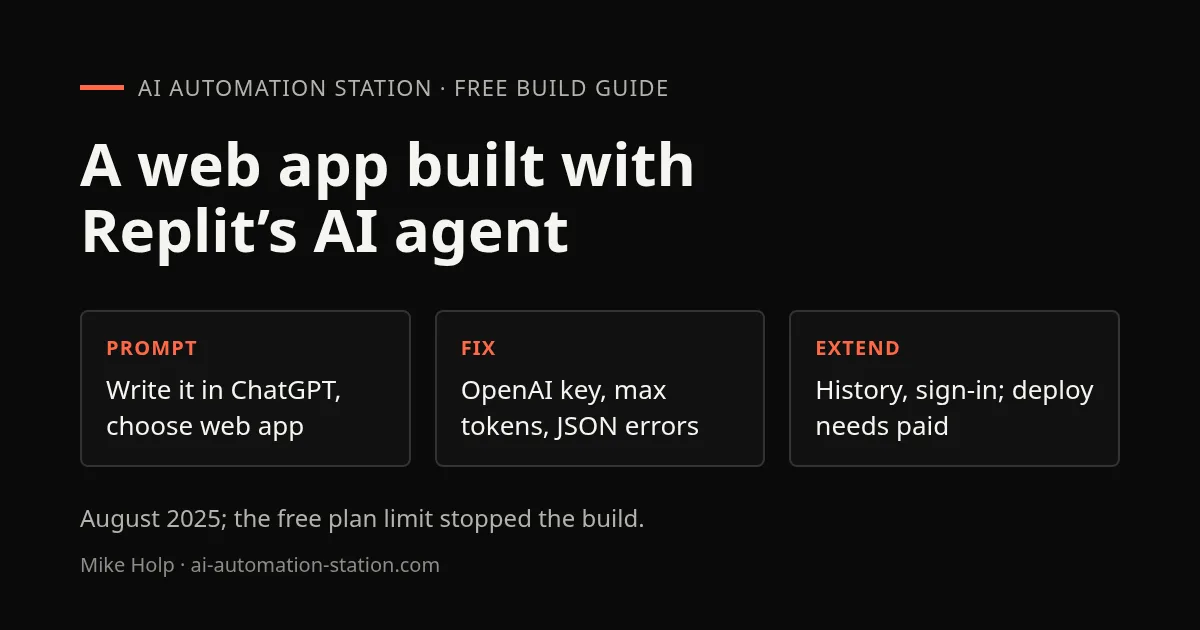
- Write it in ChatGPT, choose web app
- OpenAI key, max tokens, JSON errors
- History, sign-in; deploy needs paid
What I didn't cover
- A deployed, working app. The free plan limit stopped me first.
- Cost of the OpenAI calls the generator makes.
- Whether the posts perform well on Facebook.
Watch the walkthrough

From the video
Lines from the video's transcript that this guide does not cover, lightly trimmed. Each time opens the video at that point. Read the full transcript.
- 6:06
All I was doing was issuing it prompts. And in total, I want to say this one took me about 8 to 10 hours to build out in total.
- 14:44
It seems to be a different error. So it says JSON object is not supported with this model.
- 40:25
I won't actually be able to add the the login functionality until I upgrade to the paid account.
FAQ
Can I deploy on the free plan?
Not in my test: deploying needed a paid plan and I had reached the starter limit.
What errors came up?
Max tokens, an unsupported JSON object format and a 500 error. Switching to GPT-4 helped.
Do I need to code?
No, but you will troubleshoot by prompting. The agent fixed most issues I described.
Sources
- Video: Build a Professional Website in Replit: Step-by-Step Guide (recorded August 2025)
- Replit referral link: Replit
- Replit: replit.com
Build the next one with AI Income Lab
Step-by-step courses, reusable templates, and a community that answers when you get stuck.
Members get the Claude Code & Skills and Codex Tutorials & Courses lessons.
- Courses for builds like this one
- Copy-ready templates
- Ask questions while you build
- Weekly coaching on VIP


