OpenCode Stripe Billing Build: A SaaS Case Study
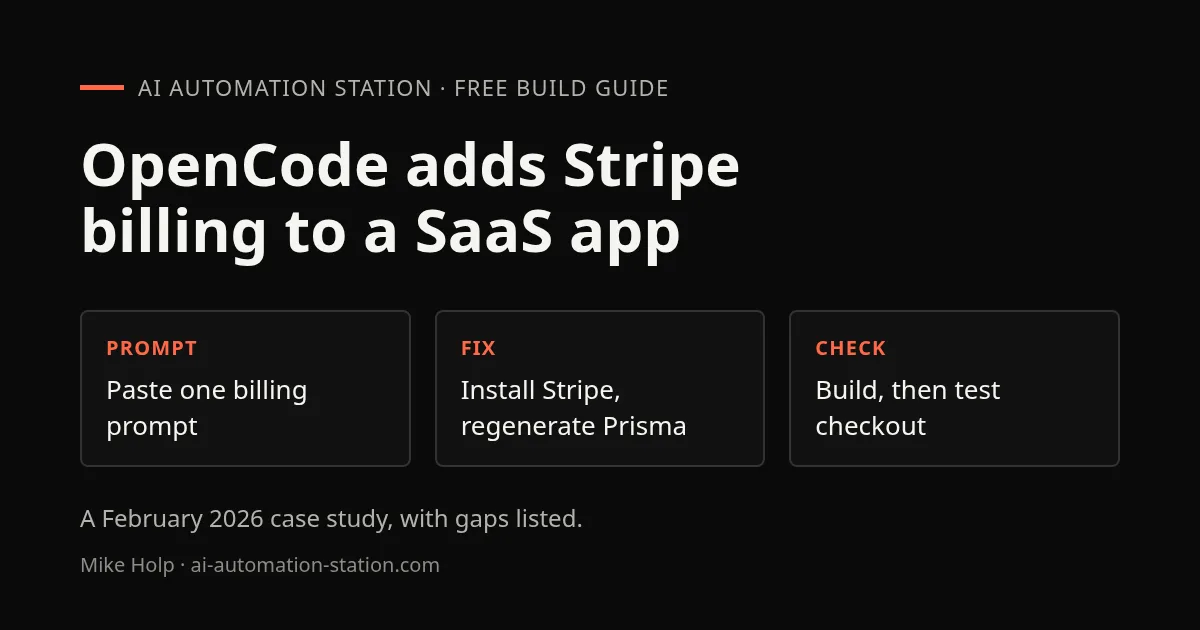
Quick answer: The recording pasted one billing prompt into OpenCode, which added Stripe subscription models, a pricing page, a billing invoices page, a checkout success page and an environment setup file. The build then failed twice and OpenCode fixed it by regenerating the Prisma client and installing the missing Stripe packages. No real payment was tested.
This is a February 2026 case study from the build of TubeAnalytics.net, a YouTube analytics app. It is a good example of a complete OpenCode build step with the errors left in. It is not a first-time setup: for installing and choosing between tools, start with OpenCode vs Claude Code. If you want to learn this loop on a smaller project first, use the task-list filter exercise.
1. The setup in the recording
The app already had a redesigned landing page, with plans shown from $19 to $149 per month and a 7-day free trial, all as stated in the recording. The Start free trial button did not work because the sign-up page was not connected yet.
The work came from a long master prompt written in Claude with the Opus 4.6 model. Each section of it was pasted, one at a time, into a coding agent. This time the agent was OpenCode, because the Claude Code credit limit had not reset yet. The recording also said OpenCode was essentially free as far as the speaker could tell, because no API keys had to be connected. Check OpenCode’s current free-model terms before you rely on that; OpenCode Go plans and limits covers a paid option.
To install it, the recording pointed to opencode.ai, which offers a one-line curl command, npm, bun and brew. OpenCode was run in the terminal. The VS Code extension was installed too, but it could not find the opencode command and that was not fixed on camera. The recording’s advice was to avoid quitting OpenCode while it is running a task.
2. Paste the billing prompt
The prompt asked for a subscription and billing system. In VS Code the changes appeared as OpenCode worked: subscription models, then a pricing page under the app folder, then a billing invoices page, a checkout success page and navigation links to billing. The pricing page listed the plans, from $19 up to the business plan and a $149 plan.
OpenCode also created an environment setup file holding the Stripe keys. The recording’s warning is worth repeating: add that file to your ignore file so nobody else can get the keys.
3. Fix the errors
The first problem was a missing module import. The recording fixed that line with the Gemini Code Assist extension in VS Code, which is installed from the Extensions panel.
OpenCode then ran the project build. It found a schema problem in Prisma, the database model layer, and fixed it. It regenerated the Prisma client and checked the build again. The build failed again because the Stripe packages were not installed, so OpenCode installed them. A last error in the billing page file was fixed the same way.
The app was kept running with PM2: build the project, then restart it with PM2, which restarts the app if it crashes. The recording recommended that for a self-hosted app.
4. Google sign-in approval
Testing sign-in needed Google OAuth approval, which the recording said had been expected to take three to four weeks. The Google Cloud Console now showed the branding requirements and the privacy policy requirements as met. Google asks for terms and conditions and a privacy policy on the site. The next step named was allowing data access to the YouTube APIs.
What this recording did not test
- No real Stripe checkout or payment was run.
- The Start free trial button did not work because sign-up was not connected.
- The OpenCode VS Code extension could not find the opencode command, and this was not fixed.
Before you take payments, test checkout in Stripe’s test mode and read the diff of every file the agent wrote. Claude Code vs Codex shows a second agent reviewing the first.
Watch the walkthrough
- 0:00 Live Build: Automating TubeAnalytics.net
- 0:24 Switching to OpenCode (Free Claude Code Alternative)
- 0:50 Landing Page Redesign & Pricing Strategy
- 1:32 Building the Stripe Subscription System
- 2:33 How to Install & Use OpenCode in the Terminal
- 4:19 Quick Fixes with Gemini Code Assist in VS Code
- 5:05 Huge Update: Google OAuth & YouTube API Approval
- 6:32 Managing Stripe API Keys & .env Setup
- 7:19 Build Process & Running Production Apps with PM2
- 7:40 Fixing Prisma Database & NPM Dependency Issues
- 8:33 Final Thoughts: Launching Your SaaS Faster
FAQ
Is OpenCode free?
The recording said it was essentially free as far as the speaker could tell, because no API keys had to be connected. Check opencode.ai for the current terms.
What went wrong during the build?
A missing module import, a Prisma schema issue, missing Stripe packages and an error in the billing page file. OpenCode or Gemini Code Assist fixed each one on camera.
Did the Stripe checkout work?
It was not tested. The recording built the pages and fixed the build, but no checkout or payment was run.
Where should the Stripe keys go?
In an environment file that is listed in your ignore file, as the recording advised, so the keys are never committed.
Sources
- Video: OpenCode Makes It Easy To Build SaaS Apps In Minutes! (February 2026)
- OpenCode: opencode.ai
- Stripe testing: docs.stripe.com/testing
Build the next one with AI Income Lab
Step-by-step courses, reusable templates, and a community that answers when you get stuck.
Members get the Claude Code & Skills and Codex Tutorials & Courses lessons.
- Courses for builds like this one
- Copy-ready templates
- Ask questions while you build
- Weekly coaching on VIP


