Manus AI First Test: Calendar and Gmail
Quick answer
In Manus pick the free Manus 1.6 Lite model, connect Google Calendar and Gmail, and ask it to auto-respond to all emails. It wrote a Python script and an hourly scheduled task that reads unread Gmail and drafts replies with an AI API. I added an OpenAI key and a Gemini key through custom API connectors, then asked it to switch from ChatGPT to Gemini. On Lite, a calendar delete did not work and a lead-flow SaaS build was too complex.
Prices and plan names change. Confirm them on the vendor page before you buy. Checked November 15, 2026.
This is a January 2026 first test; I had never used Manus before. I asked Google Gemini what it was and got: a general purpose AI agent that acts, not just chats. I also noted that Meta had acquired it. The Manus link is a referral link that gives me credits. An autoresponder sends real email, so read the drafts before you let anything send. For a Make.com version, see the Gmail auto-reply build.
1. Pick a model
The options were Manus 1.6 Lite, 1.6 Pro and 1.6 Max. Pro and Max needed a free-trial or paid plan, so I used Lite.
2. Connect Google Calendar
Connect Google Calendar from the tools list, then run the suggested prompt to test the connector. Manus found the Google Calendar MCP tools, created an event I could see on my calendar and updated it. When I asked it to delete the event, the event stayed on my calendar. You can open the task to see the Ubuntu Linux machine and commands it ran.
3. Connect Gmail
After connecting Gmail, Manus listed my latest emails. I then asked for a lead-flow SaaS build, which the Lite model could not handle. That is where the Pro tier is meant to help.
4. Build the autoresponder
I asked Manus to auto-respond to all emails. It wrote a Python responder using OpenAI and set an hourly scheduled task that reads unread messages and drafts replies. I added an OpenAI key and a Gemini key from Google AI Studio through the custom API connectors, then asked it to switch the responder from ChatGPT to Gemini. It rewrote the script to use the Google Gen AI library. I prefer Gemini because I have API credits there.
I did not show it sending or replying to any real email, so treat it as drafts until you have tested.
Done when
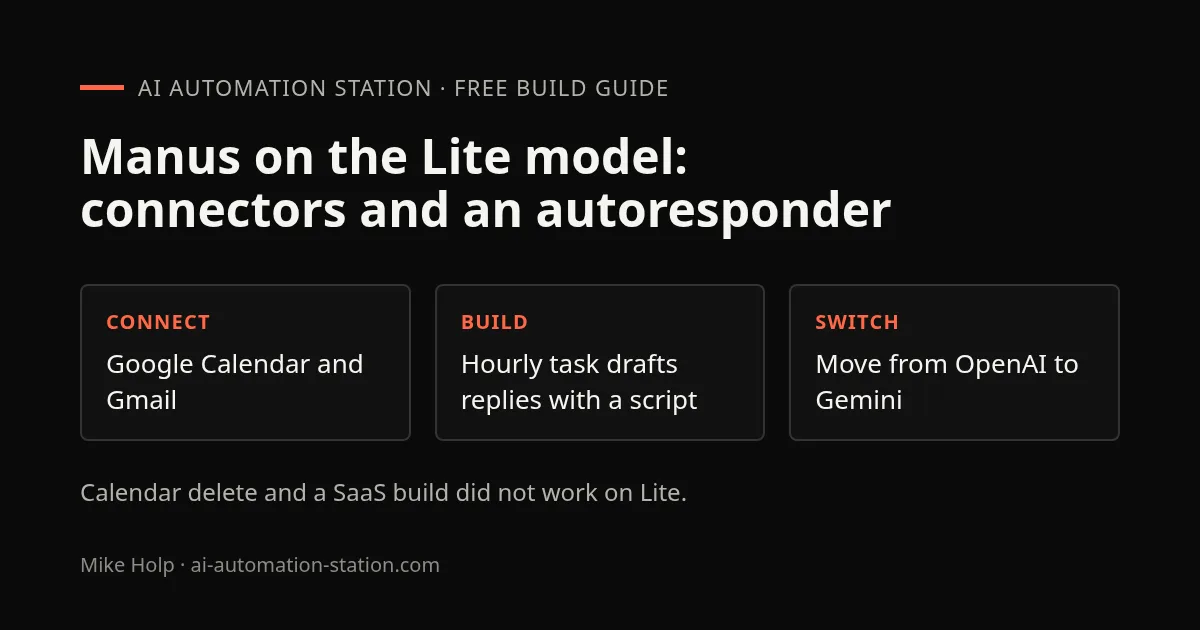
- Google Calendar and Gmail
- Hourly task drafts replies with a script
- Move from OpenAI to Gemini
What I didn't cover
- A real inbox run showing the drafted replies.
- Whether the Pro or Max models handle the SaaS build or the calendar delete.
- Cost in credits for the scheduled task.
Watch the walkthrough
- 0:00 Manis AI Overview
- 1:10 Connecting Google Calendar
- 2:20 Testing Calendar Actions
- 3:30 Gmail Connector Setup
- 7:00 Creating Email Autoresponder
- 8:10 Adding API Keys
- 9:20 Switching To Gemini
- 10:50 Wrapping It Up
From the video
Lines from the video's transcript that this guide does not cover, lightly trimmed. Each time opens the video at that point. Read the full transcript.
FAQ
Which Manus model did I use?
Manus 1.6 Lite, the free one. Pro and Max needed a trial or paid plan.
Did the calendar delete work?
No. Manus said it deleted the event but it stayed on my calendar.
Did the autoresponder send emails?
It created an hourly task to draft replies. I did not show a reply being sent.
Sources
- Video: Manus AI Agents Build Anything In Minutes! (recorded January 2026)
- Try Manus through my referral link: Manus
- Manus: manus.im
Build the next one with AI Income Lab
Step-by-step courses, reusable templates, and a community that answers when you get stuck.
Members get the Claude Code & Skills and Codex Tutorials & Courses lessons.
- Courses for builds like this one
- Copy-ready templates
- Ask questions while you build
- Weekly coaching on VIP


