Gamma for a Conference Workshop: Deck, Site and PDF Export
Quick answer
Ask ChatGPT for an outline of your talk, then in Gamma choose Create new, paste the text, pick Presentation and the default fluid format and generate from notes. I set concise text for a 40-minute workshop, described the audience and tone, picked a professional theme with automatic images and watched the slides build in real time. I then improved the writing, restyled the deck, added a slide comparing n8n and Make.com, published it as a site and exported a PDF because the Google Slides export failed.
This is an October 2025 build for an AI workshop I was giving at a digital nomad conference in Bangkok the next month. I wanted to avoid building every slide by hand, and I found Gamma by asking Google Gemini for AI presentation tools. The Gamma link is an affiliate link. For a client coaching deck made from a pasted plan, see the Gamma coaching deck guide.
Prices and plan names change. Confirm them on the vendor page before you buy. Checked November 15, 2026 against the Sources links below where listed.
1. Find the tool and paste the outline
Gemini suggested Gamma and Beautiful.ai. Beautiful.ai had only a free trial, while Gamma was free to start, so I used Gamma. In Gamma choose Create new, then paste text, generate from a one-line prompt or import a PDF or PowerPoint. I pasted the ChatGPT outline, chose Presentation, kept the default fluid format (16 by 9 and 4 by 3 are also offered) and chose Generate from notes or an outline.
2. Set text, audience and theme
The text amount options are minimal, concise, detailed and extensive. The talk was about 40 minutes with a Q&A, so I chose concise. I wrote the audience and tone, picked a professional theme with automatic images and generated the deck. The slides appeared in real time.
3. Revise with AI
Improve writing rewrote the whole deck, and a theme suggestion restyled it. I also asked Gamma to add a slide comparing n8n and Make.com. It listed n8n as open source, self-hostable and developer friendly with lower long-term cost at high volume, and Make.com as cloud-based with a visual drag-and-drop interface and higher cost but immediate deployment. For my own comparison of the two, see n8n vs Zapier vs Make.
4. Publish or export
Share offers PDF, PowerPoint, Google Slides or images, and installing fonts helps PowerPoint look right. Hiding the Gamma logo needs a paid plan, about $10 a month as I said then. You can also convert the deck to a site and publish it to its own Gamma address; a custom domain needs a paid plan. I published the site so I could send it to the organizers.
The Google Slides export did not work in my walkthrough after the sign-in step, so I exported a PDF. It looked good out of the box, with some revision still needed.
Done when
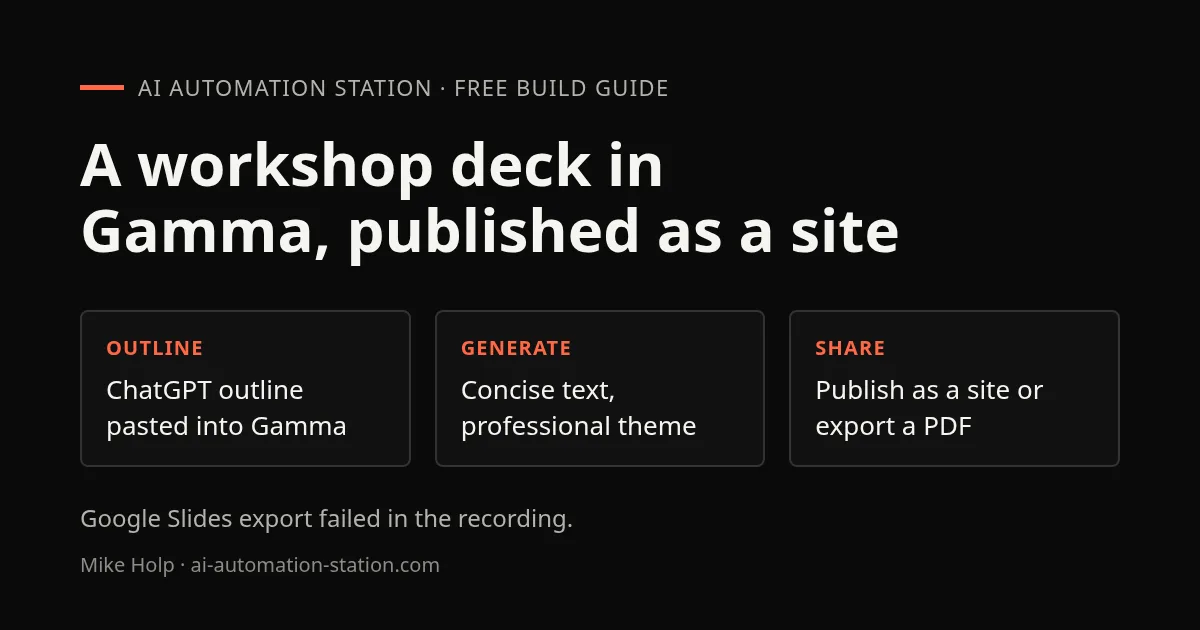
- ChatGPT outline pasted into Gamma
- Concise text, professional theme
- Publish as a site or export a PDF
What I didn't cover
- How the talk went or whether the organizers used the site.
- Gamma’s current free and paid limits.
- Why the Google Slides export failed on this run.
Watch the walkthrough

- 0:00 01:00 → Introduction & Video Overview
- 1:00 02:35 → Why Use AI for Presentations
- 2:35 04:16 → Exploring AI Tools for Presentations
- 4:16 05:48 → Setting Up the Presentation
- 5:48 06:59 → Customizing Visuals and Themes
- 6:59 08:30 → Generating Slides Automatically
- 8:30 10:26 → Reviewing & Fine-Tuning Slides
- 10:26 12:10 → Adding Comparison Slides & Extra Content
- 12:10 14:07 → Exporting & Publishing Presentation
- 14:07 End → Conclusion & Sign Off
From the video
Lines from the video's transcript that this guide does not cover, lightly trimmed. Each time opens the video at that point. Read the full transcript.
- 3:49
In this particular case, the presentation is only supposed to be about 40 minutes long. And then there's also a Q&A at the end as well.
- 6:17
You get access to advanced AI image models and you can create up to 20 cards per prompt. So, if I do run out of credits, I will choose to upgrade.
- 9:40
I could actually ask it to recommend a theme based on my content. I like this theme already, but perhaps there's an even better one that it can suggest.
FAQ
Is Gamma free?
Free to start in my walkthrough, with paid plans from about $10 a month at the time. Check current pricing.
Can Gamma make a website?
Yes. You can convert a deck to a site and publish it. A custom domain needs a paid plan.
Why did you export a PDF?
The Google Slides export did not work in my test, so I used PDF instead.
Sources
- Video: How I Created A Presentation In Minutes with Gamma AI (recorded October 2025)
- Try Gamma through my affiliate link: Gamma
- Gamma: gamma.app
Build the next one with AI Income Lab
Step-by-step courses, reusable templates, and a community that answers when you get stuck.
Members get the Claude Code & Skills and Codex Tutorials & Courses lessons.
- Courses for builds like this one
- Copy-ready templates
- Ask questions while you build
- Weekly coaching on VIP


