DextroLab: A White-Label Client Portal for Make.com and n8n
Quick answer
DextroLab lets an agency connect Make.com or n8n (and tools like Zapier or Vapi), then give clients a branded portal where they can run and adjust a workflow without logging in to those tools. You add a connection with an API key and base URL, choose a workflow, deliver it to a client for approval and set pricing. My example was $0.05 per run, a $100 monthly base fee and a $250 one-time setup fee, billed through Stripe. A custom-variables step failed with an invalid API key error and I removed it.
This is an August 2025 walkthrough of a tool I used for my own agency clients. The DextroLab link in the video is an affiliate link. The prices are my example, not a recommendation, and the plan I quoted was about £47 a month with a 14-day trial when I recorded it. For how to price and sell automations, see AI automation services for small business.
Prices and plan names change. Confirm them on the vendor page before you buy. Checked November 15, 2026 against the Sources links below where listed.
1. What it does
The idea is self-service with controlled access: clients customise their own workflows without technical knowledge or constant support from you, in a white-label experience. You can also set pricing and get paid automatically by usage, monthly base fee, one-time activation and automated invoicing. A setup wizard onboards a new client in minutes.
2. Set example pricing
In pricing I set a price per execution of $0.05, a monthly base fee of $100 and a one-time setup fee of $250. Each run charges the client and the base fee bills monthly. Connect Stripe under payment settings to take payments.
3. Connect Make.com and deliver a workflow
Add a connection with an API key and base URL for Make.com or n8n. I chose a Make.com voice agent workflow and delivered it to one client, where it waits for them to accept. Adding the DextroLab variables node to a scenario returned an unauthorized error, so I took it out, because most clients do not need custom variables. A custom domain and dashboard branding are also available.
4. The client portal
After a client accepts, they see their portal and can use the workflow without a Make.com or n8n account. I was on the starter plan and could upgrade to the paid plan from the billing page.
Done when
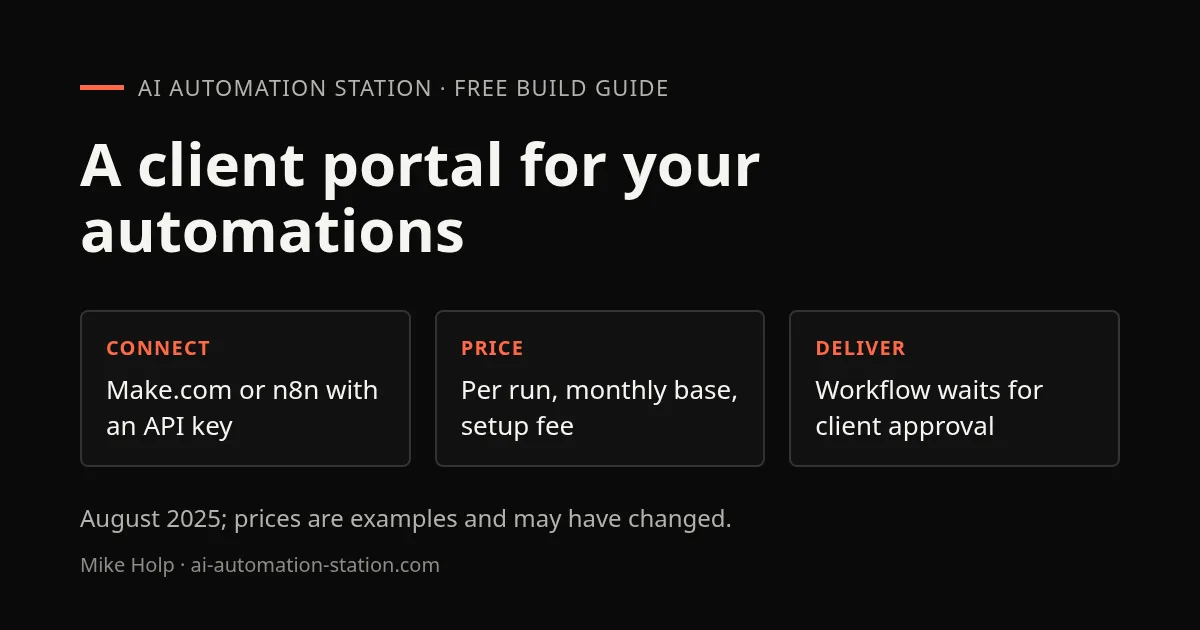
- Make.com or n8n with an API key
- Per run, monthly base, setup fee
- Workflow waits for client approval
What I didn't cover
- Revenue or client results. I had one client set up in the demo.
- DextroLab’s current plans and fees.
- Why the variables node returned an unauthorized error.
Watch the walkthrough

- 0:00 Introduction & What is Dextro Lab
- 0:37 Pricing & Free Trial Explained
- 1:09 Key Features: Client Access & White Label
- 1:43 Automated Billing & Pricing Setup
- 2:15 Quick Client Onboarding in Minutes
- 2:47 Setting Custom Domain & Dashboard Overview
- 3:22 Connecting APIs (Make.com & Zapier)
- 4:36 Creating & Delivering Workflows to Clients
- 10:40 Client Portal & Access
From the video
Lines from the video's transcript that this guide does not cover, lightly trimmed. Each time opens the video at that point. Read the full transcript.
FAQ
Which automation tools does it connect to?
Make.com and n8n in the walkthrough, with Zapier and Vapi mentioned.
How do clients pay?
Through your Stripe account, with a per-run fee, monthly base fee and one-time setup fee that you set.
Is it free?
Free to start in my walkthrough, with a paid plan of about £47 a month and a 14-day trial then.
Sources
- Video: How To Build A White Label Automation Agency With DextroLab (recorded August 2025; the sign-up link is in the video description)
- Make.com through my affiliate link: Make.com
Build the next one with AI Income Lab
Step-by-step courses, reusable templates, and a community that answers when you get stuck.
Members get the Claude Code & Skills and Codex Tutorials & Courses lessons.
- Courses for builds like this one
- Copy-ready templates
- Ask questions while you build
- Weekly coaching on VIP


