Vapi Outbound AI Caller: Twilio, Make.com and Google Sheets
Quick answer
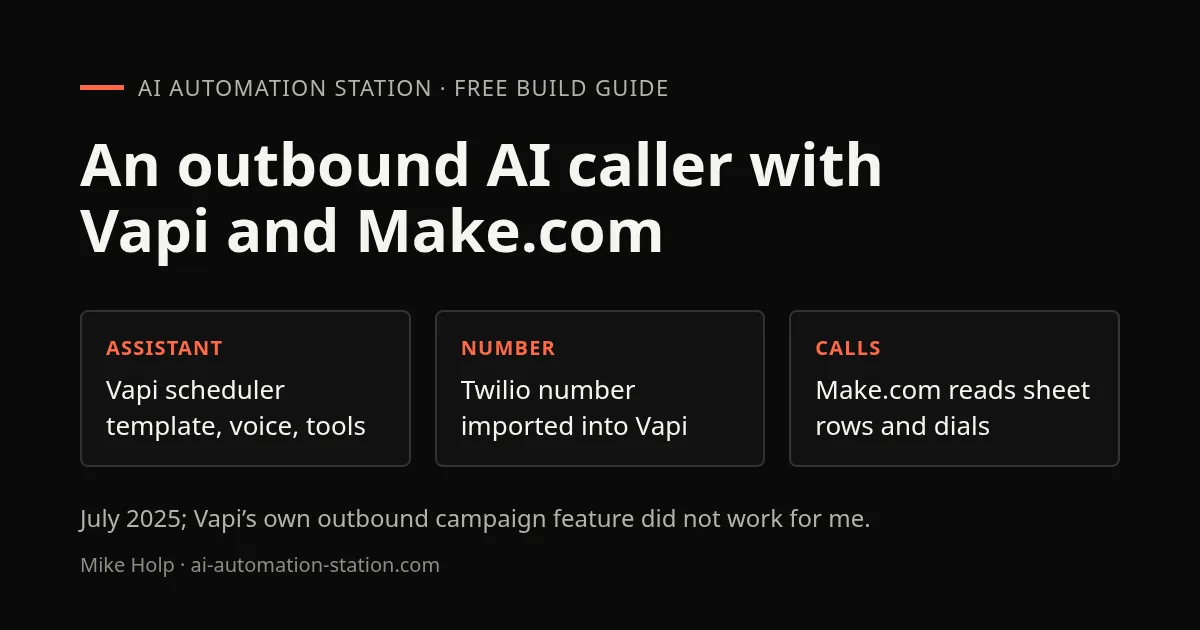
Create a Vapi assistant from the appointment scheduler template with OpenAI as the model, pick an ElevenLabs professional clone for the voice and add the book-appointment and check-availability tools. Buy a Twilio number and import it into Vapi with the account SID and auth token. Then build a Make.com scenario that finds unsent rows in Google Sheets, loops over them, creates a Vapi outbound call, marks the row called and waits between calls. My live test call to my own phone booked a calendar slot. Vapi’s outbound campaign feature did not work for me, so Make.com did the dialing.
Prices and plan names change. Confirm them on the vendor page before you buy. Checked November 15, 2026.
This is a long July 2025 course, summarised. Cold calling is regulated: you need consent and must follow your country’s rules on automated and recorded calls, and this walkthrough does not cover them. Call only people who agreed. Vapi bills per minute plus model and voice costs, so check the tools page. For a shorter Vapi tutorial, see the Vapi voice agent tutorial.
1. Create the assistant
In Vapi start from the appointment scheduler template. I set OpenAI as the model and the first message mode to wait for the user to speak, because the call begins when the person answers. I picked an ElevenLabs professional voice clone, set Deepgram or OpenAI as the transcriber and added tools to book appointments and check availability.
2. Add a phone number
Buy a Twilio number and import it into Vapi with your Twilio account SID and auth token. Outbound calls leave from this number.
3. Dial leads from Make.com
The Make.com scenario searches Google Sheets for rows not yet called, aggregates and iterates them, and creates a Vapi outbound call with the lead’s number. It then updates the called field in the sheet, and a sleep module spaces the calls. Instead of the sleep, you can run the scenario on a schedule, such as every 15 minutes. I built it this way because Vapi’s own outbound campaign feature did not work for me; I was not sure whether a paid plan was required.
4. Calendar booking and a live test
I created Google Calendar tools in Vapi and connected the calendar under settings and integrations. In a live call to my own phone, the agent introduced itself, offered a free consultation and booked a slot for the next morning, then said it had emailed a confirmation. Test with your own number first, and set a clear opt-out line in the script.
Done when
- Vapi scheduler template, voice, tools
- Twilio number imported into Vapi
- Make.com reads sheet rows and dials
What I didn't cover
- Call consent, do-not-call rules and call-walkthrough laws. They were not covered.
- Cost per call, which depends on Vapi, Twilio, model and voice usage.
- Reliability across many calls. I tested one.
Watch the walkthrough
- 0:00 AI Cold Call Demo
- 8:20 Vapi Platform Overview
- 16:40 Build Voice Assistant
- 25:00 Voice & Transcription Setup
- 33:20 Tools & Workflows
- 41:40 Twilio Phone Setup
- 50:00 Make.com Automation
- 58:20 VAPI Live Call Test
From the video
Lines from the video's transcript that this guide does not cover, lightly trimmed. Each time opens the video at that point. Read the full transcript.
- 11:03
Stability, I would set that around like 0.8. And you can also turn on speaker boost as well, which is something that's built into ElevenLabs.
- 32:21
It just called that person and now it's waiting 180 seconds and then it's going to work on the next person and just go like that until it's finished calling 10 people on the list.
FAQ
Why did you use Make.com to dial?
Vapi’s outbound campaign feature did not work for me, so Make.com created each call from a Google Sheet.
Do I need a Twilio number?
Yes, for outbound calls in this setup: buy one in Twilio and import it into Vapi.
Can I call anyone?
No. Only people who consented, and within the law where you and they are.
Sources
- Video: Create a Realistic AI Voice Agent in Minutes (No Coding) (recorded July 2025)
- Affiliate links: Vapi · Make.com
Build the next one with AI Income Lab
Step-by-step courses, reusable templates, and a community that answers when you get stuck.
Members get the Claude Code & Skills and Codex Tutorials & Courses lessons.
- Courses for builds like this one
- Copy-ready templates
- Ask questions while you build
- Weekly coaching on VIP


