Pi.dev Terminal Coding Agent: Install, OpenRouter and Costs
Quick answer
Install Pi with the one-line npm command from pi.dev, run pi, type login, choose API key and paste an OpenRouter key. It picked Kimi 2.6 by default, and the model list offered about 252 models. I ran a full site audit on my project, used the session command to see messages, tokens and total cost, and also connected Google Cloud Code Assist. Runs were slow, my OpenRouter balance went negative and Gemma 4 free hit a rate limit, so I topped up $5 and turned on auto top-up. I preferred OpenCode.
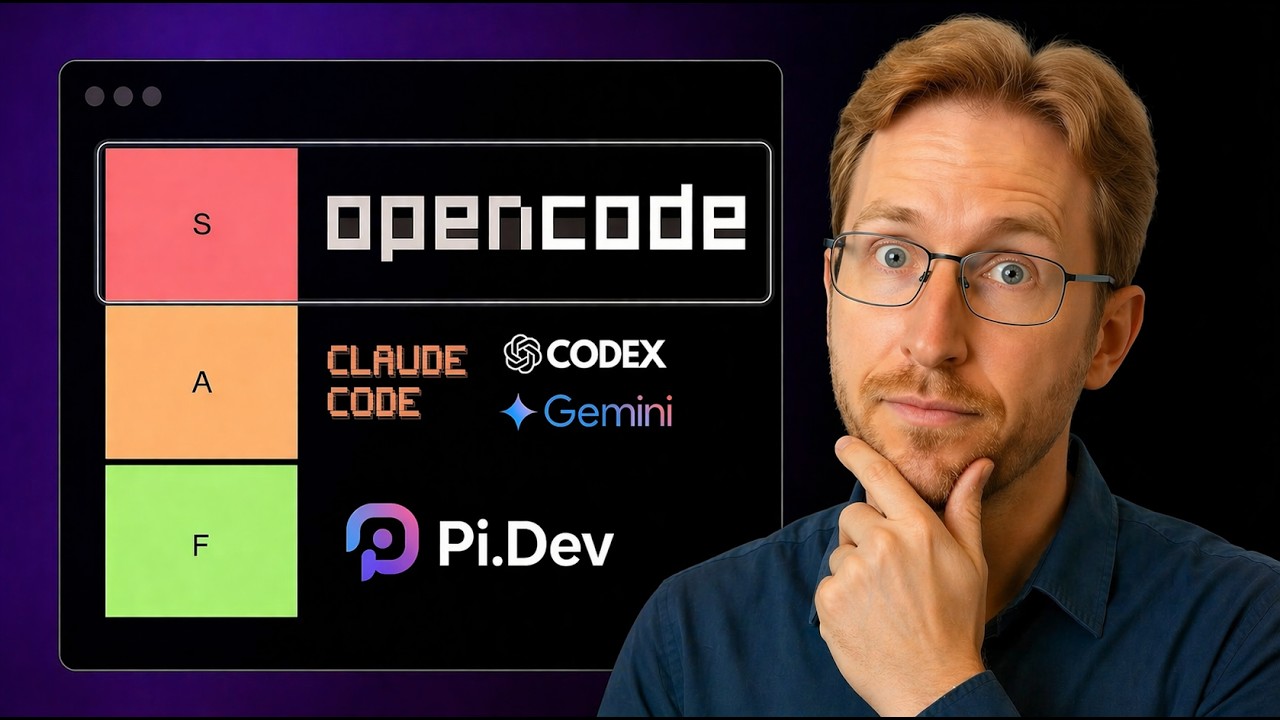
This is an April 2026 first look at Pi, an open-source terminal coding agent. It is a short, personal comparison on one project, not a benchmark, and I preferred OpenCode afterward. For that comparison and pricing, see OpenCode vs Claude Code. The OpenCode link on this site is an affiliate link.
Prices and plan names change. Confirm them on the vendor page before you buy. Checked November 15, 2026 against the Sources links below where listed.
1. What Pi is
The site calls Pi a minimal terminal coding harness that you adapt to your workflow. You extend it with TypeScript extensions, skills, prompts, templates and themes, and can share them as packages. It skips features such as sub-agents and plan mode to stay light, supports 15 or more providers and had about 35,000 GitHub stars.
2. Install and log in
Run the one-line npm install from the site, then start it with the pi command. Type login, choose API key and paste a new OpenRouter key from your OpenRouter account. Pi saved it and selected Kimi 2.6. You can choose from models by Anthropic, ByteDance, DeepSeek, Google Gemini, Meta Llama, Mistral, Nvidia, OpenAI and others, over 250 in total.
3. Run an audit and watch the cost
From my SaaS project folder I asked Pi to run a full site audit and tried an SEO skill I had installed. It was noticeably slow, while the same task in OpenCode went quickly. The session command shows messages sent, tokens used and the running cost. That is useful when models bill per token.
4. Subscriptions, credits and limits
Login with subscription lets you connect accounts such as Claude Pro or Max and GitHub Copilot, and I authenticated Google Cloud Code Assist in the browser. My OpenRouter balance then went negative, so I added $5 and had about $4.83 left, and turned on auto top-up. Switching to the Gemma 4 free model returned a temporarily rate limited error, so I moved to another cheap model and the audit continued.
Done when
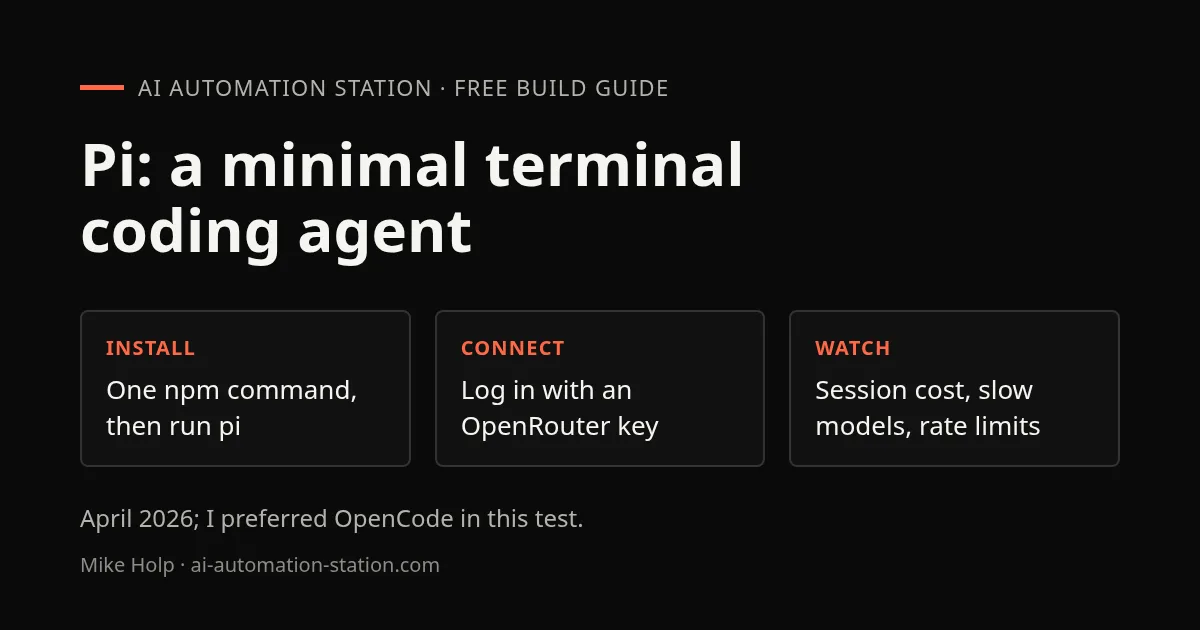
- One npm command, then run pi
- Log in with an OpenRouter key
- Session cost, slow models, rate limits
What I didn't cover
- A like-for-like speed test between Pi and OpenCode. The slowness may have come from the model or provider.
- Whether the audit’s schema changes were correct.
- Pi’s current features and star count, which change quickly.
Watch the walkthrough
- 0:00 Introduction to Pi.dev: The Minimal Coding Harness
- 0:25 How to Install Pi via NPM
- 1:30 Setting Up Open Router & API Key Configuration
- 2:27 Choosing the Right Model (Gemma, Deepseek, Llama)
- 3:12 Pi.dev vs. OpenCode: Initial Comparison
- 4:40 The Performance Advantage of Terminal Coding Agents
- 5:29 Running a Technical SEO & Schema Audit
- 6:07 Monitoring Session Tokens and Real-Time Costs
- 6:44 Connecting External Subscriptions (Claude Pro, Copilot)
- 7:18 Integrating Google Cloud Code Assist
- 8:31 Final Verdict: Is Pi.dev Worth the Switch?
From the video
Lines from the video's transcript that this guide does not cover, lightly trimmed. Each time opens the video at that point. Read the full transcript.
- 2:07
We've got Anthropic in here, which I would like to avoid using because I'm constantly hitting rate limits on this one. But if we did want to use that through OpenRouter, we could do that as well.
- 3:39
It definitely seems faster. So, I was limited by the model that I was on, which was very slow.
- 8:15
The provider returned an error, and it says "Temporarily rate limited." So, that's the issue that I've been having before with Gemma.
FAQ
How do I install Pi?
Run the one-line npm install command shown on pi.dev, then start it with the pi command.
Can I use my Claude or Copilot subscription?
The login with subscription option offered Claude Pro or Max and GitHub Copilot.
Why did the run stop?
My OpenRouter balance went negative, and Gemma 4 free returned a rate-limited error. Adding credits and switching models fixed it.
Sources
- Video: The Terminal AI Coding Agent You Need to Try (recorded April 2026)
- OpenCode through my affiliate link: OpenCode · OpenRouter: openrouter.ai
Build the next one with AI Income Lab
Step-by-step courses, reusable templates, and a community that answers when you get stuck.
Members get the Claude Code & Skills and Codex Tutorials & Courses lessons.
- Courses for builds like this one
- Copy-ready templates
- Ask questions while you build
- Weekly coaching on VIP


