n8n Social Post Template: Trends, Research, Posting
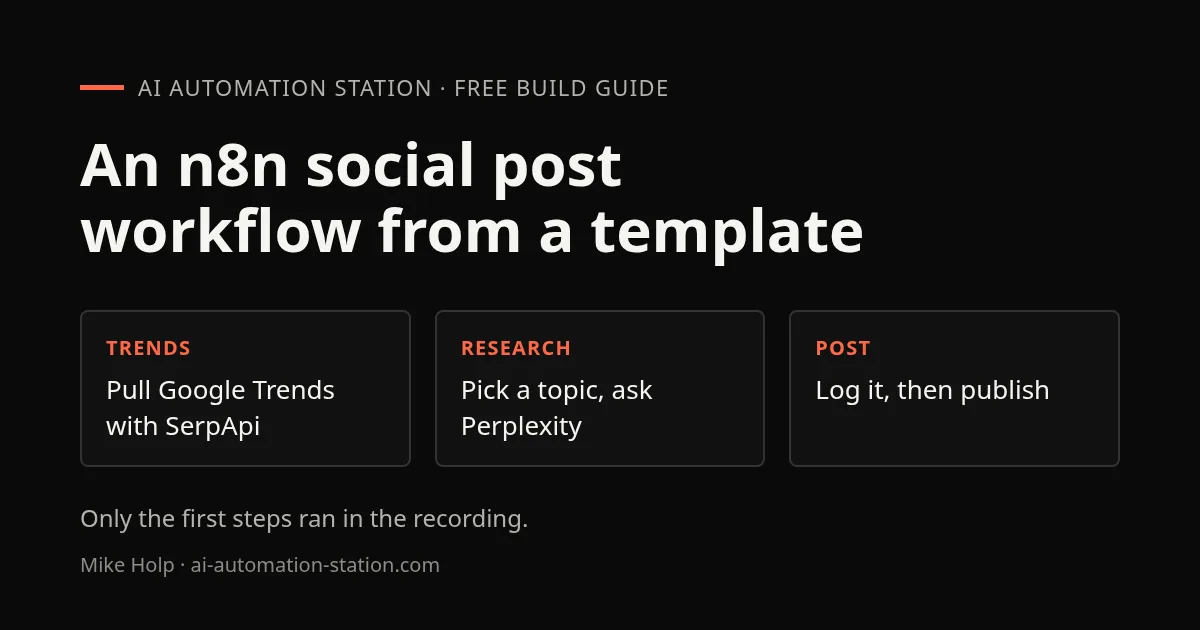
Quick answer: Import n8n’s free AI-powered multi-social post template, add a SerpApi key, and the Google Trends, top-topic and keyword steps run. The Perplexity research step failed on authorization and none of the Facebook, LinkedIn or X accounts were connected, so the workflow did not run end to end. Despite the title, it was not built in ten minutes.
This is an October 2025 walkthrough of a ready-made n8n template, not a finished build. It is useful as a map of a research-and-post workflow and of the credentials each step needs. The workflow is a fixed chain of steps with model calls in it, which is automation with AI, not an agent choosing its own tools. For the difference, read agentic AI vs traditional automation, and for a real agent exercise see the review-queue exercise.
1. Get the template into n8n
On the n8n website the template is in the social media marketing group; searching for Facebook brings it up, and it is free. The recording ran n8n on its own Linux machine by typing n8n in a terminal, so there were no n8n subscription fees. A guide for that setup is self-host n8n on Ubuntu. The recording said the n8n site listed about 5,900 workflow templates, most of them free, when it was recorded.
You can also import a workflow from a JSON file with Import from file, which is how the recording showed a WhatsApp template from a folder of downloaded workflows.
2. Schedule and Google Trends
The first node is a schedule trigger set to run every day at 6:00 a.m. The next calls SerpApi’s Google Trends API through an HTTP node. Its fields were the API key, the engine, the data type and the location. The recording searched for AI agents in the US, ran the step, and the output showed related queries such as best AI agents and what is AI agents. The API key is on your SerpApi account page.
A node then keeps the top two trending topics. The recording’s run returned an odd pair about context engineering for AI agents and the function of a planner agent, and went with them anyway.
3. Keywords and the topic choice
The next node finds high-volume keywords for those topics. A ChatGPT node then picks the blog topic. In the template it used GPT-3.5 Turbo, and the prompt tells the model it is part of a team that creates world-class blog posts and must choose a topic, with the two keywords passed in. Check the model name before you reuse it, since that choice dates from 2025.
4. Research, split and post
A Perplexity node does the research. The recording had trouble here: the credentials were rejected with an authorization error. Perplexity’s API needs account credits before it will create keys, and the recording tried to add credits but had no payout account connected at that point. Both the built-in Perplexity node and an HTTP request were discussed, and the problem was left open with a request for help in the comments.
The workflow then waits 10 seconds and splits the research into outputs for Facebook, LinkedIn and X, and logs the result to Google Sheets. Facebook needs a Graph API access token, X needs a client ID and secret, and Google Sheets needs a Google Cloud project with the Sheets API added.
LinkedIn was a special case. The speaker’s account had been suspended years earlier, a company page needs a verified profile, and the recording said it would remove the LinkedIn node rather than automate that platform. Automated posting can break a platform’s rules, so read each platform’s terms first.
What this recording did not cover
- A working Perplexity step.
- Posting to any platform, because no account was connected.
- The cost of a daily run across SerpApi, Perplexity and OpenAI.
Run the workflow on a test sheet with the posting nodes disabled first, and read every draft before anything is published.
Watch the walkthrough

- 0:00 Social Media Automation
- 0:40 Import N8N Template
- 1:25 Schedule Trigger Setup
- 2:05 Google Trends Scraping
- 3:10 Trending Topics Selection
- 3:55 Keyword Research Automation
- 4:40 Perplexity API Setup
- 5:40 Social Posting Credentials
- 6:40 Free AI Community
FAQ
Does the workflow run?
Not end to end in the recording. The trigger, Trends, top-topic and keyword steps ran. The Perplexity step failed authorization and the posting nodes were not connected.
Is it an AI agent?
Not in the sense of an agent that picks its own tools. It is a fixed sequence of steps that includes model calls. See the agentic AI vs traditional automation guide.
What do I need before I start?
An n8n instance, a SerpApi key, an OpenAI key, a Perplexity key with credits, credentials for each social platform, and a Google Cloud project for Google Sheets.
Where do I find more templates?
On the n8n site, which the recording said listed about 5,900. Many are free.
Sources
- Video: Build Your Own AI Social Media Agent in 10 Minutes (October 2025)
- n8n templates: n8n.io/workflows
- SerpApi Google Trends API: serpapi.com/google-trends-api
Build the next one with AI Income Lab
Step-by-step courses, reusable templates, and a community that answers when you get stuck.
Members get the Claude Code & Skills and Codex Tutorials & Courses lessons.
- Courses for builds like this one
- Copy-ready templates
- Ask questions while you build
- Weekly coaching on VIP


